Introduction
Sylius Starter is a set of Castor packages that turns a PHP description of your stack into a Sylius app, and gives you the tasks to drive it.
Why Sylius Starter?
Section titled “Why Sylius Starter?”Setting up a Sylius project is rarely a single composer require. Adding the CMS plugin means pinning a version
compatible with your API Platform (otherwise Composer silently falls back to a release without its JS package),
adding its JS packages, registering its Stimulus controller, building the assets and running its migrations.
Removing it later means doing all of that in reverse, in the right order: roll back its migrations before the code
that defines them is gone, remove the package, rebuild the assets, clear the cache. Most of these steps live in a
README, a blog post or someone’s memory, and each project redoes them by hand.
Sylius Starter turns each of these workflows into one command:
castor sylius:add cms invoicing # install, configure, migrate, buildcastor sylius:remove cms # and undo it, cleanlycastor sylius:theme:setup canvas # switch the whole storefront themeMore than Flex recipes
Section titled “More than Flex recipes”Symfony Flex recipes install and configure a package, and stop there. Sylius Starter goes further:
- Whole workflows: Composer and Yarn dependencies, bundles, JS controllers, Doctrine migrations, assets, cache and Docker services, chained in the right order.
- Reversible: every theme and most plugins come with a remover, so trying something out does not leave leftovers behind. Switching themes removes the previous one first.
- Precise edits: the application is changed with AST-based transformations for PHP files and dedicated helpers for YAML, JavaScript and Symfony configuration. The helpers skip what is already there, so running a command twice does not duplicate configuration.
- Beyond packages: features that no package provides on its own, such as Admin menu cleanup or a catalog generated by AI, are applied to your application code.
Made for working with AI agents
Section titled “Made for working with AI agents”Ask Claude or Codex to “add the CMS plugin” and it has to discover the steps, read the project and edit several files,
with a good chance of missing one. Give it Sylius Starter instead, and the same request becomes
castor sylius:add cms: a known, tested command whose result does not depend on the agent’s guesswork.
The agent spends its tokens on what is specific to your project, and the repetitive work stays deterministic.
Yours to extend
Section titled “Yours to extend”The built-in plugins and themes are only a starting point. Register your own with a PHP attribute in your
castor.php and they show up in the same commands, interactive prompts included. See
Extending.
Themes
Section titled “Themes”Sylius Starter comes with ready-to-use storefront themes: general-purpose looks, and stores built around one kind of shop, from grocery and home decoration to culture and trade supplies. Each ships a light and a dark scheme, and one command installs it:
castor sylius:theme:setup lagoon| Preview | Theme | Description |
|---|---|---|
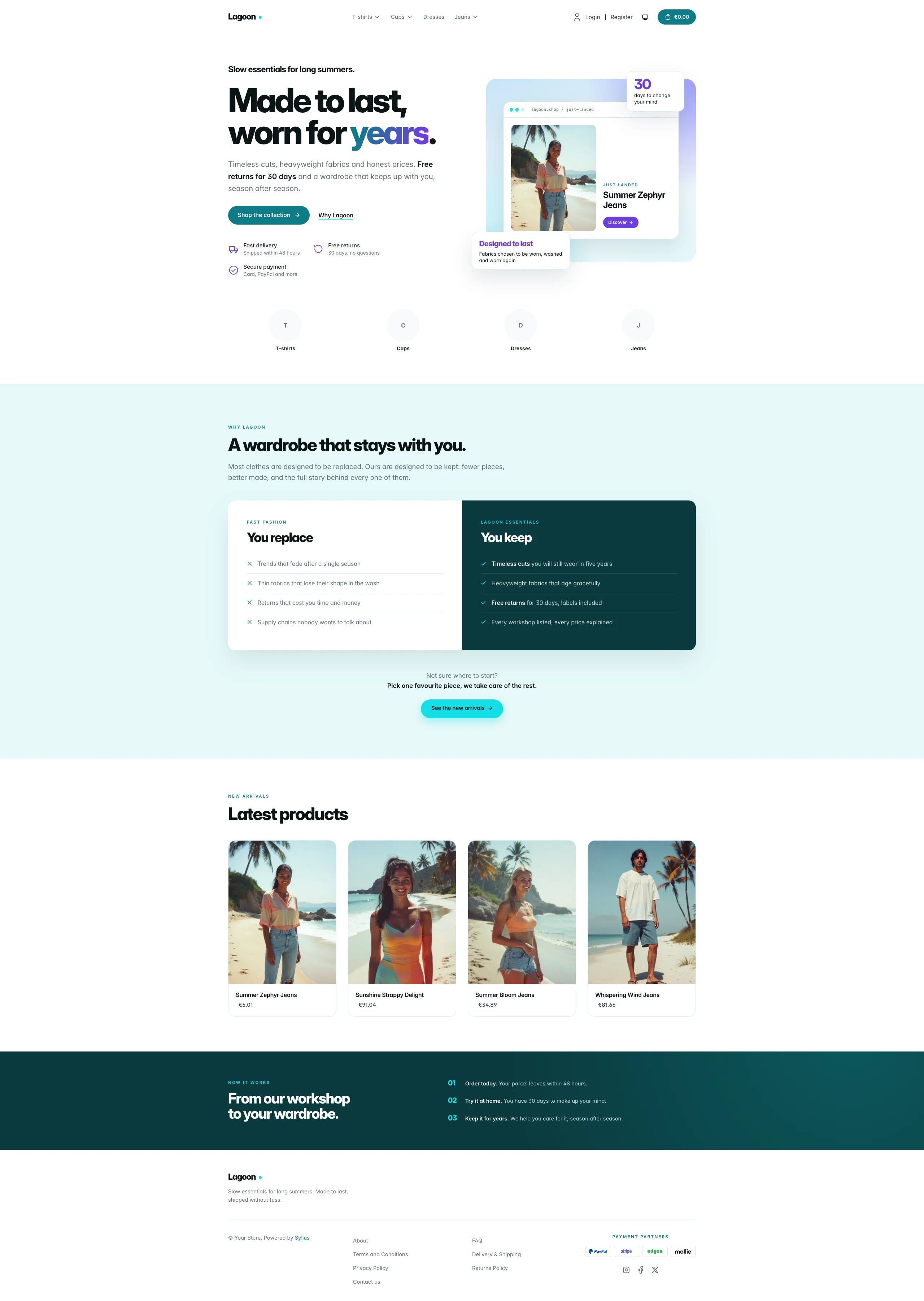 | Lagoon | Airy, product-led look in teal and aqua |
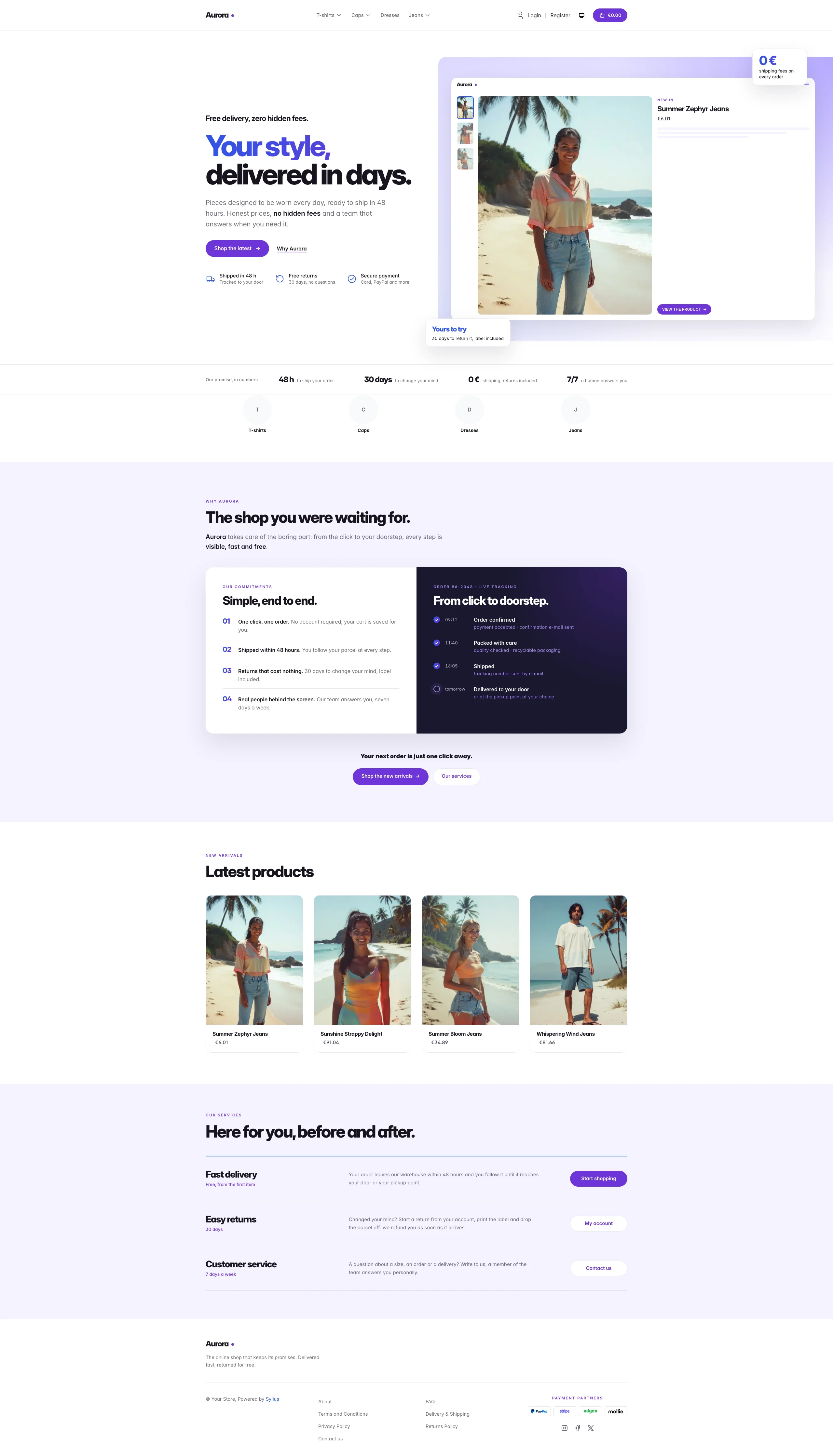 | Aurora | Lagoon’s violet sibling, with a blue-to-violet gradient |
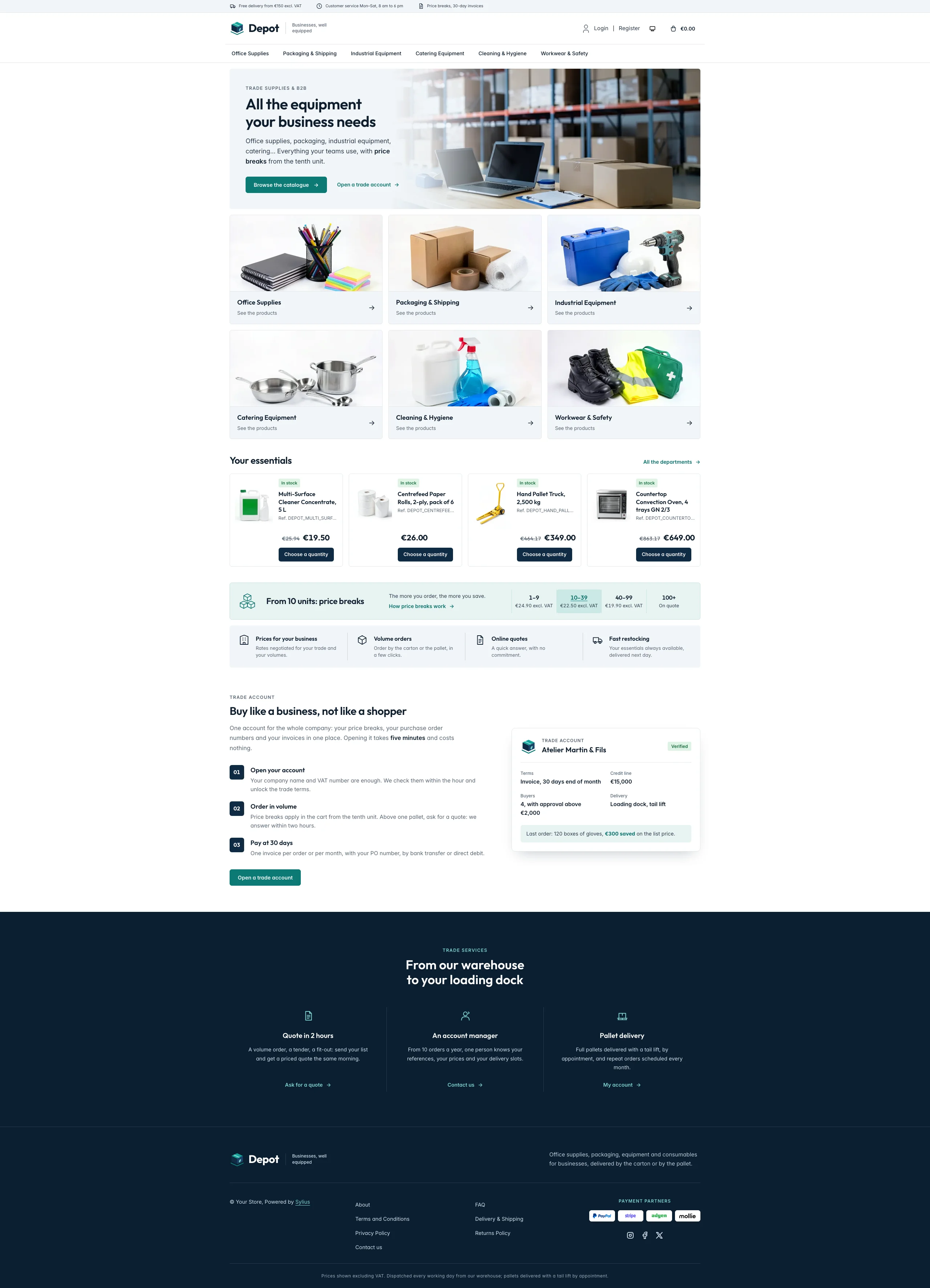 | Depot | Trade supplies and B2B: a trade catalogue in white, steel and navy with a teal call to action, Outfit headings, a photo banner, department cards, catalogue lines with stock and reference, and a price break band |
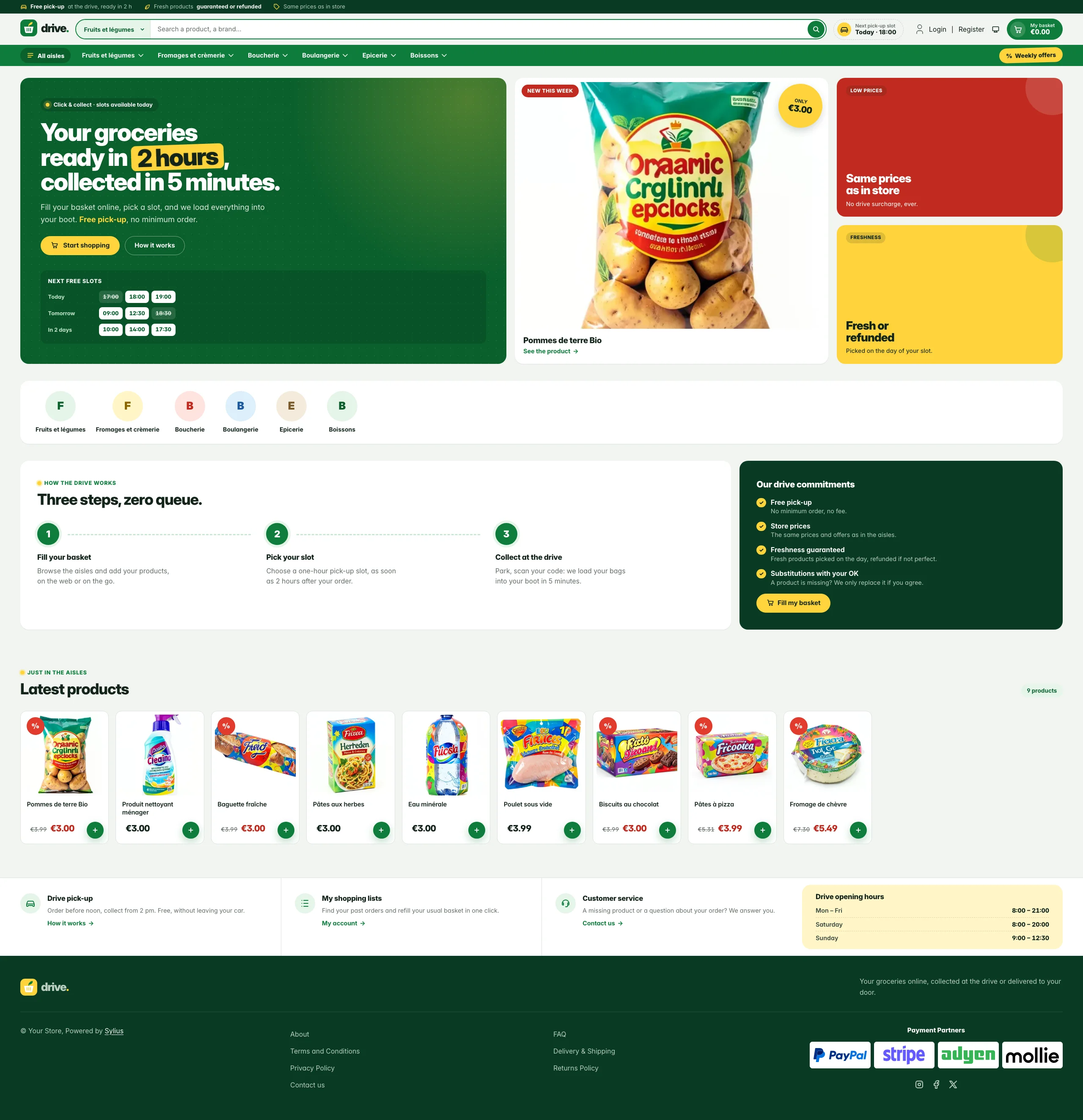 | Drive | Full-screen grocery click-and-collect store: basil green, lemon price stickers and a pick-up slot hero |
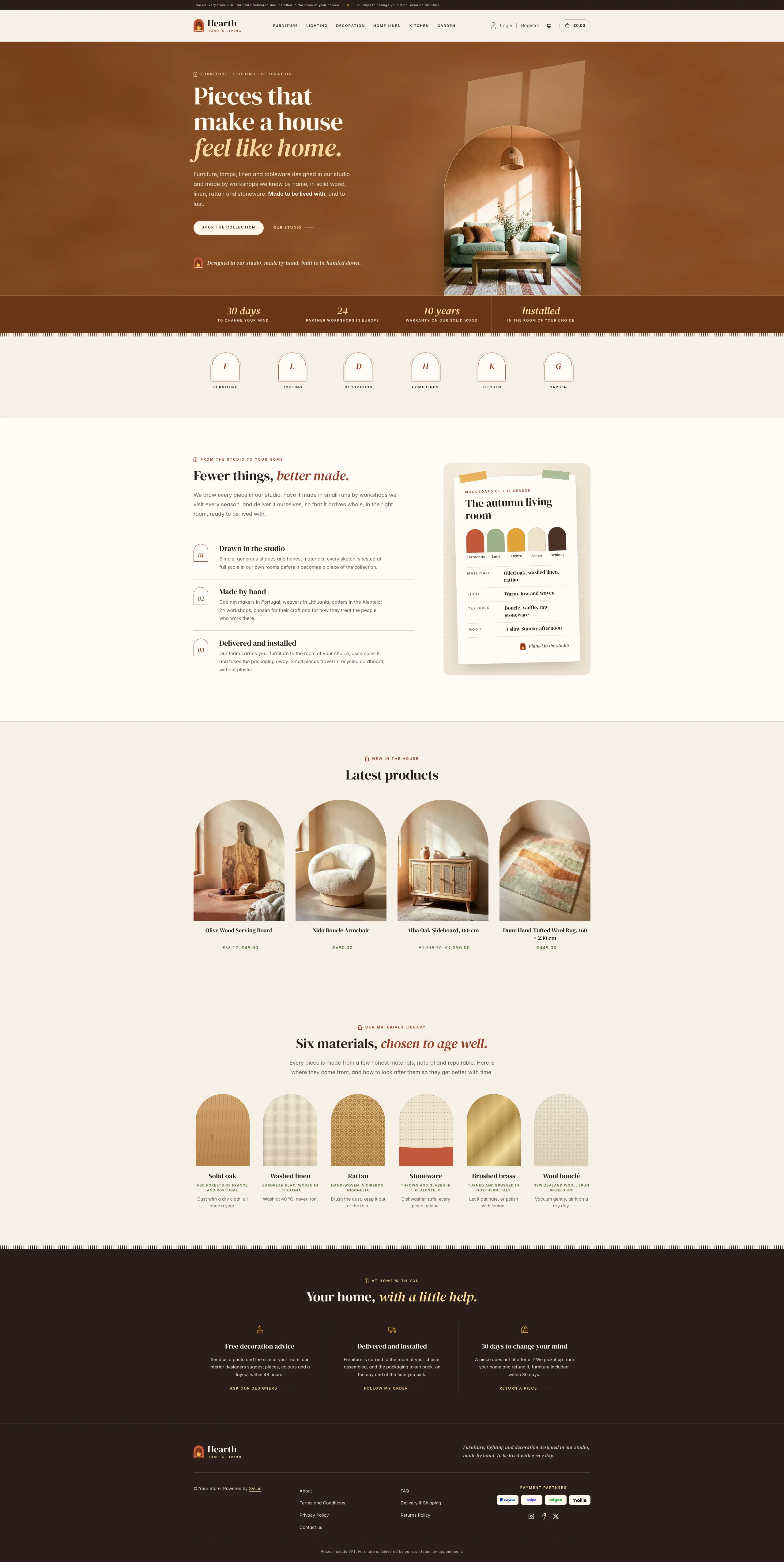 | Hearth | Home, decoration and furniture store: terracotta clay, linen and sage, DM Serif Display headings, arched product niches and a living room photograph in the hero |
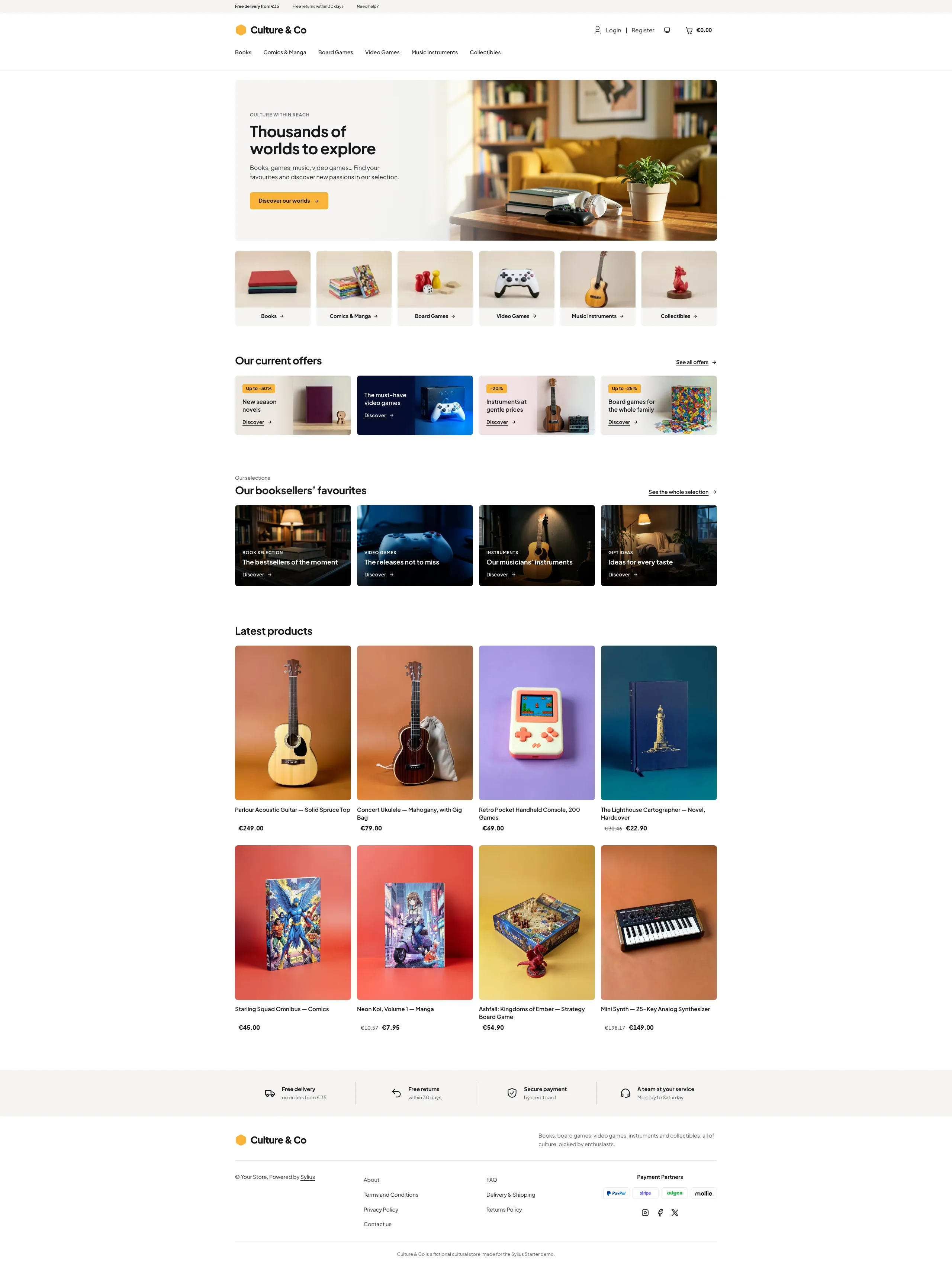 | Culture | Culture, games and entertainment: white and warm grey with a sunny yellow, Plus Jakarta Sans, a living room hero, category photo tiles, offer banners and the booksellers’ picks |
Browse all the themes, by category.
Where to go next
Section titled “Where to go next”- Installation: start a new project, or add Sylius Starter to an existing one.
- Packages: what each
sylius-starter/*package brings. - Commands: plugins, themes, Admin menu, Upsun.
- Themes: every storefront theme, by category, with its screenshots.
- E-commerce import: generate a catalog with AI, or import an existing website.
- Extending: register your own plugins, themes and tasks.
- Storefront slots: how themes and packages share the homepage hero and the shop logo.
- Contributing: the monorepo, its tasks, its release process, and one Docker stack per worktree.