Add or remove plugins
Install or uninstall Sylius plugins with simple commands. Provided by sylius-starter/plugins.
Add plugins
Section titled “Add plugins”A single command to add all the Sylius plugins you need (sylius:add is an alias of sylius:plugin:add):
castor sylius:add cms invoicing refund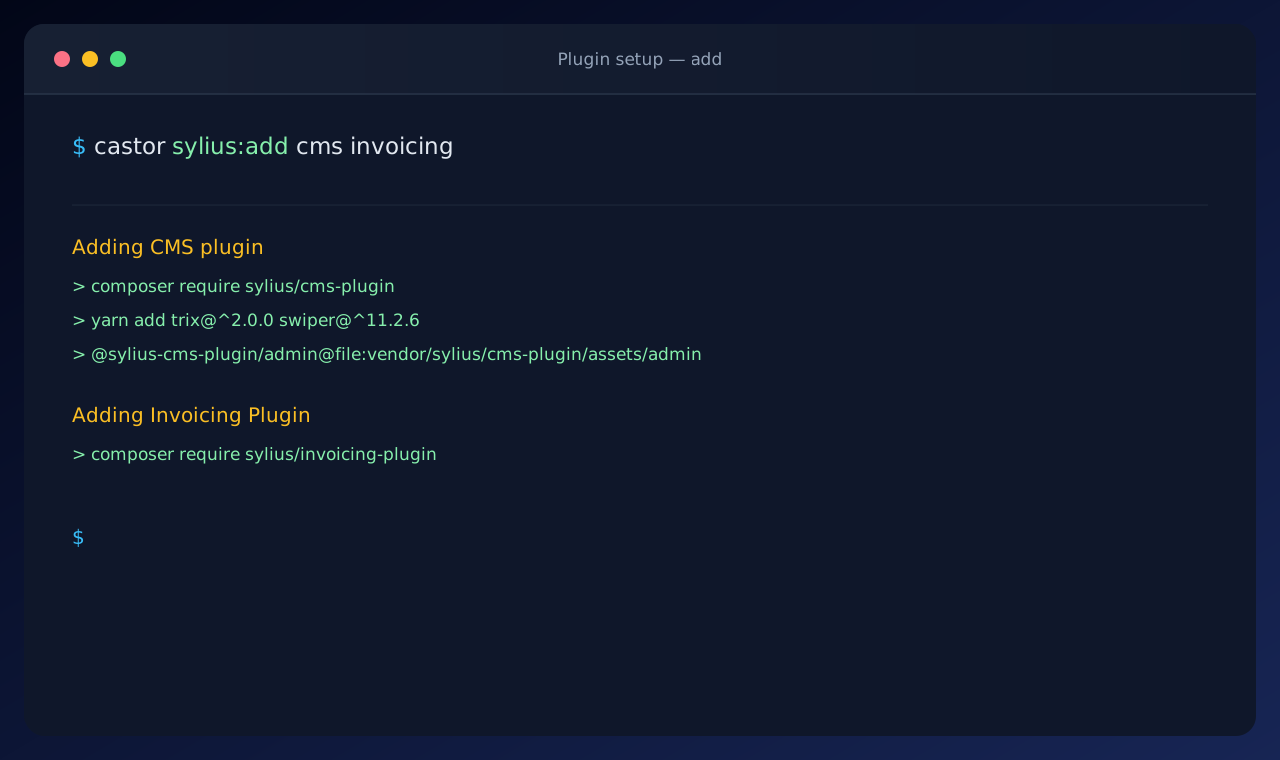
| Plugin | Description |
|---|---|
| ai_dev_tools | Dev-only AI tooling for Sylius |
| altcha | ALTCHA captcha to customer registration |
| bugsnag | Official BugSnag notifier for Symfony applications |
| cms | CMS plugin for Sylius applications |
| gdpr | Synolia sylius GDPR plugin |
| invoicing | Invoicing plugin for Sylius |
| media | Media management bundle for Symfony applications |
| product_bundle | Product bundle for Sylius |
| refund | Basic refunds functionality for Sylius |
| recaptcha | Google reCAPTCHA v3 to customer registration |
| wishlist | Wishlist plugin for Sylius |
These descriptions are the ones displayed next to each plugin in the interactive prompt.
Remove plugins
Section titled “Remove plugins”A single command to remove the Sylius plugins you do not need anymore (sylius:remove is an alias of
sylius:plugin:remove):
castor sylius:remove invoicing cms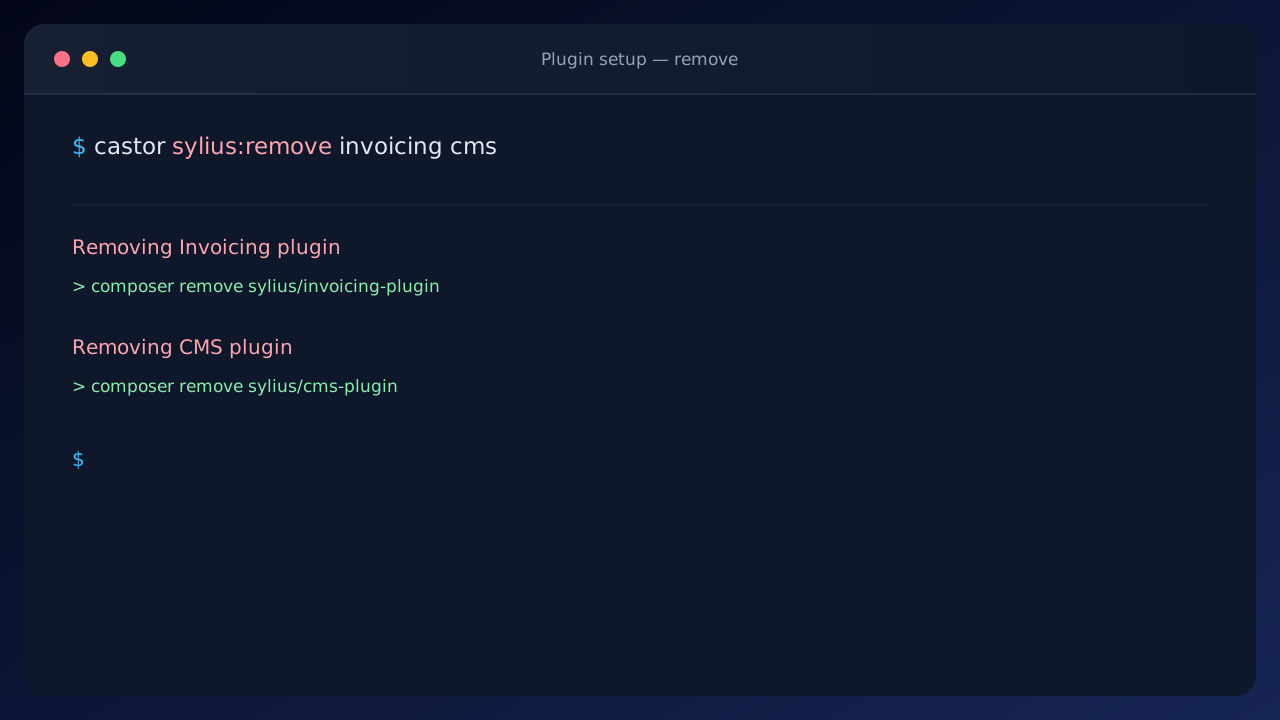
| Plugin | Description |
|---|---|
| ai_dev_tools | Dev-only AI tooling for Sylius |
| altcha | ALTCHA captcha to customer registration |
| api | Sylius API and its test tooling |
| bugsnag | Official BugSnag notifier for Symfony applications |
| cms | CMS plugin for Sylius applications |
| gdpr | Synolia sylius GDPR plugin |
| invoicing | Invoicing plugin for Sylius |
| recaptcha | Google reCAPTCHA v3 to customer registration |
| wishlist | Wishlist plugin for Sylius |
Your own plugins
Section titled “Your own plugins”You can register your own plugins with the AsPluginInstaller and AsPluginRemover
attributes.