Depot theme
Depot is built for business-to-business shops selling office supplies, packaging, industrial equipment, catering equipment and consumables: a clear, efficient storefront that reads like a trade catalogue, in white and steel blue-grey with a navy ink and a teal call to action. Every page speaks to professional buyers: prices excluding VAT, stock and references on every product, price breaks by quantity, trade accounts paid on invoice and quotes for volume orders.
Desktop (1440 px)
| Scheme | Homepage | Product page | Cart |
|---|---|---|---|
| Light | 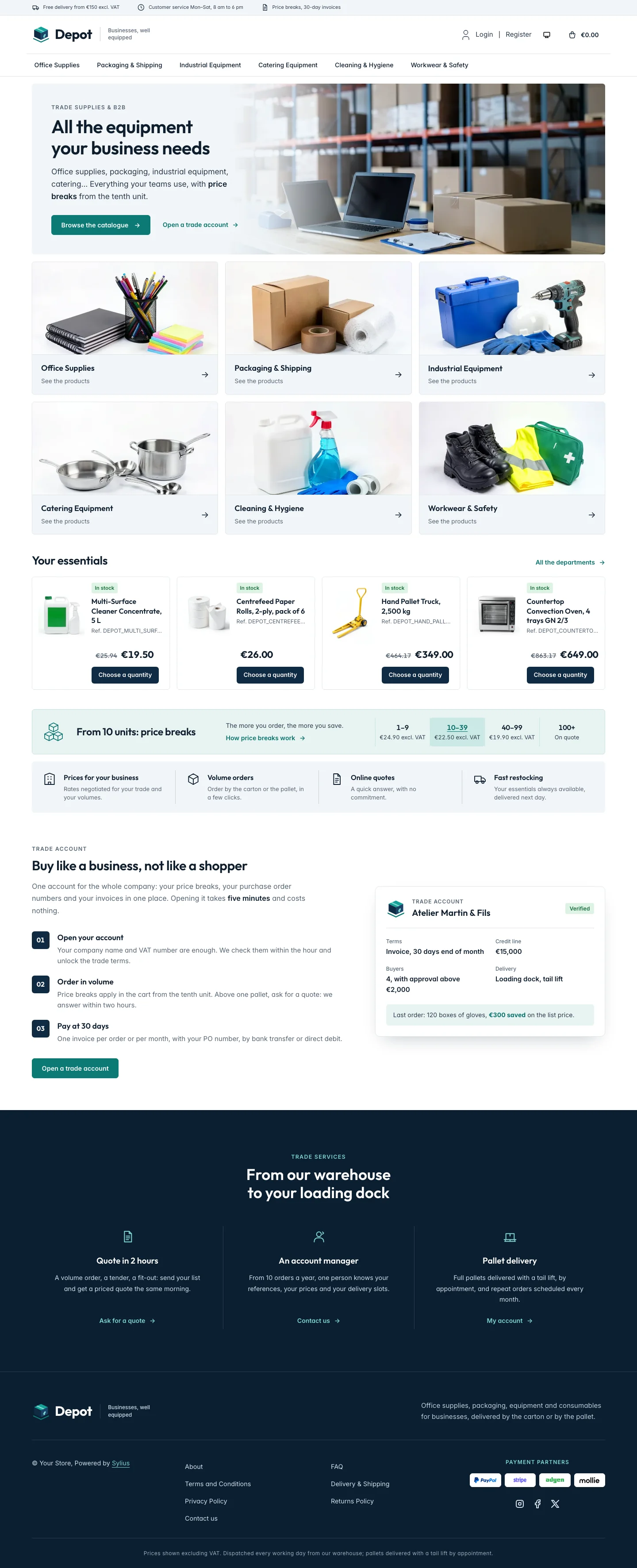 | 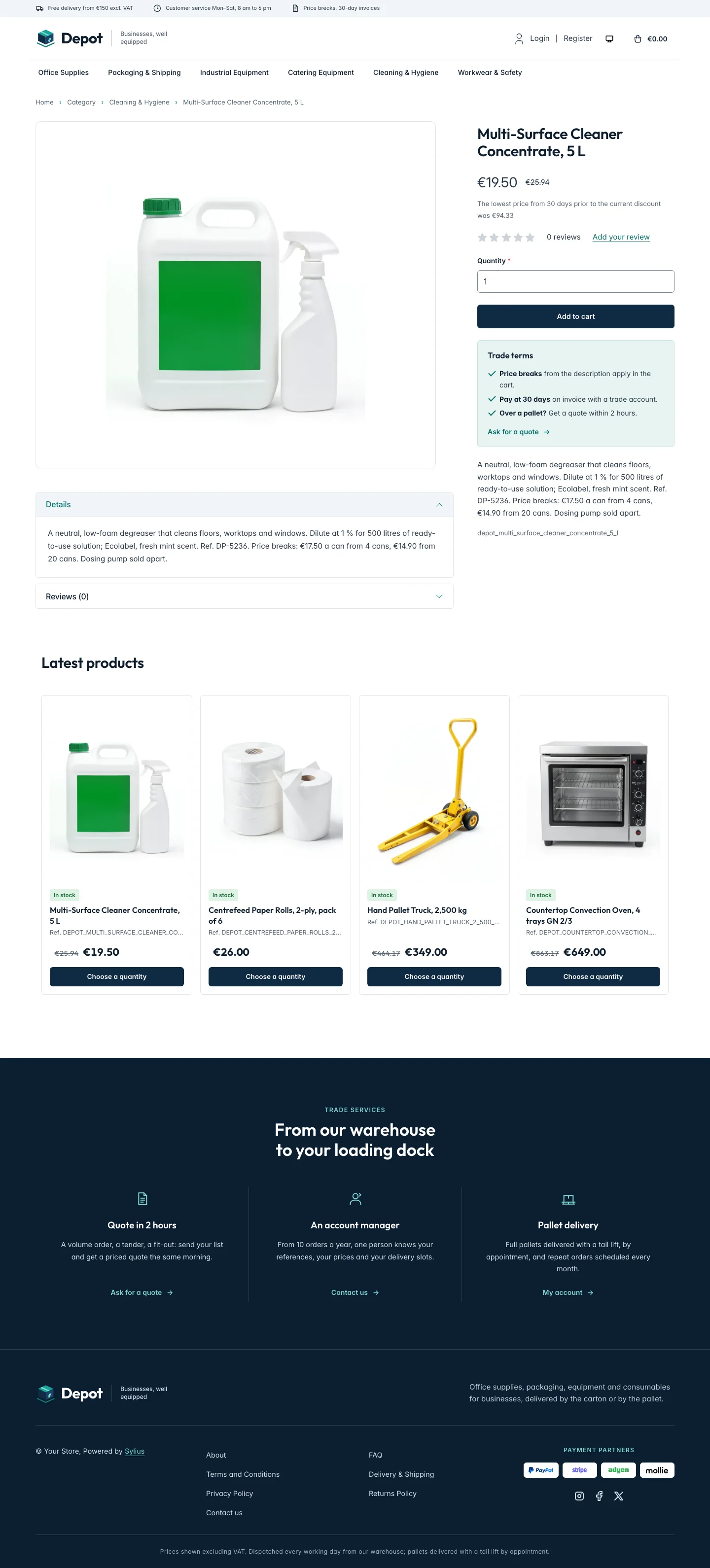 | 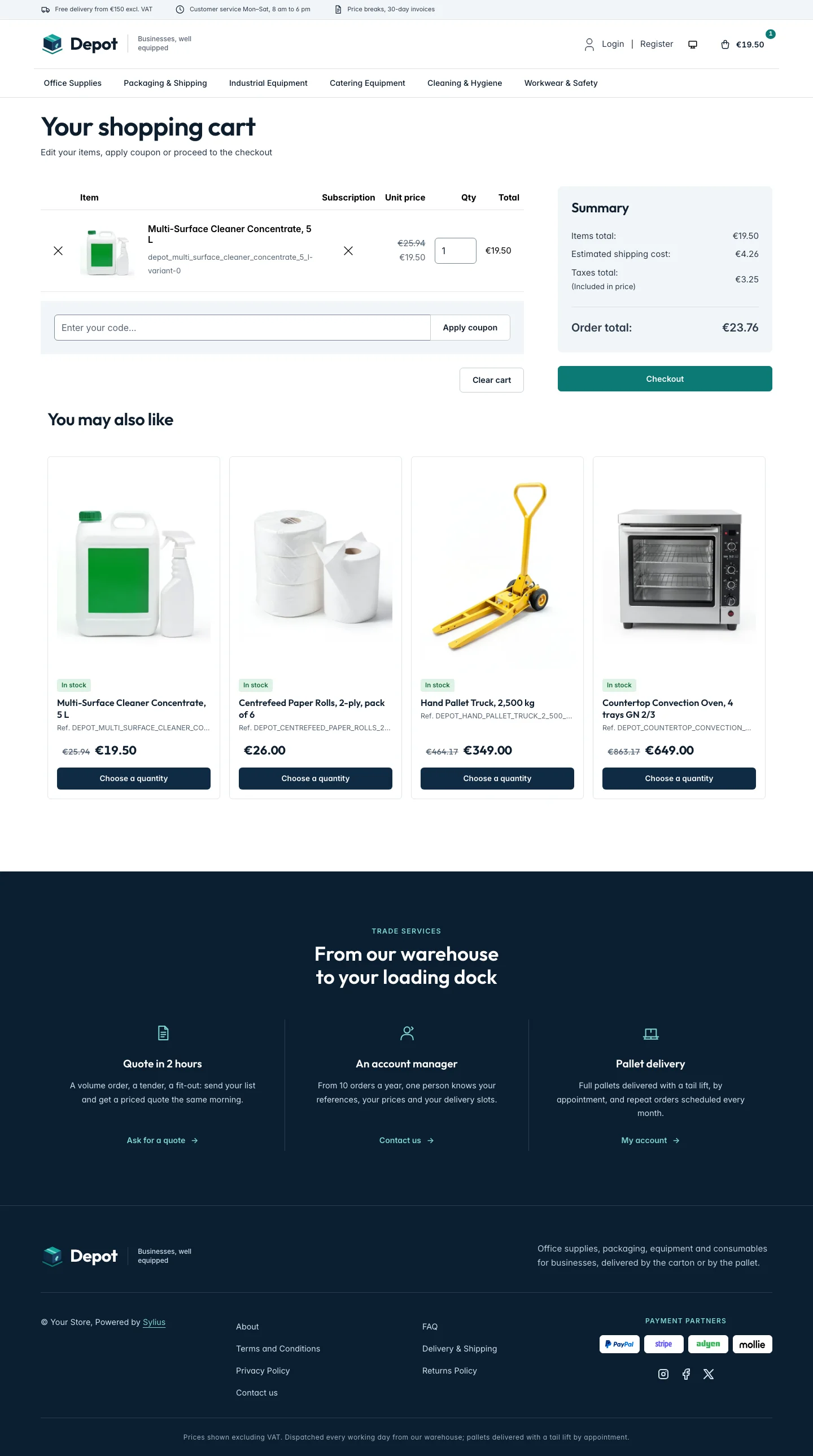 |
| Dark | 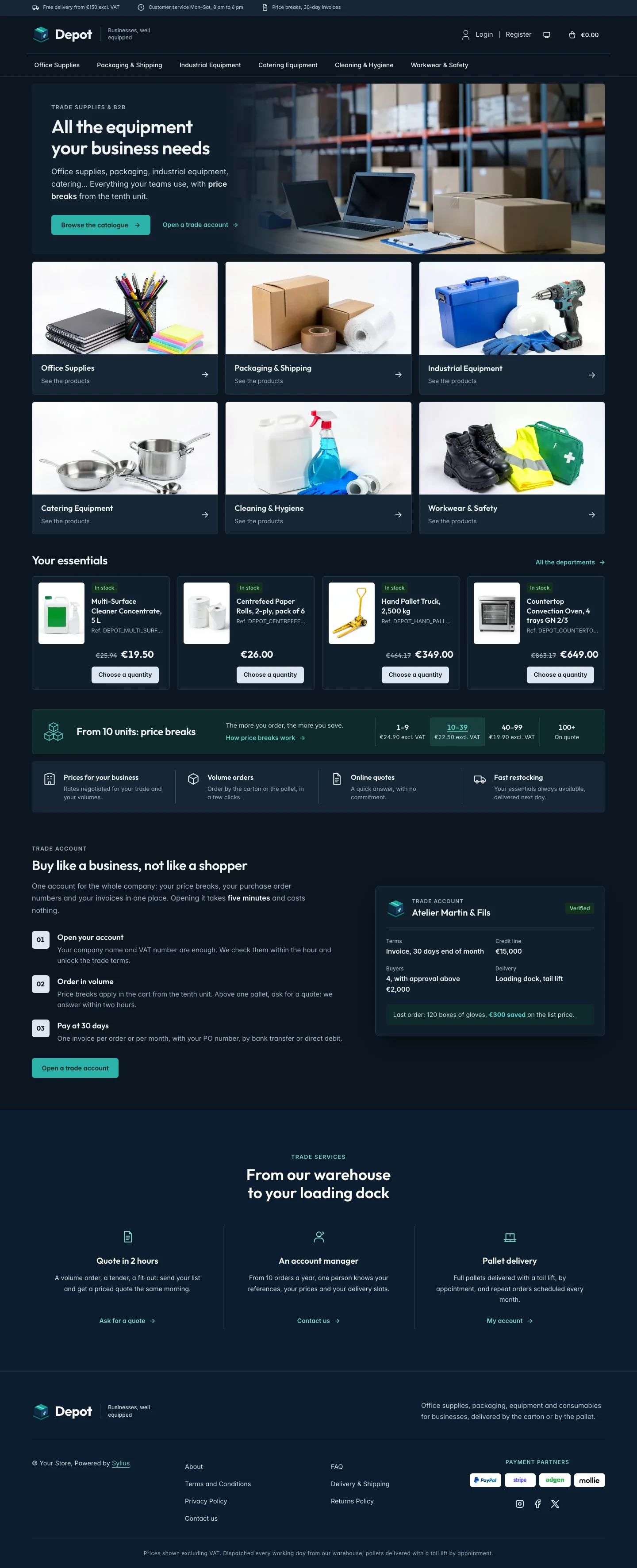 | 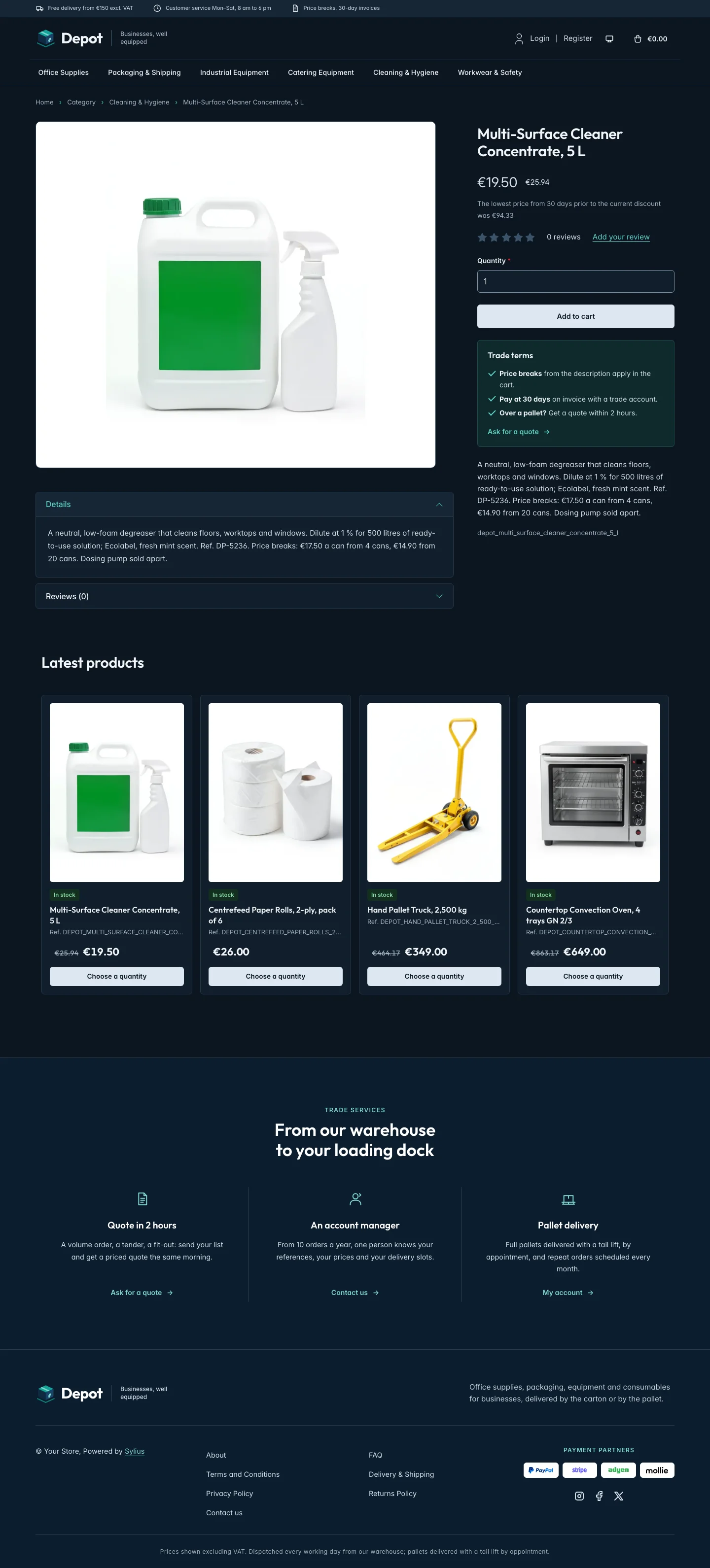 | 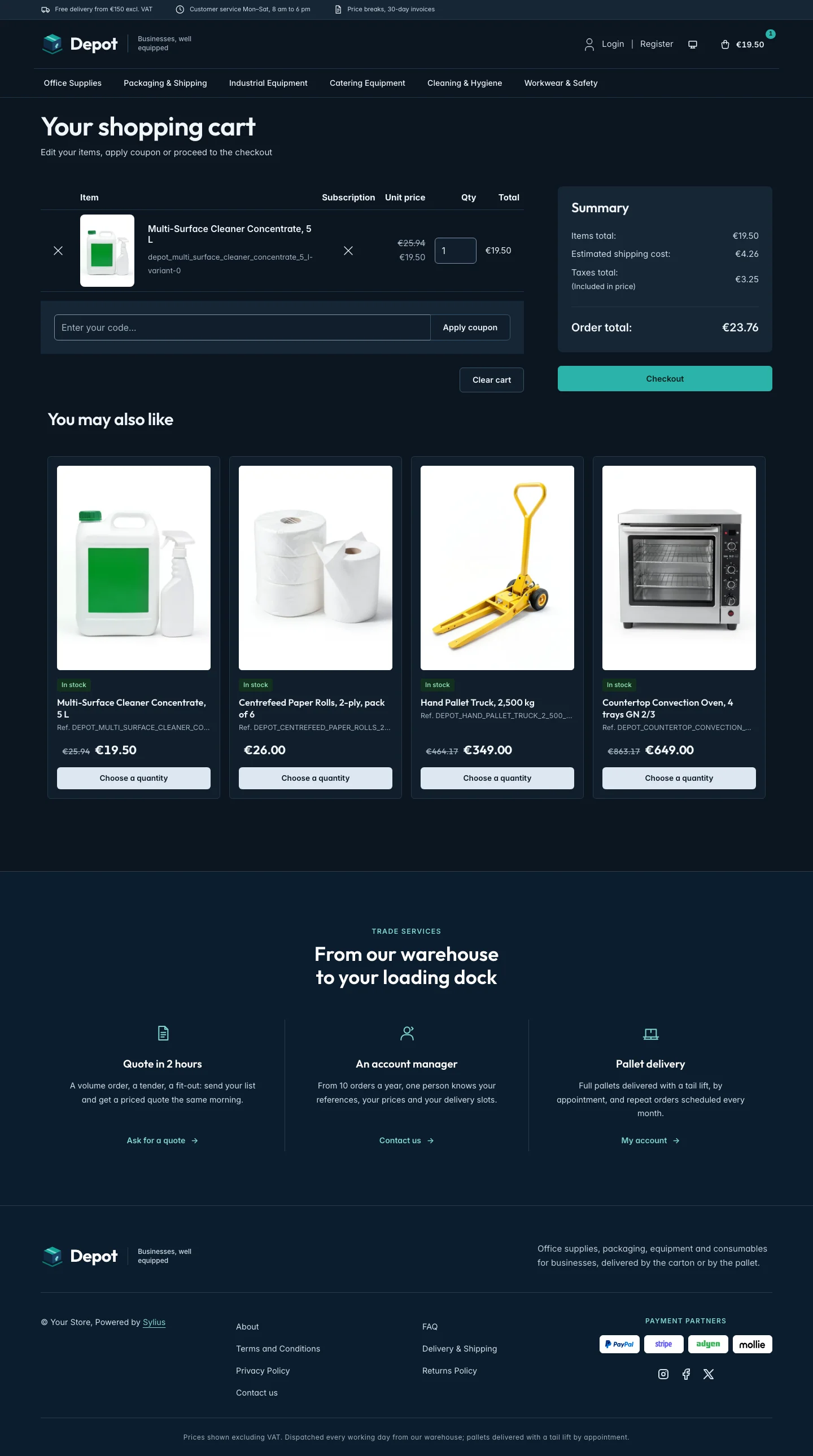 |
Wide screen (2560 px)
| Scheme | Homepage | Product page | Cart |
|---|---|---|---|
| Light | 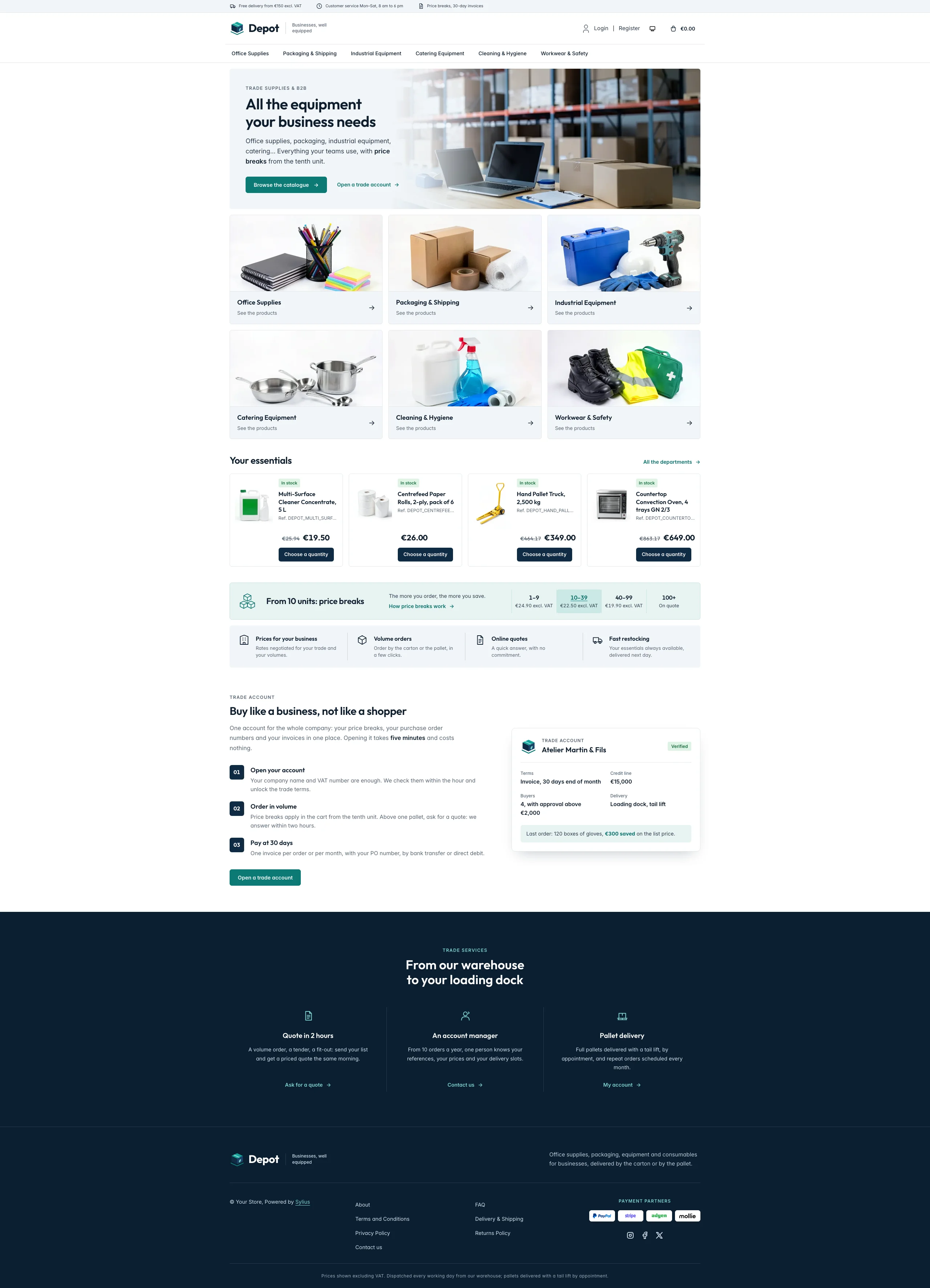 | 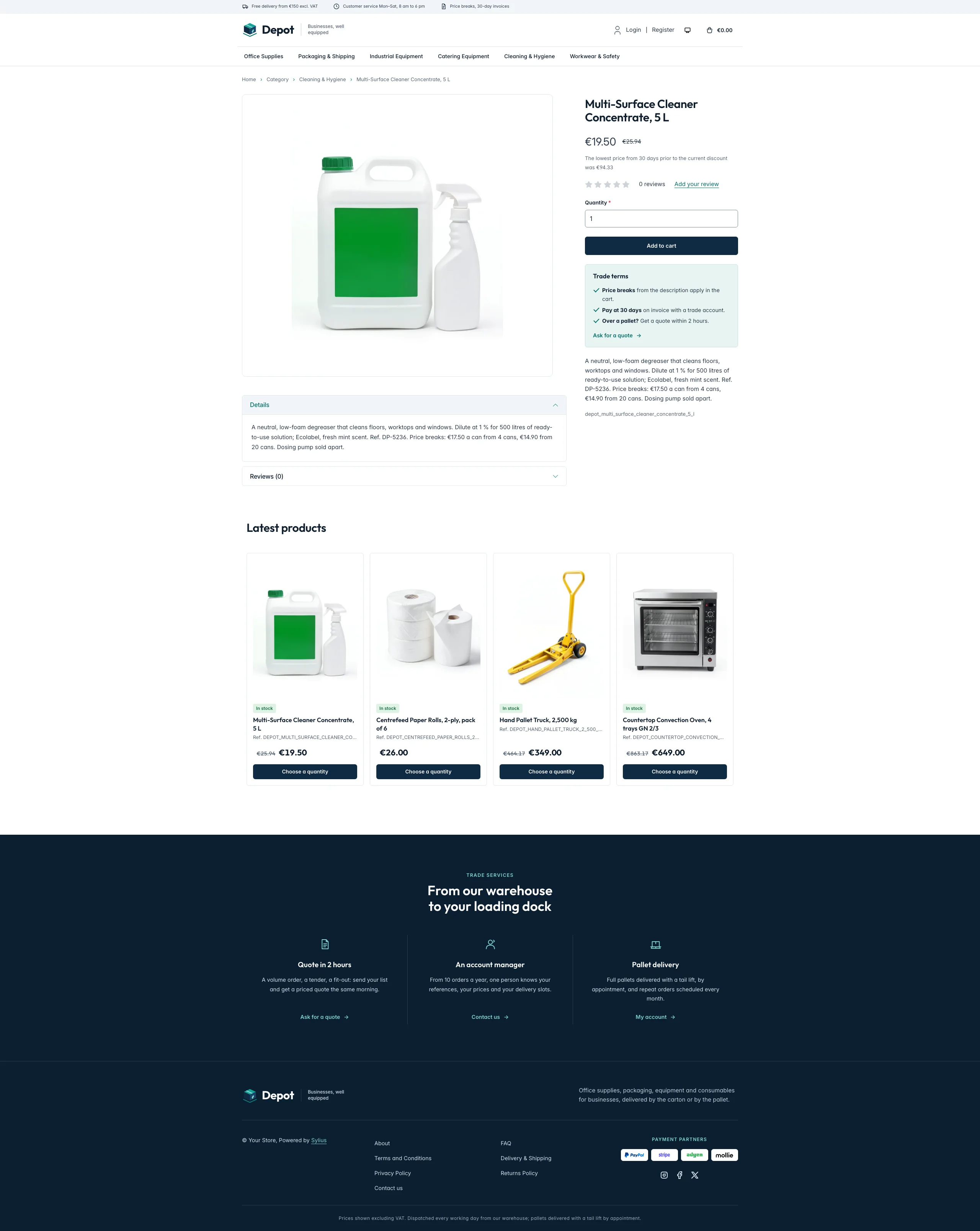 | 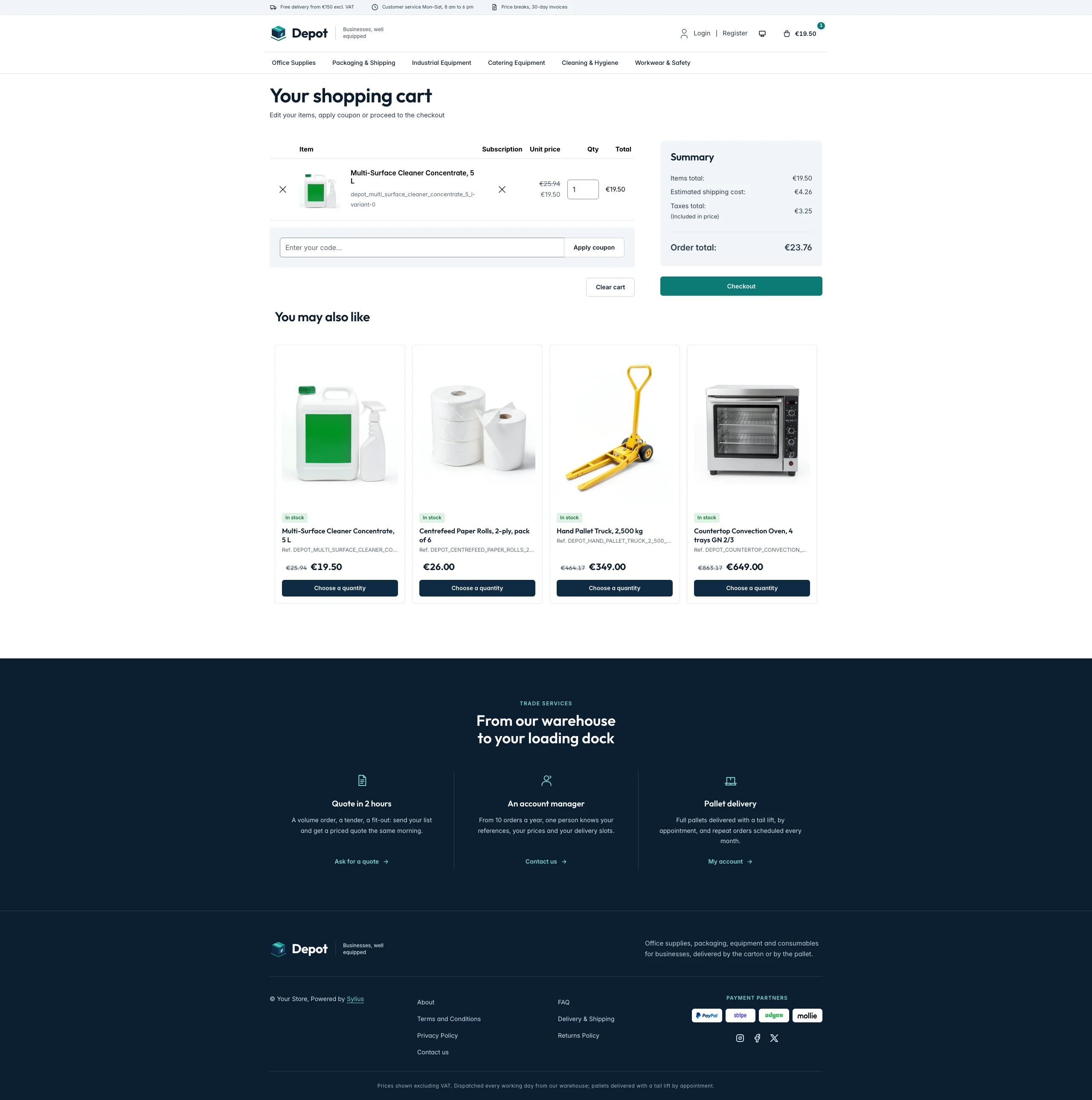 |
| Dark | 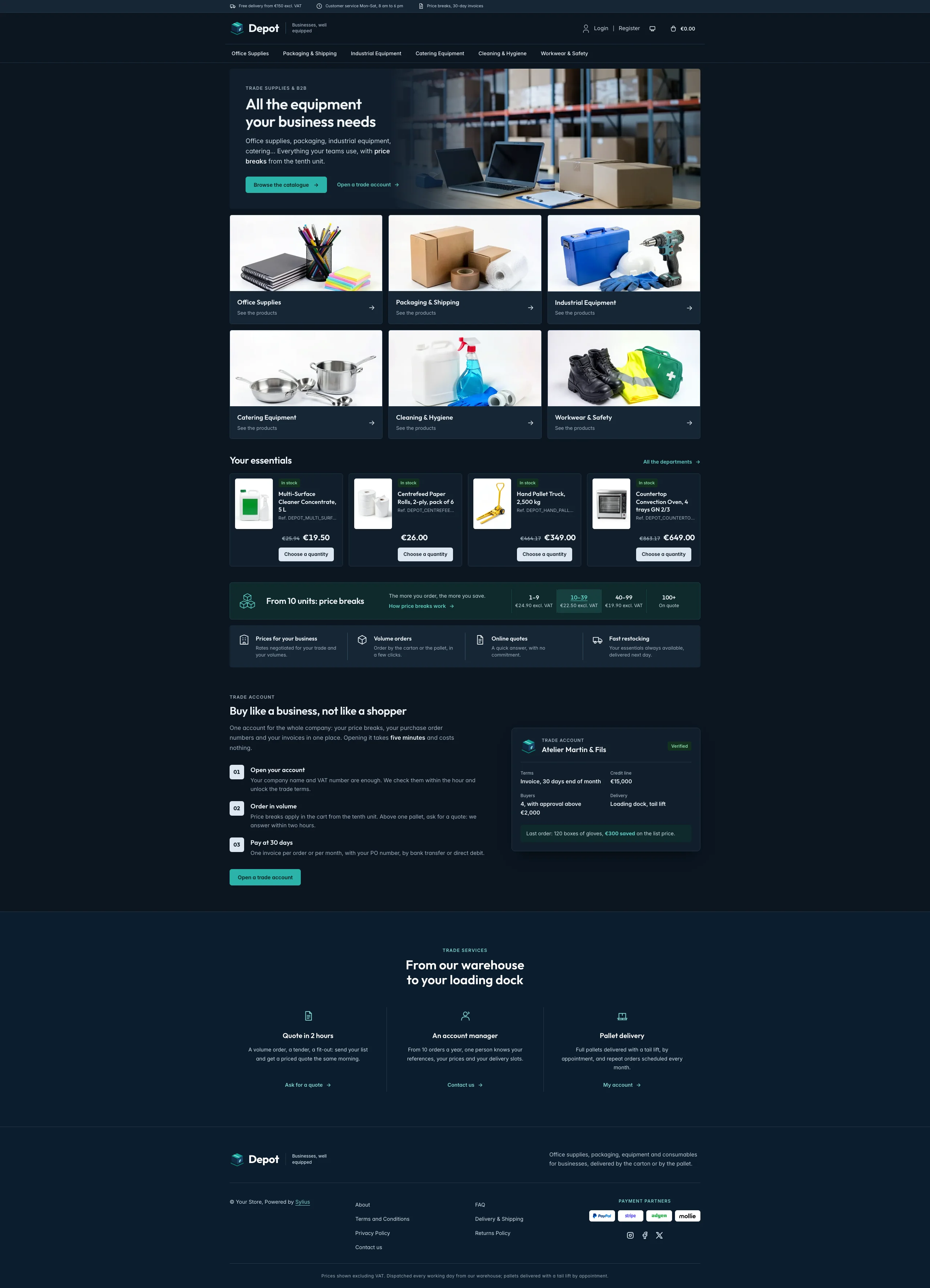 | 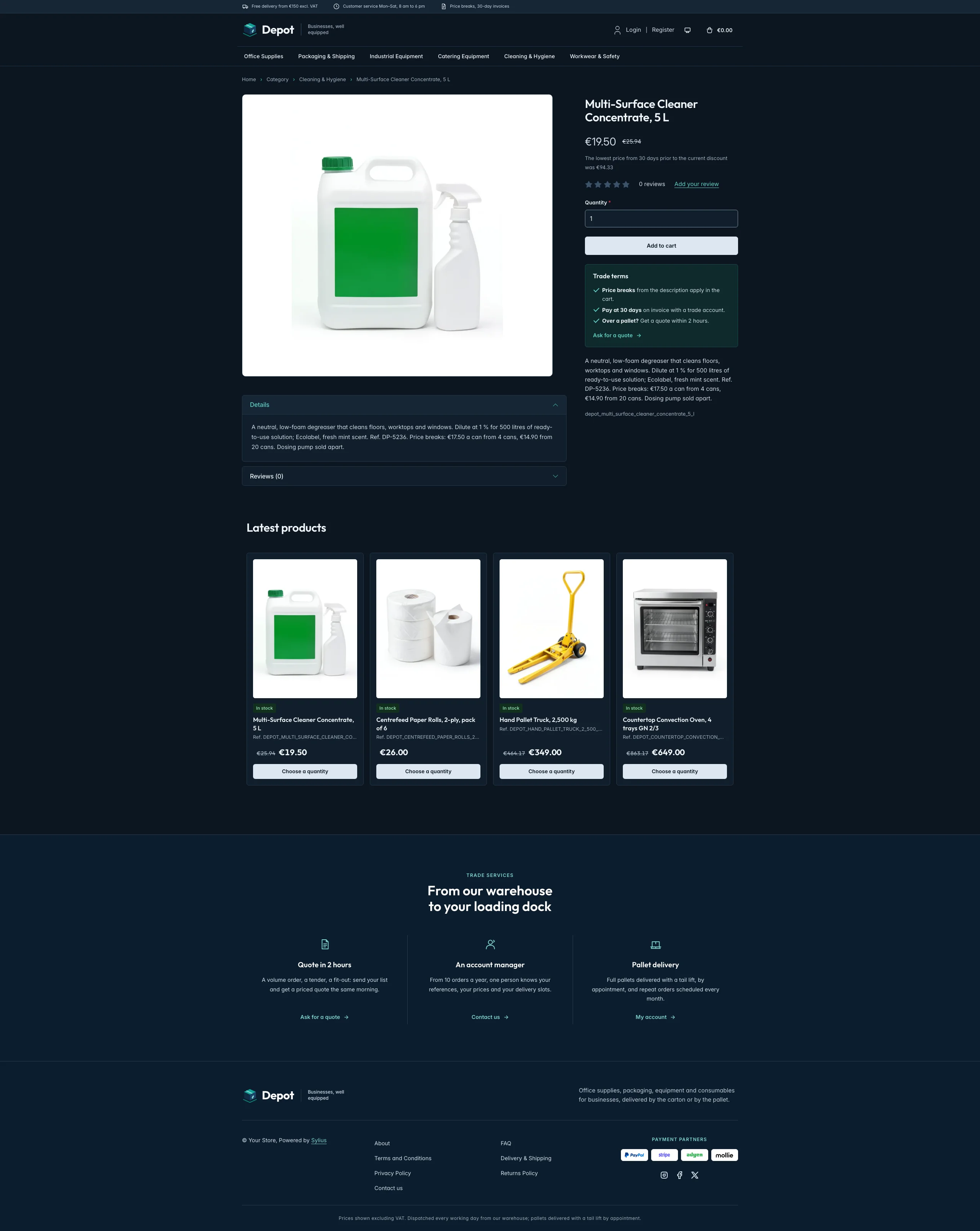 | 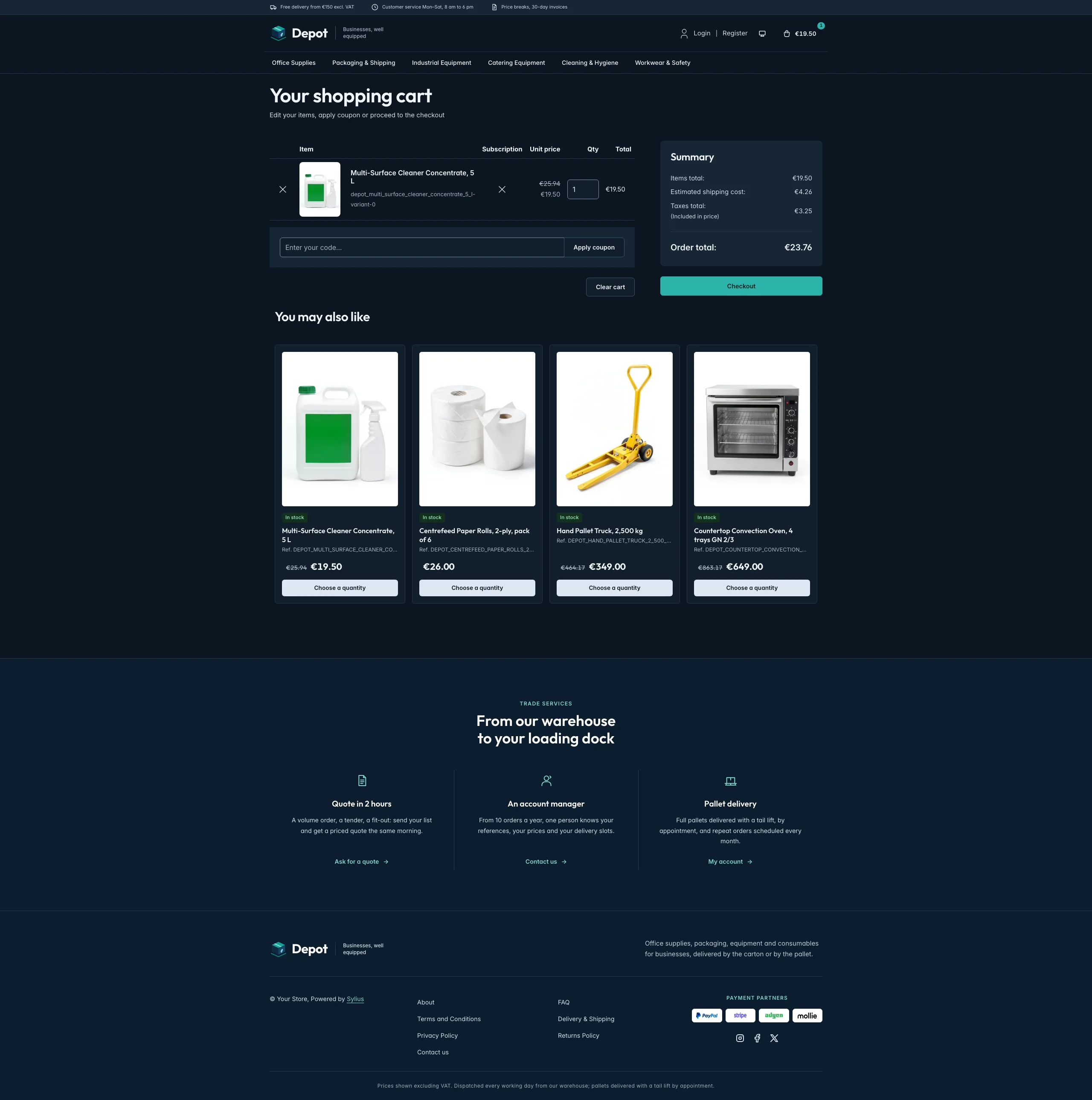 |
Mobile (390 px)
| Scheme | Homepage | Product page | Cart |
|---|---|---|---|
| Light |  |  |  |
| Dark |  |  |  |
- Palette — white pages and steel blue-grey panels (
#F2F5F8), a navy ink (#0F2A44) for the order buttons and the footer (#0A1E31), a teal (#0B7A75) for the calls to action, links and focus rings, a pale teal (#E8F4F3) for the price break band and a green stock badge (#DDF3E4). - Dark scheme — the warehouse at night: navy surfaces (page
#0B1520, surfaces#111E2B), pale steel type, a bright teal (#2BB3AA) with a navy ink for the calls to action and pale steel order buttons; product photos keep their white ground. - Typography — Outfit (SIL Open Font License, 500 to 700, shipped in
assets/shop/fonts/) for the headings, the wordmark, product names and prices; Inter (already shipped by the Sylius shop) for body copy. - House motif — the house crate: a navy carton with a teal top on its pallet, in the logo and on the trade account card.
- Header — a steel top bar with the delivery, customer service and trade promises, then the crate and the Depot wordmark next to its tagline, the account links and the cart on the first row, and the category navigation on a row of its own, underlined in teal on hover.
- Homepage — a photo banner in the container: the eyebrow, the headline, the lead and a teal call
to action on a pale steel panel fading into a photo of a warehouse packing table. The department
cards (
theme_aisleshookable, thesylius_shop:common:taxon_menucomponent) show the first six menu taxons with their image (or the house crate) and link to their page; they replace the roundels of the imported collections (import_collectionsis disabled), which list the same taxons. The four latest products are presented as your essentials, catalogue lines with the picture beside the details. The price break band (theme_promisehookable) shows the unit price of a reference at each quantity step (1–9, 10–39, 40–99, 100+), followed by four trade benefits (prices for your business, volume orders, online quotes, fast restocking). The trade account block (theme_accounthookable) explains it in three steps next to the account card of a customer (terms, credit line, buyers, delivery and savings on the last order). The deals and new collection blocks are hidden. - Product cards — a framed tile with the picture on white, a stock badge (in stock, or on order when
a tracked variant runs out), the name, the reference (product code), a large price and a navy order
button; the hookables are added to
sylius_shop.shared.product.card, so every list shows them. - Product page — the picture on white and, under the add to cart button, the trade terms (price breaks, payment at 30 days, quotes above a pallet) with a link to the contact page.
- Footer — navy, with three trade services (quote in 2 hours, an account manager, pallet delivery) linking to the contact page and the customer account, the wordmark, the Sylius links and a VAT notice.
- Checkout — the checkout header uses the Depot wordmark and responsive category navigation, the current step is ruled in teal.
- Translations — every Depot-specific text lives in its own
depottranslation domain (translations/depot.en.yamlanddepot.fr.yaml). - Accessibility — visible teal focus rings, the price break band as a table with a caption, decorative photos and icons hidden from assistive technologies.
Demo catalog
Section titled “Demo catalog”The screenshots above show a demo catalog of eighteen trade supplies from a fictional business supplier, in
six aisles (Office Supplies, Packaging & Shipping, Industrial Equipment, Catering Equipment, Cleaning &
Hygiene, Workwear & Safety), shipped as the depot dataset of sylius-starter/datasets
(src/Datasets/datasets/depot/: products.yaml, collections.yaml, and in media/ a photo of each product and of
each aisle, generated with Ollama on white, like a trade catalogue: the aisle photos become the taxon images
of the department cards). Products are sold by the pack (a box of 5 reams, a
pack of 25 cartons, a box of 100 gloves) and descriptions carry what a professional buyer looks for: the
pack size, a reference, the price breaks by quantity and the delivery terms.
Create a shop from it with the import package, into the default channel:
castor sylius:import:shop:create depotcastor sylius:import:fixtures:generate --project=depot --subdomain=""castor sylius:import:fixtures:load --project=depotNo AI call is made: products.yaml points at the photos of the dataset media/. The shop menu then lists the
six aisles; castor sylius:import:delete depot removes the catalog. The import keeps the products already in
the channel and gives the items creation dates in the past, so on a store loaded with the default fixtures
the latest products may still show clothing: run castor app:db:fixtures app first to start from a store
without products.
Install it with:
castor sylius:theme:setup depot