Retro Gaming theme
Retro Gaming turns the storefront into a night arcade: a dark console-blue shop lit by neon magenta
(player 1) and cyan (player 2), with coin gold for prices. Headings, labels, buttons and prices are
set in Pixel Quest, an original 5x7 bitmap font drawn for this theme (uppercase, digits and French
accents, 3 KB, shipped in assets/shop/fonts/); body copy stays in Inter, already shipped by the
Sylius shop, so that descriptions and forms remain easy to read.
Desktop (1440 px)
| Scheme | Homepage | Product page | Cart |
|---|---|---|---|
| Light | 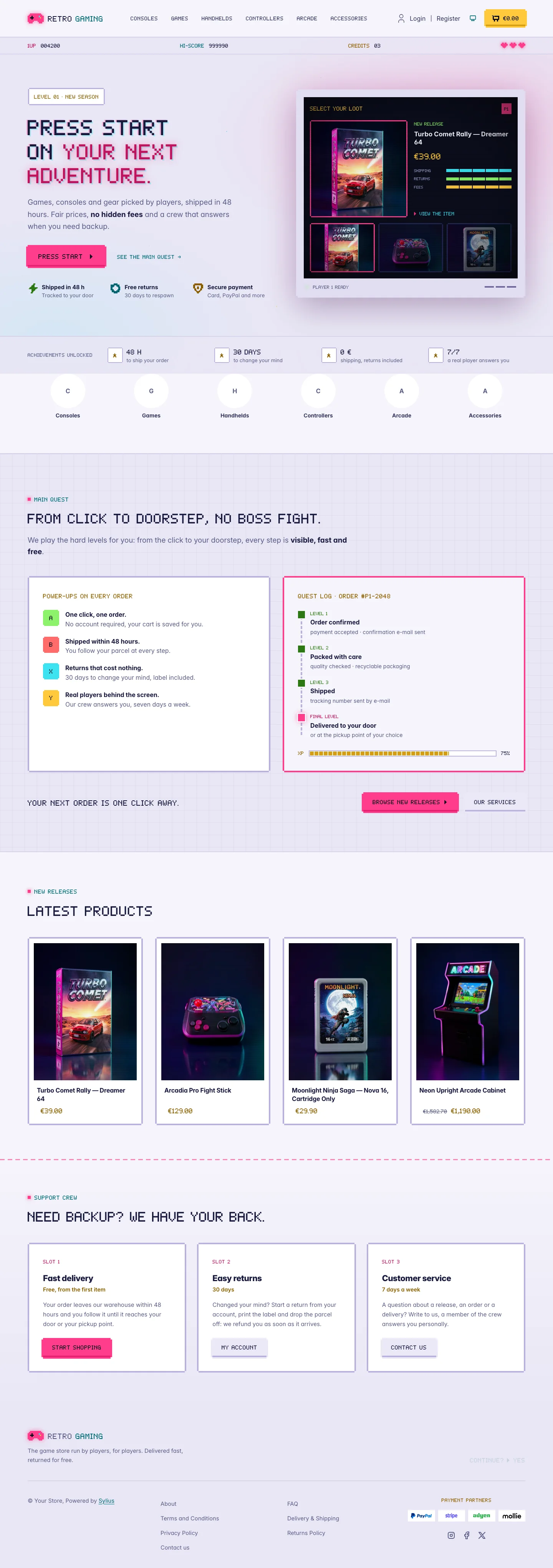 | 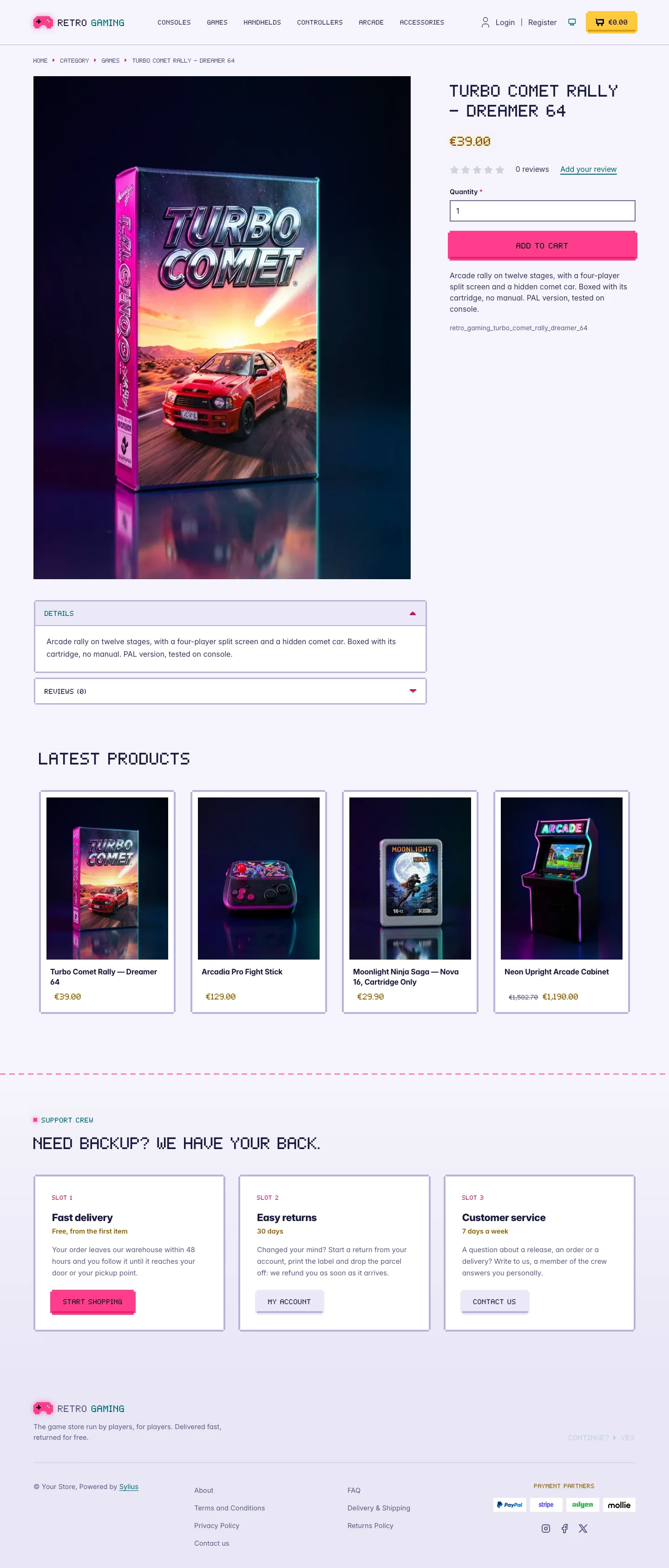 | 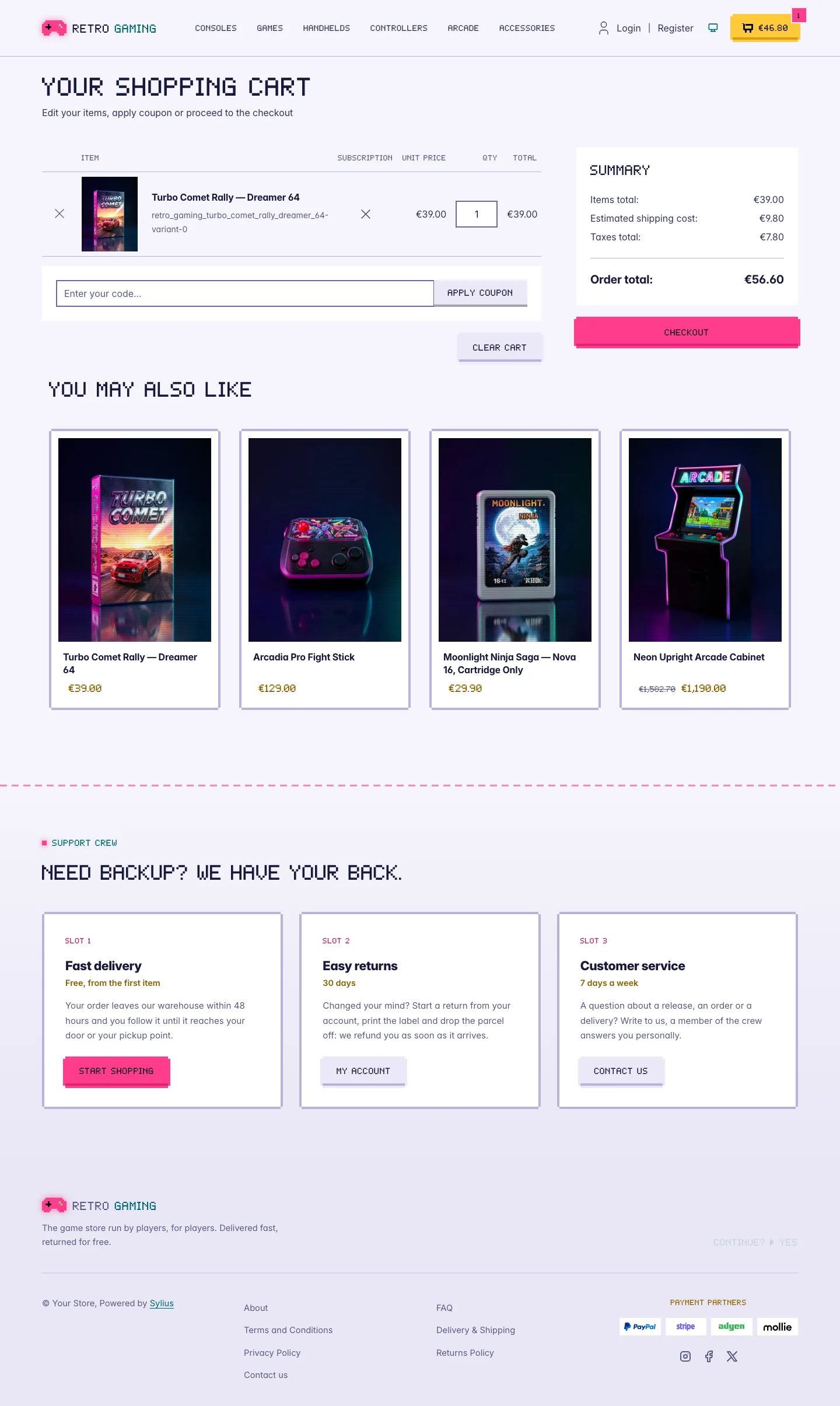 |
| Dark | 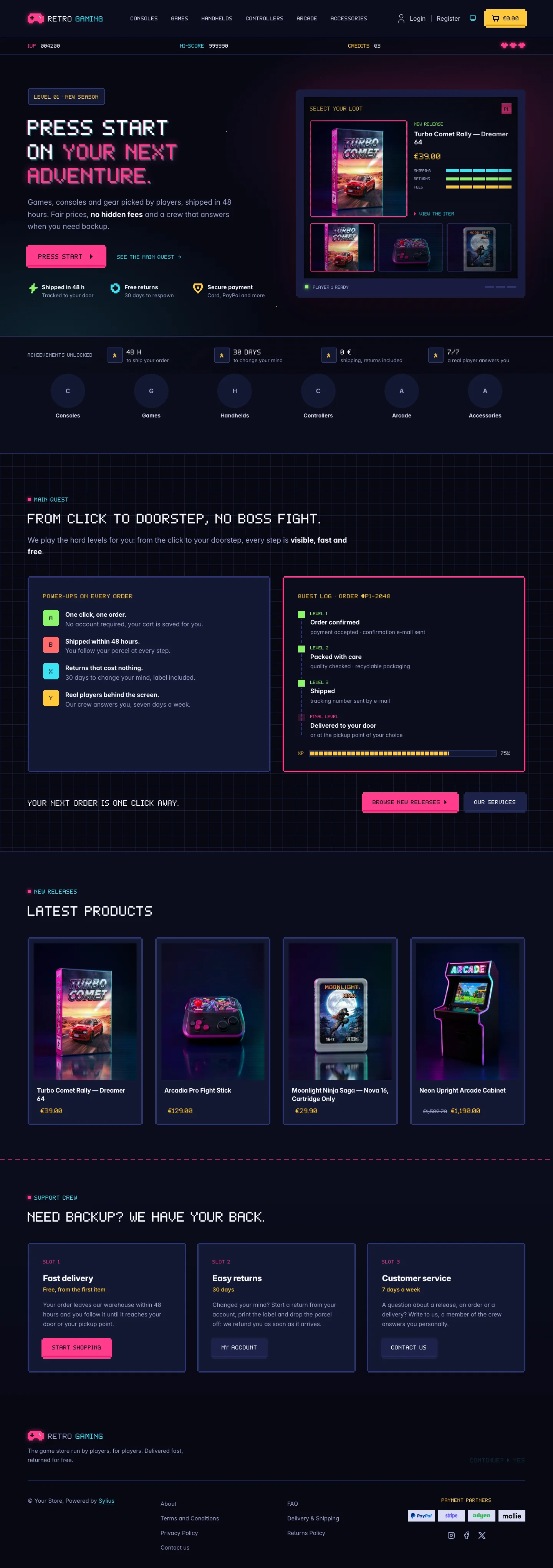 | 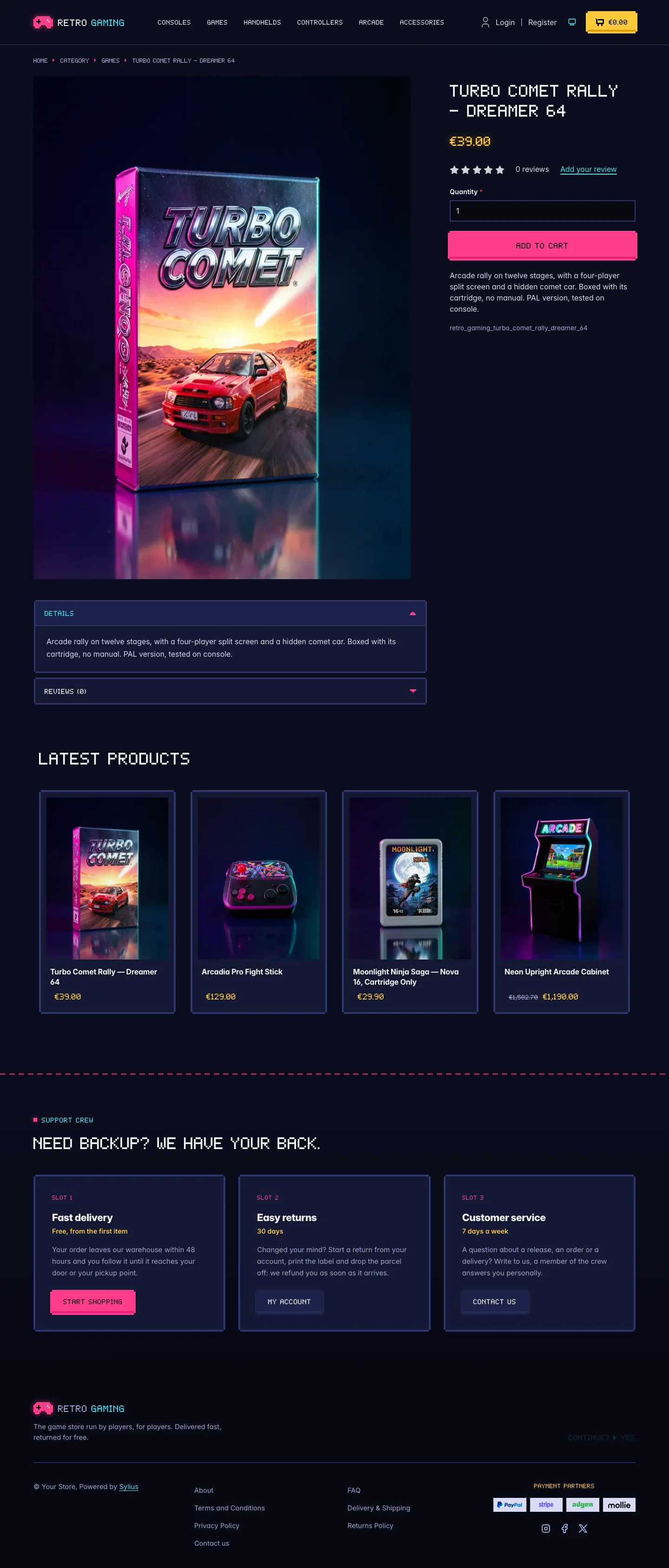 | 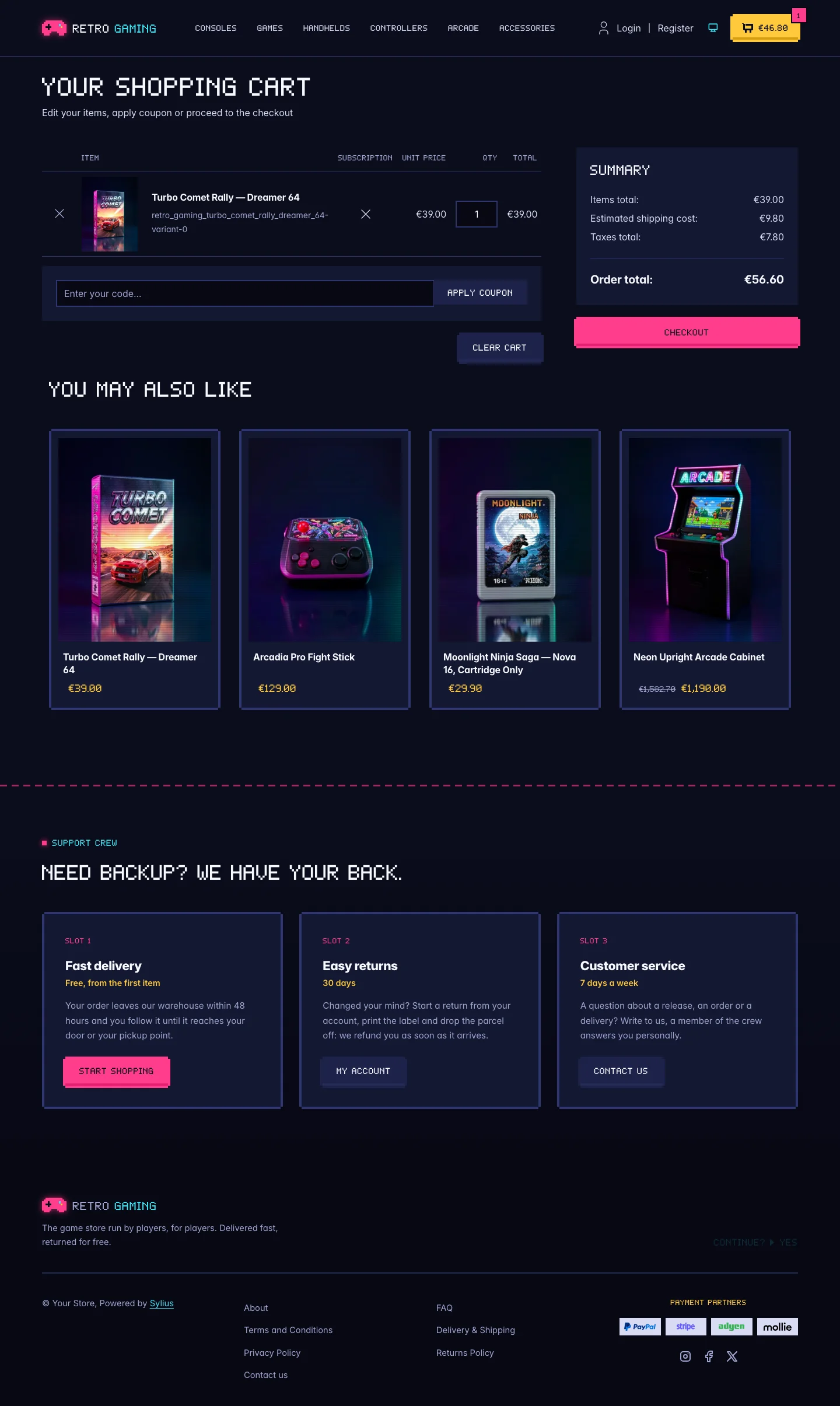 |
Wide screen (2560 px)
| Scheme | Homepage | Product page | Cart |
|---|---|---|---|
| Light | 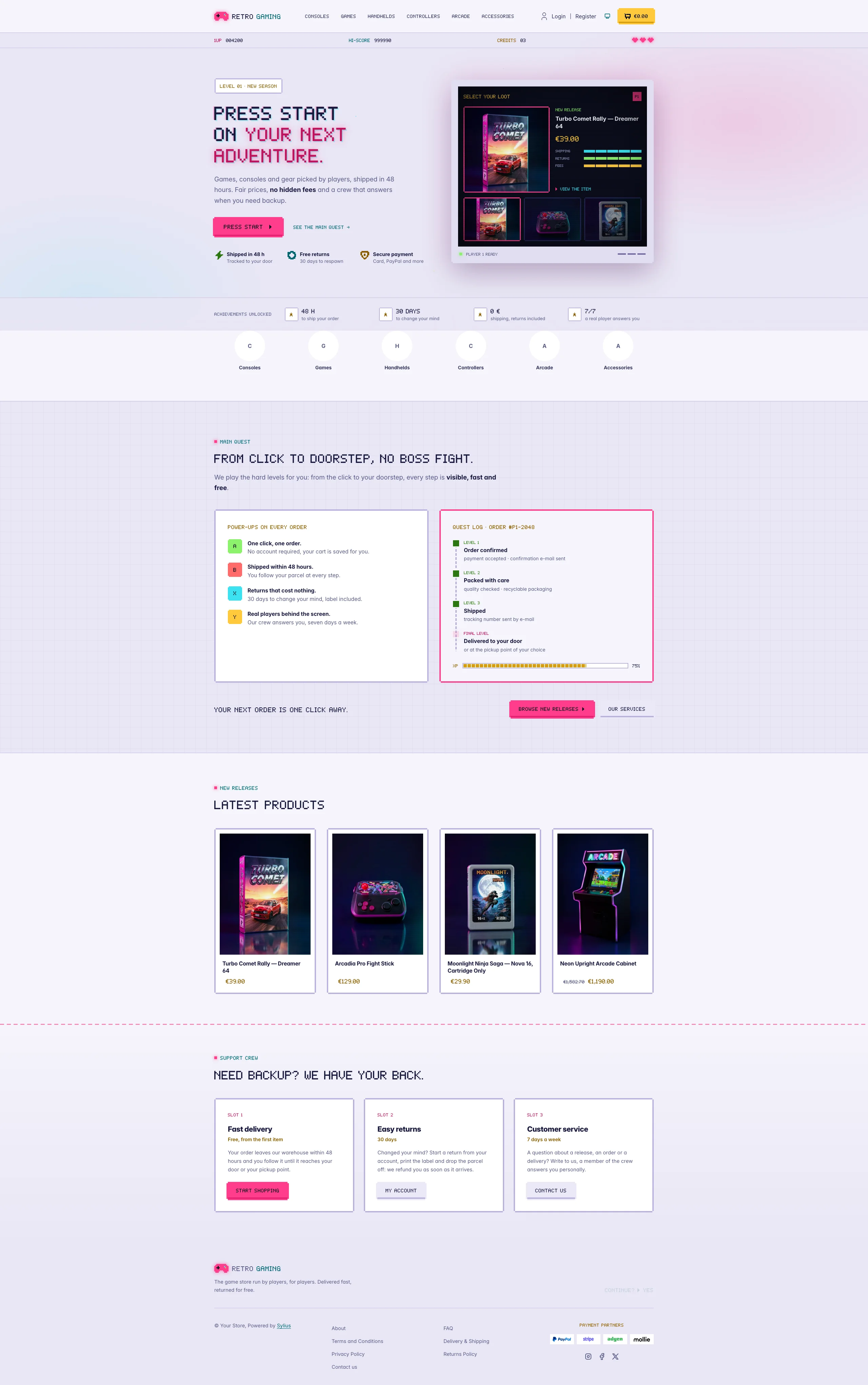 | 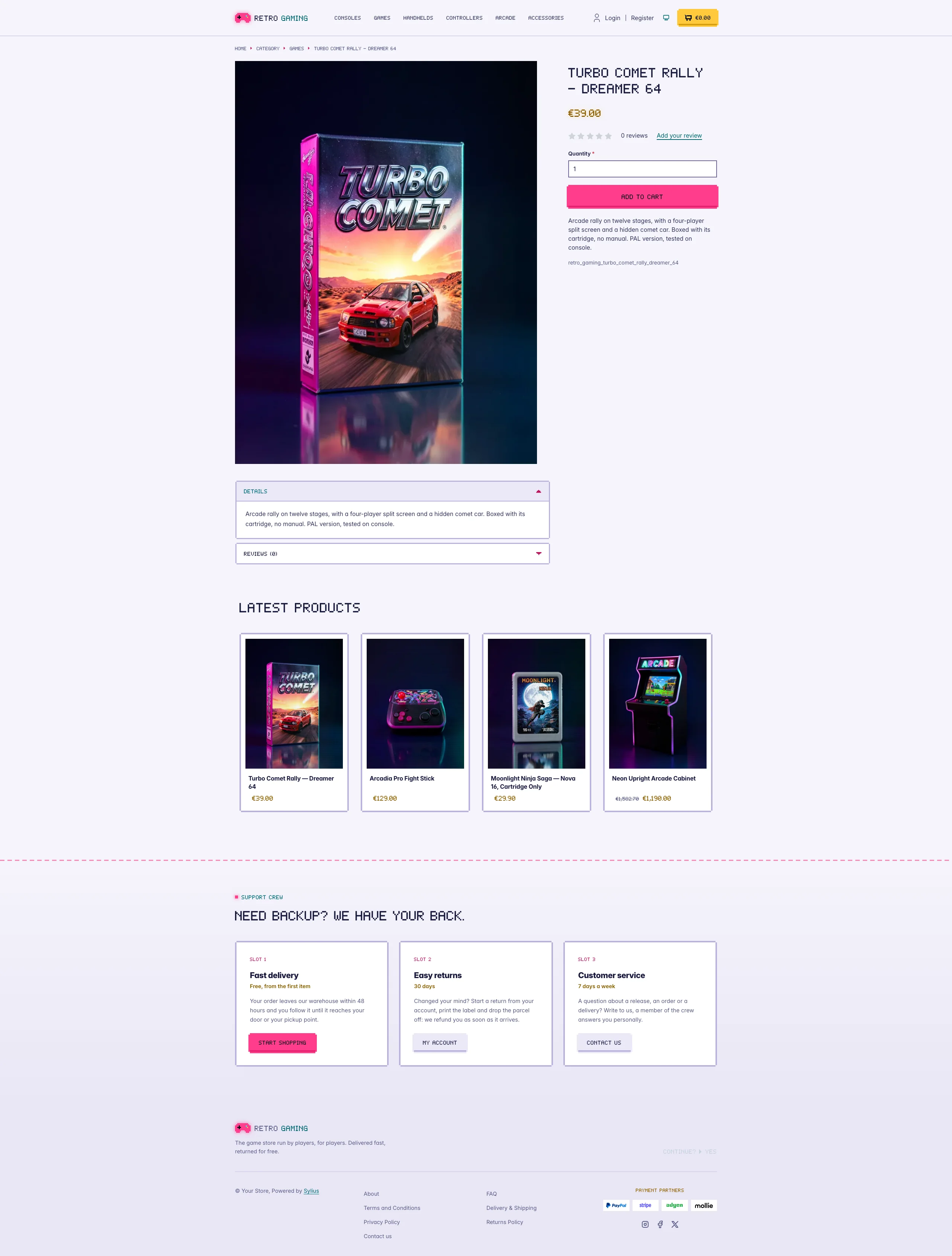 | 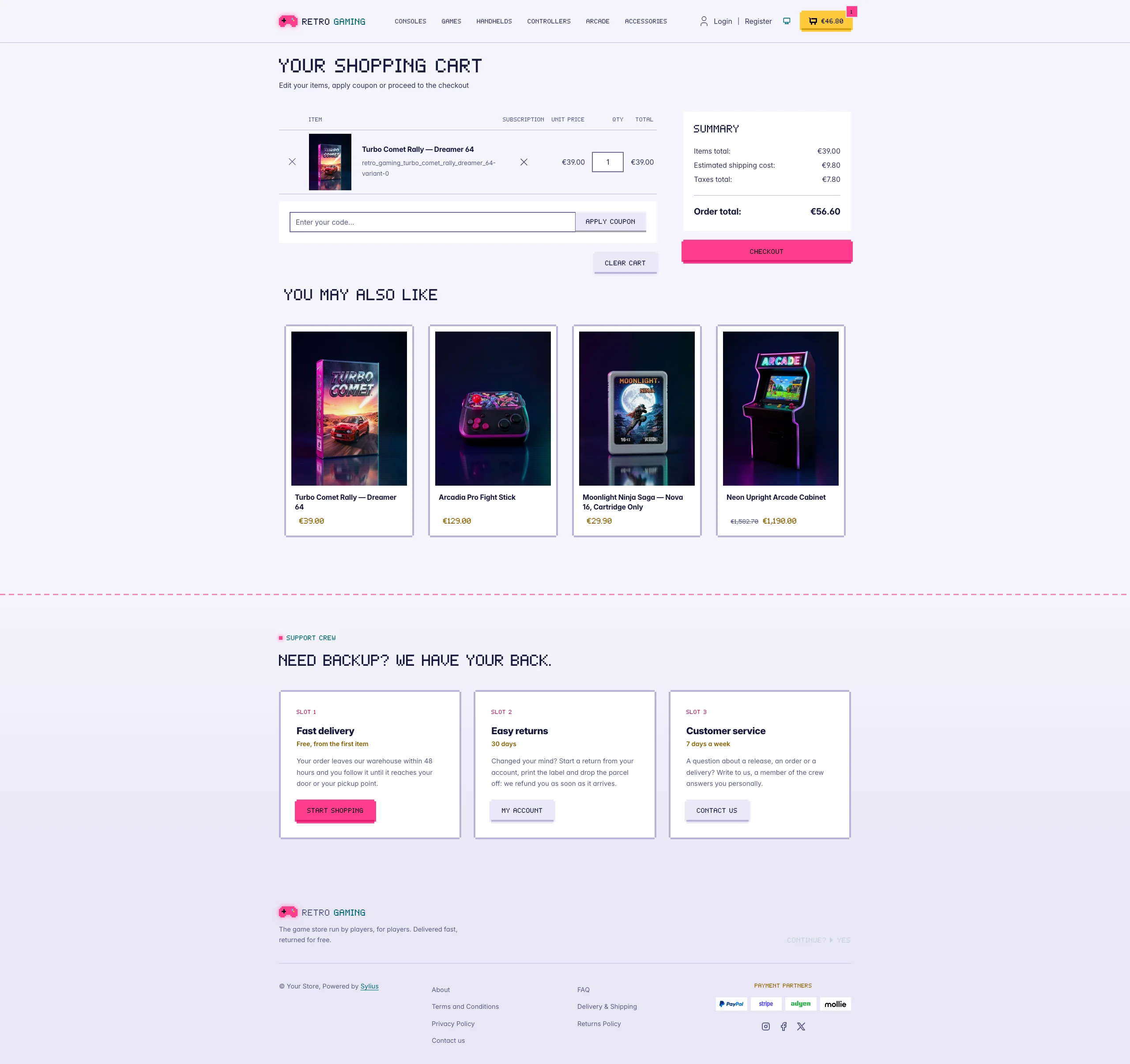 |
| Dark | 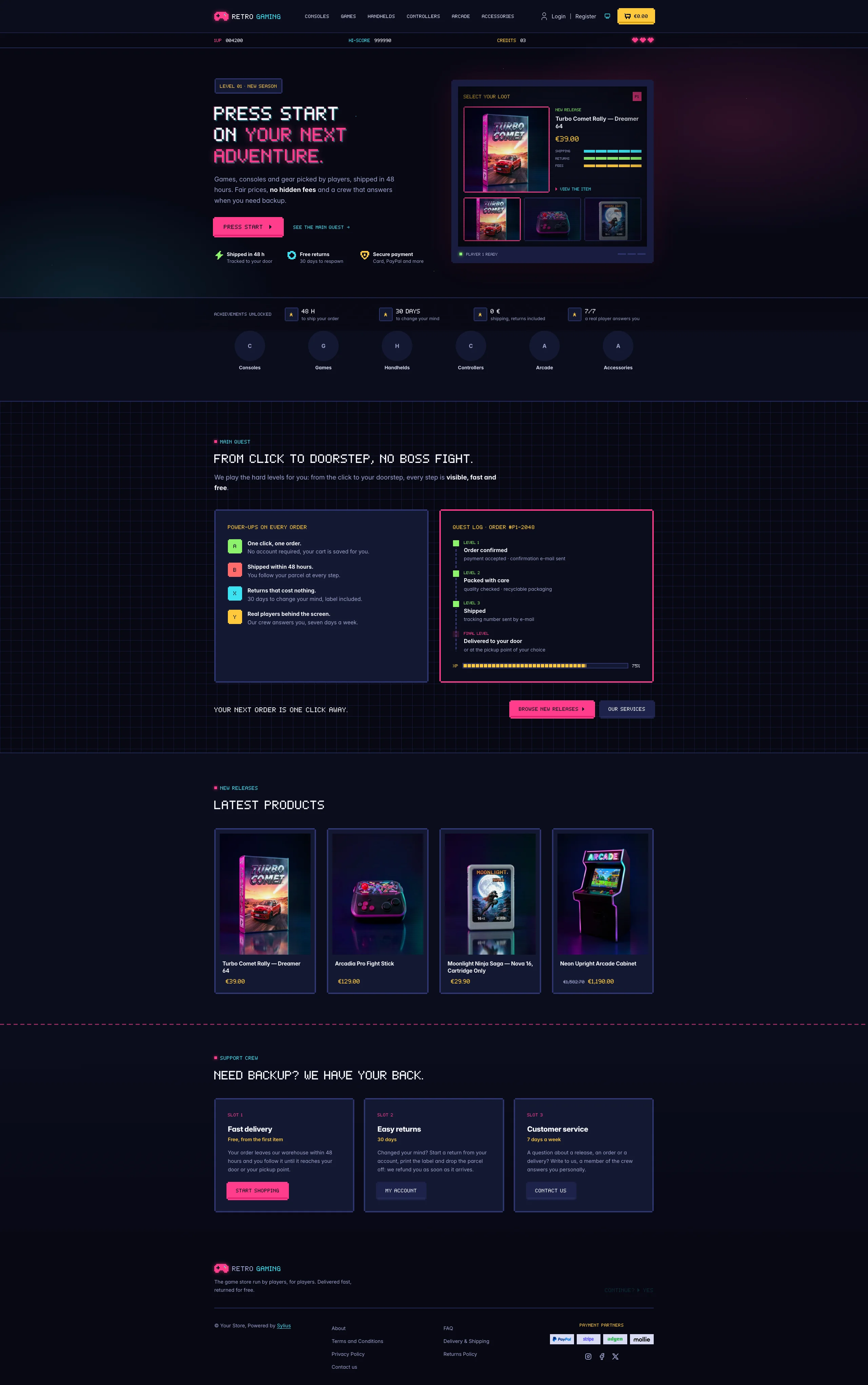 | 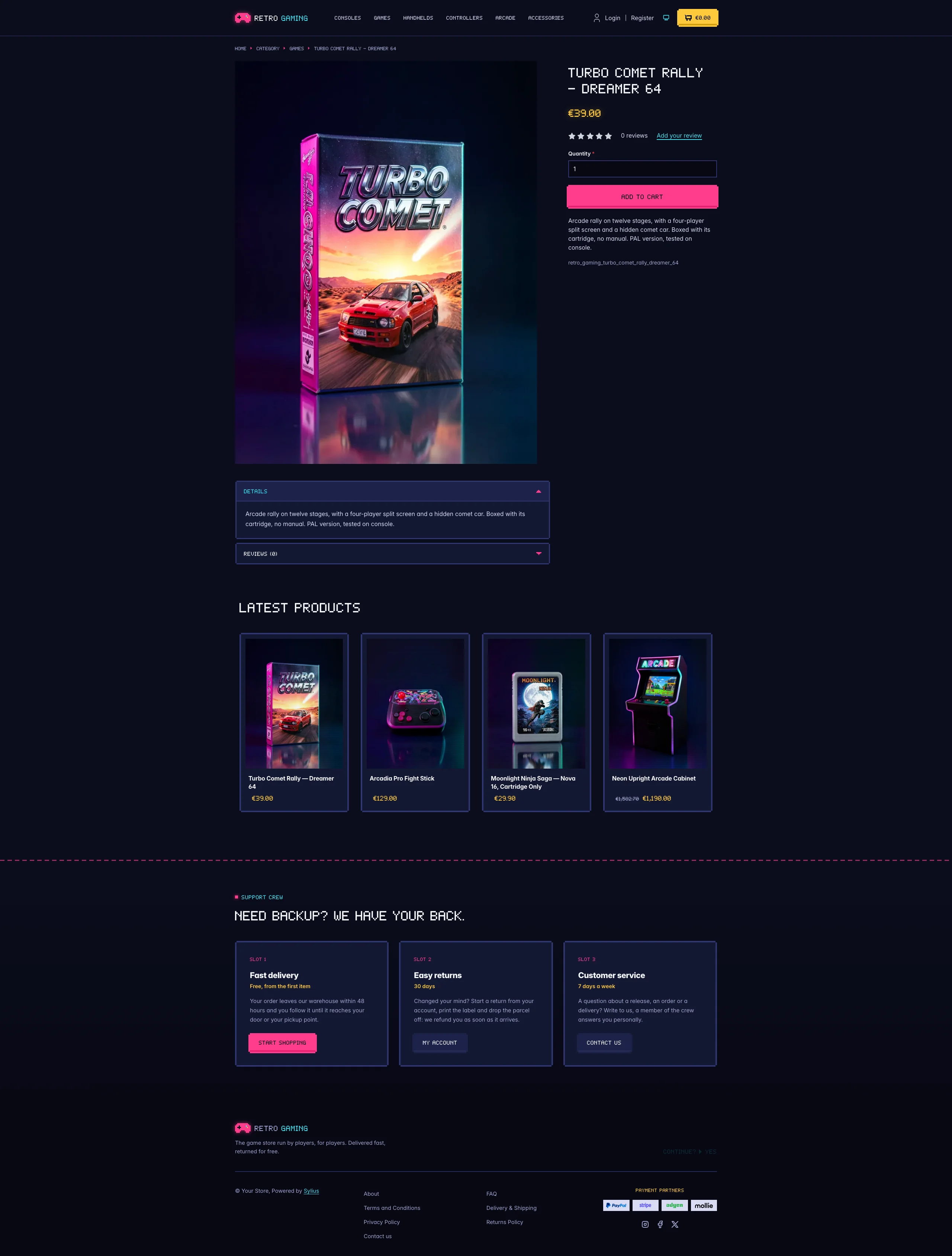 | 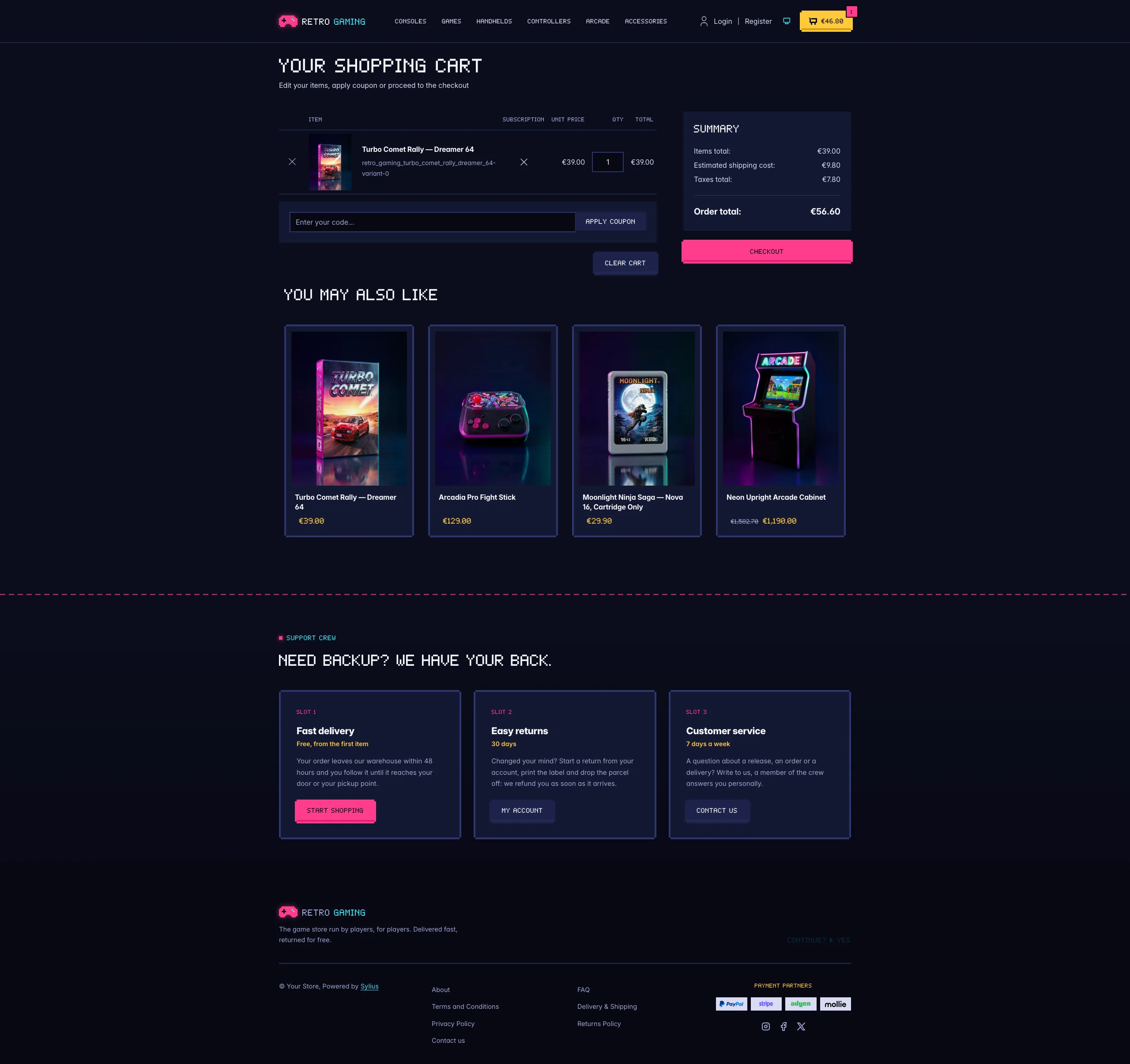 |
Mobile (390 px)
| Scheme | Homepage | Product page | Cart |
|---|---|---|---|
| Light |  |  |  |
| Dark |  |  |  |
- Palette — deep console blue (
#0B0D1C, panels#141833), neon magenta (#FF3D8B), cyan (#3BE2F0), coin gold (#FFC93C) and health-bar lime (#8CF26B). The storefront is dark end to end: Bootstrap’s runtime variables are remapped, so native Sylius components (tables, dropdowns, offcanvas, forms, checkout sidebar) follow the palette. - Light scheme — a daylight arcade, like a handheld console: lilac console-plastic shell
(
#E9E6F5) around a pale page, navy ink type, the neon colours kept as fills under ink text and deep shades of the same hues for text and icons (magenta#C0135C, cyan#006570); the CRT screen of the hero stays dark inside a light bezel. - Components — square arcade buttons with stepped “pixel” corners and a darker bottom edge that is pushed in on click (magenta for primary actions, console blue for secondary ones), a gold coin counter as cart button, product cards framed like cartridges that light up in cyan on hover, with scanlines over the picture and the price in gold (the whole card is clickable, on the homepage and on category pages alike), pixel breadcrumbs, square form fields with a cyan focus ring, and the checkout steps drawn as a level map.
- Homepage — a title screen hero: a HUD bar (score, hi-score, credits, lives), a pixel
headline, a blinking Press start call to action and three power-ups (shipping, returns, payment)
over a starfield and a neon grid floor. On the right, a CRT monitor runs a “select your loot”
screen: the three latest products of the channel as character slots, the newest one picked by
player 1 with its real image, name and price. An achievements strip follows (shipping delay,
return period, fees, support). The promise block (
theme_promisehookable) is the main quest: four power-ups mapped to gamepad buttons (A, B, X, Y) and the order as a quest log, level by level, with an XP bar, followed by two calls to action. Then come the four latest products; the deals and new collection blocks are hidden. - Footer — the support crew: three save slots (delivery, returns, customer service, each with a tag, a description and a button to the storefront, the customer account and the contact page) above the footer with the wordmark, a blinking Continue? and the Sylius links.
- Product page — the price, in gold, sits directly below the product name, before reviews.
- Checkout — the checkout header uses the Retro Gaming wordmark and responsive category navigation.
- Translations — every theme-specific text lives in its own
retro_gamingtranslation domain (translations/retro_gaming.en.yamlandretro_gaming.fr.yaml), so it can be edited or translated without touching the templates. - Accessibility — readable Inter for long texts, dark text on the neon buttons, visible cyan focus rings, decorative HUD and stats hidden from assistive technologies, and no blinking or motion for visitors who prefer reduced motion.
Demo catalog
Section titled “Demo catalog”The screenshots above show a demo catalog of sixteen retro consoles, games, handhelds, controllers and arcade parts
from fictional brands, on six shelves (Consoles, Games, Handhelds, Controllers, Arcade, Accessories), shipped as the
retro-gaming dataset of sylius-starter/datasets (src/Datasets/datasets/retro-gaming/: products.yaml,
collections.yaml, and in media/ a photo of each item generated with Ollama, under the magenta and cyan neon lights
of the theme on a console-blue backdrop). Descriptions carry what a retro collector looks for: condition and grading,
region, what is in the box and the refurbishing done. Create a shop from it with the
import package, into the default channel:
castor sylius:import:shop:create retro-gamingcastor sylius:import:fixtures:generate --project=retro-gaming --subdomain=""castor sylius:import:fixtures:load --project=retro-gamingNo AI call is made: products.yaml points at the photos of the dataset media/. The shop menu then lists the six
shelves; castor sylius:import:delete retro-gaming removes the catalog. The import keeps the products already in the
channel and gives the items creation dates in the past, so on a store loaded with the default fixtures the latest
products may still show clothing: run castor app:db:fixtures app first to start from a store without products.
Install it with:
castor sylius:theme:setup retro_gaming