Paws theme
Paws is built for pet shops selling food, treats, toys, accessories, beds and care products for dogs and cats: a warm, grown-up storefront in oat and collar navy, with tangerine calls to action and soft pastels, one per aisle. Its house paw has four navy toes around a tangerine pad. The hero opens a round-topped shop window onto the living room of Biscuit the corgi and Miso the cat, and a few playful details (the paw stamped on the product cards, the pet passport of the subscription) keep it friendly, while the page speaks of recipes, portions and subscriptions.
Desktop (1440 px)
| Scheme | Homepage | Product page | Cart |
|---|---|---|---|
| Light | 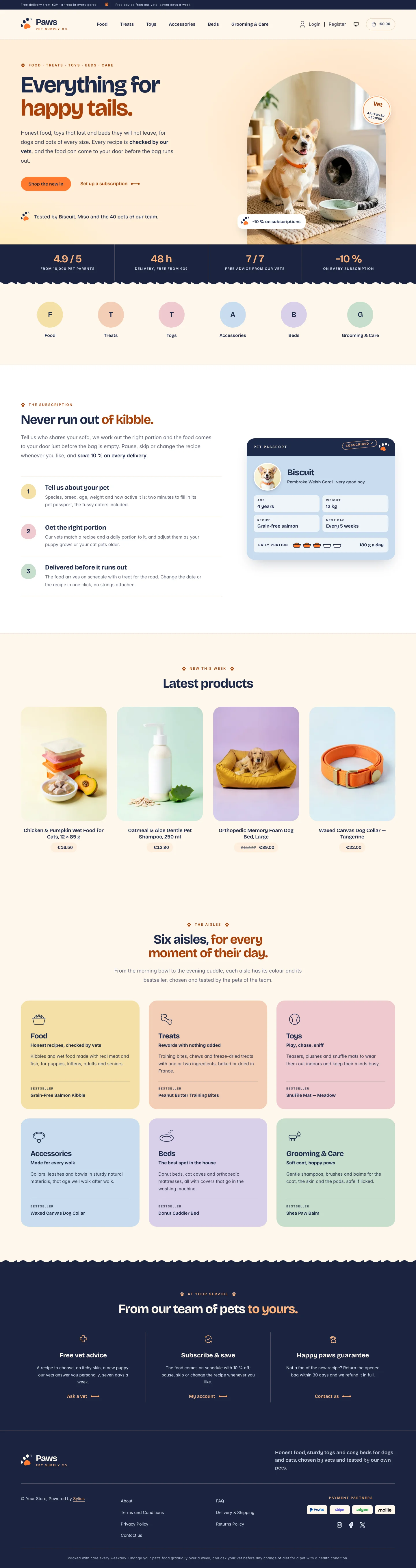 | 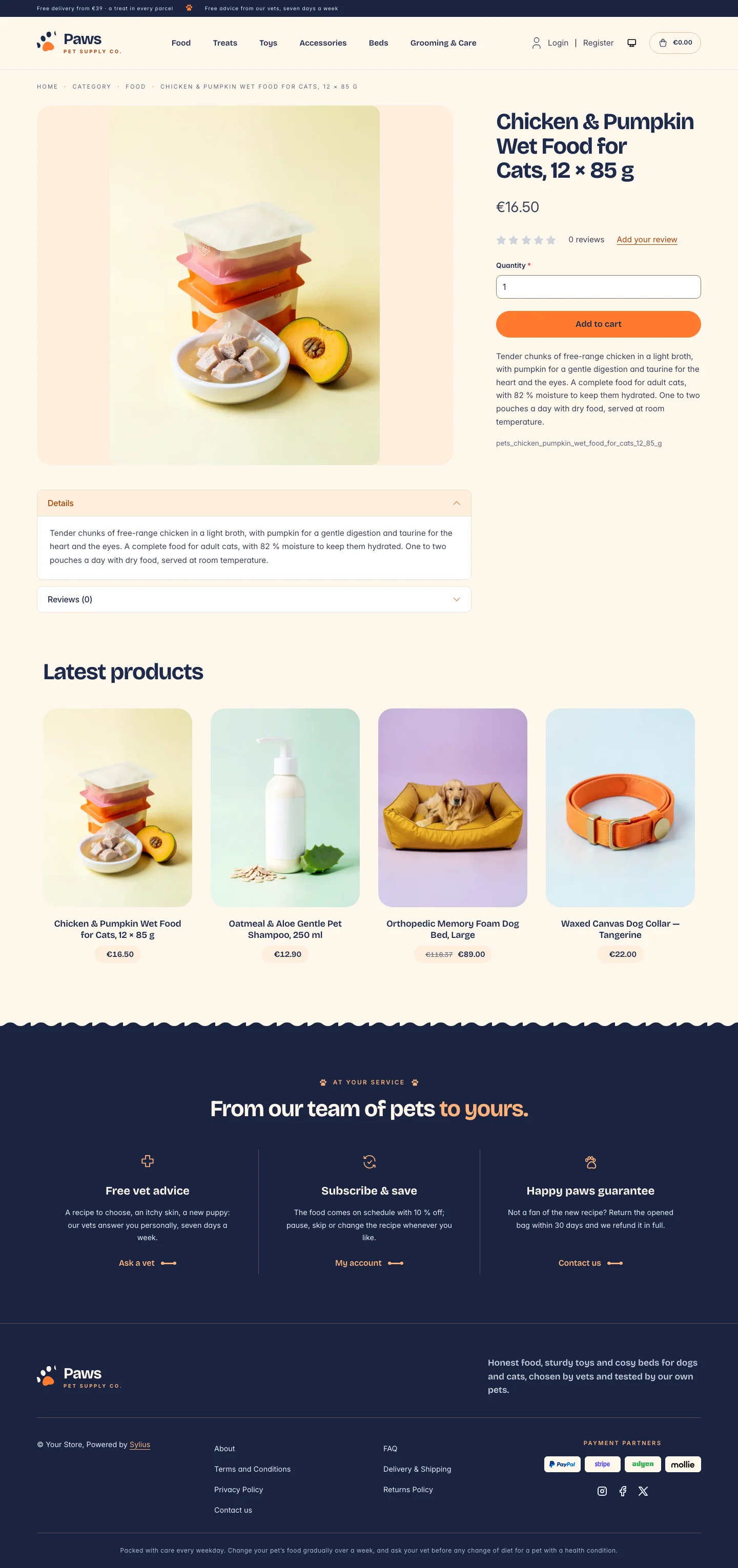 | 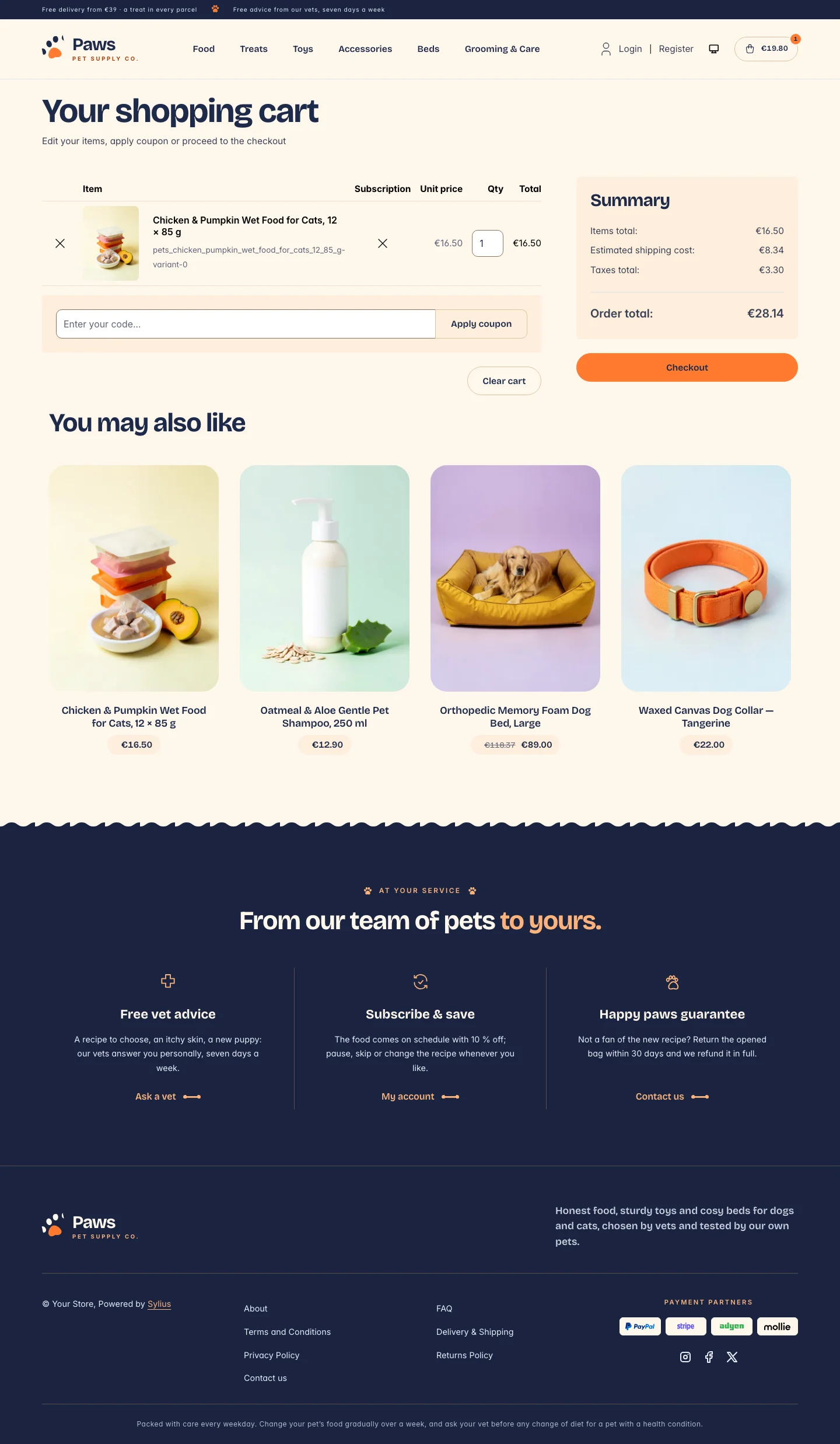 |
| Dark | 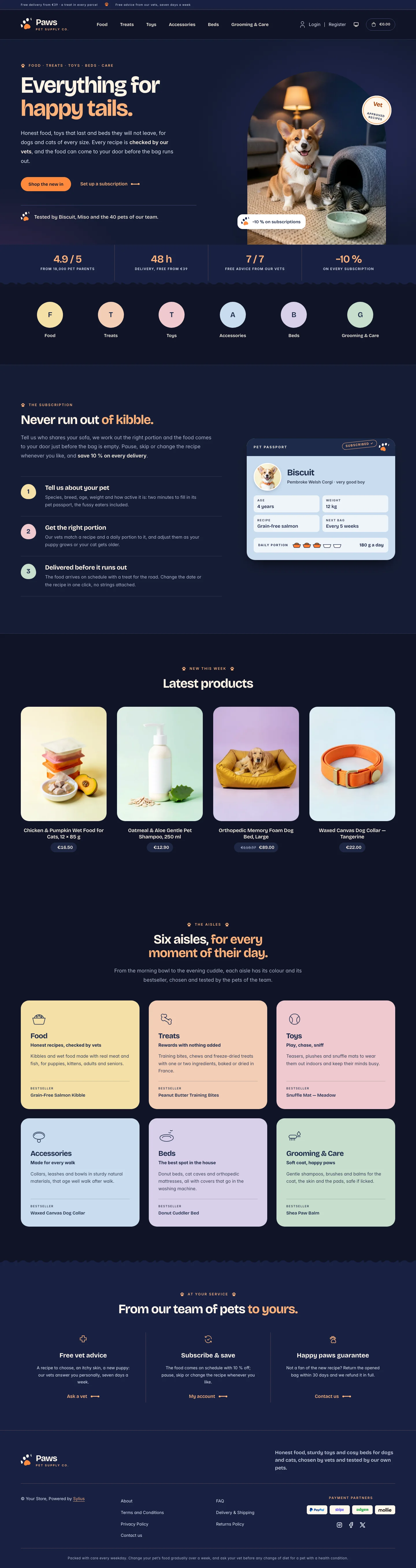 | 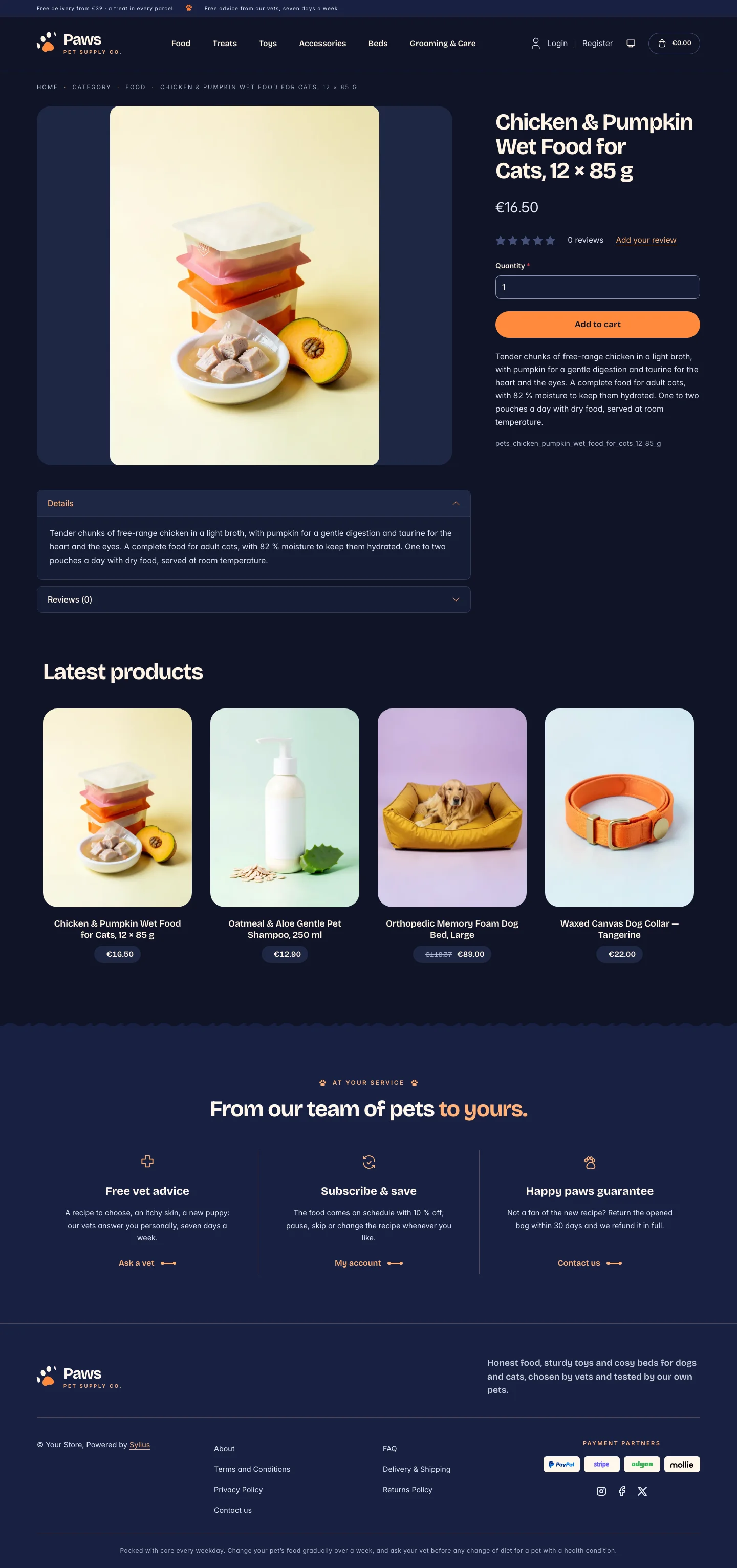 | 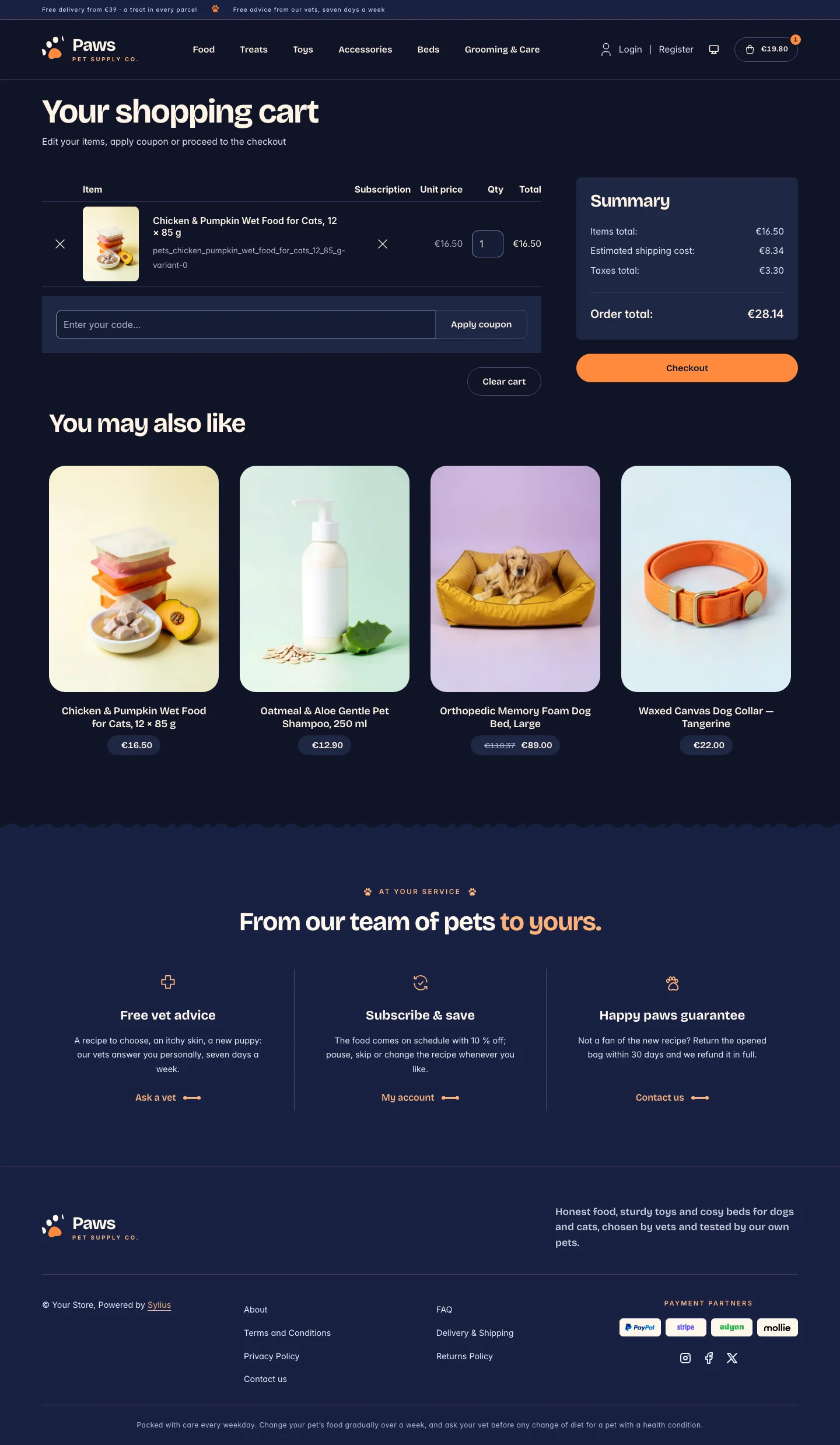 |
Wide screen (2560 px)
| Scheme | Homepage | Product page | Cart |
|---|---|---|---|
| Light | 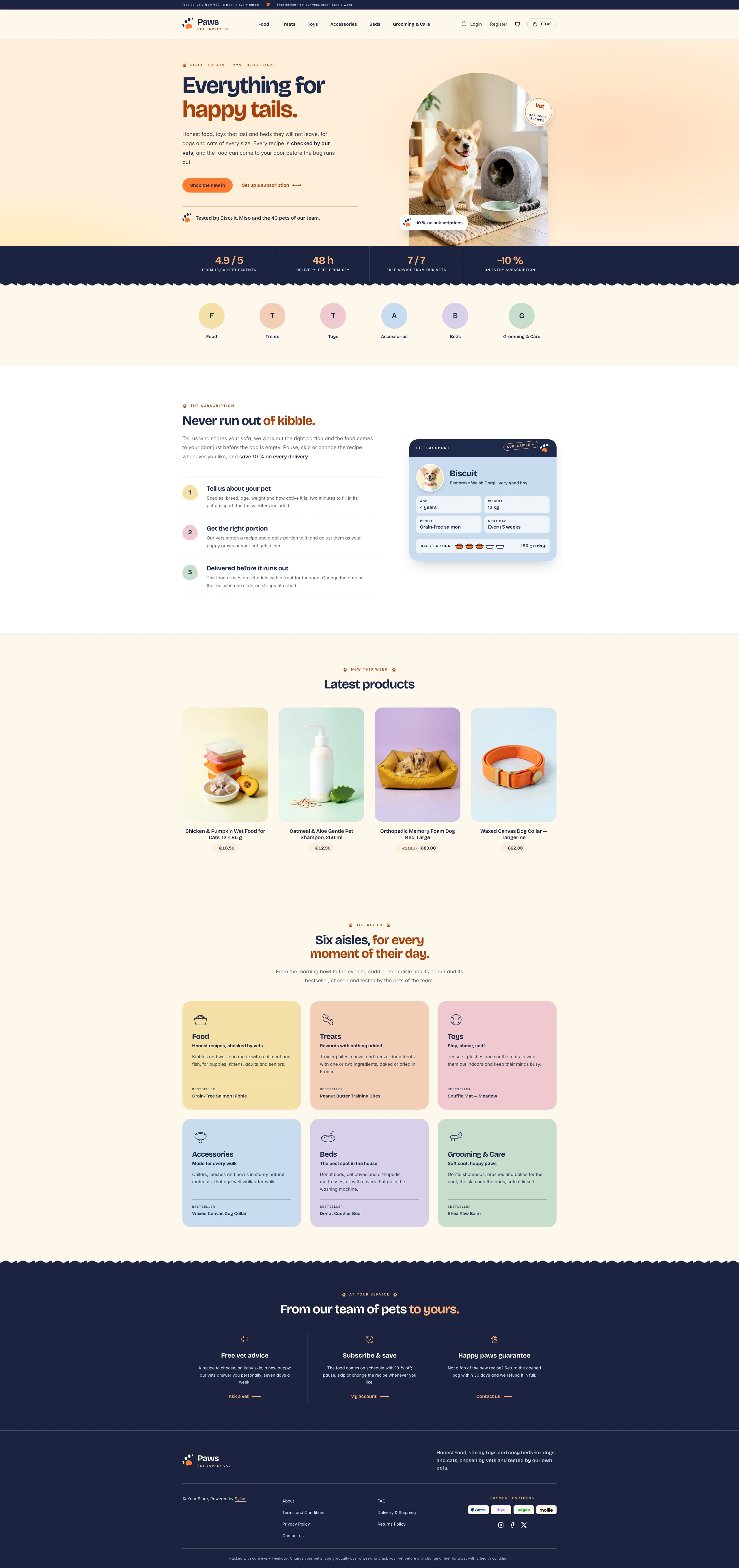 | 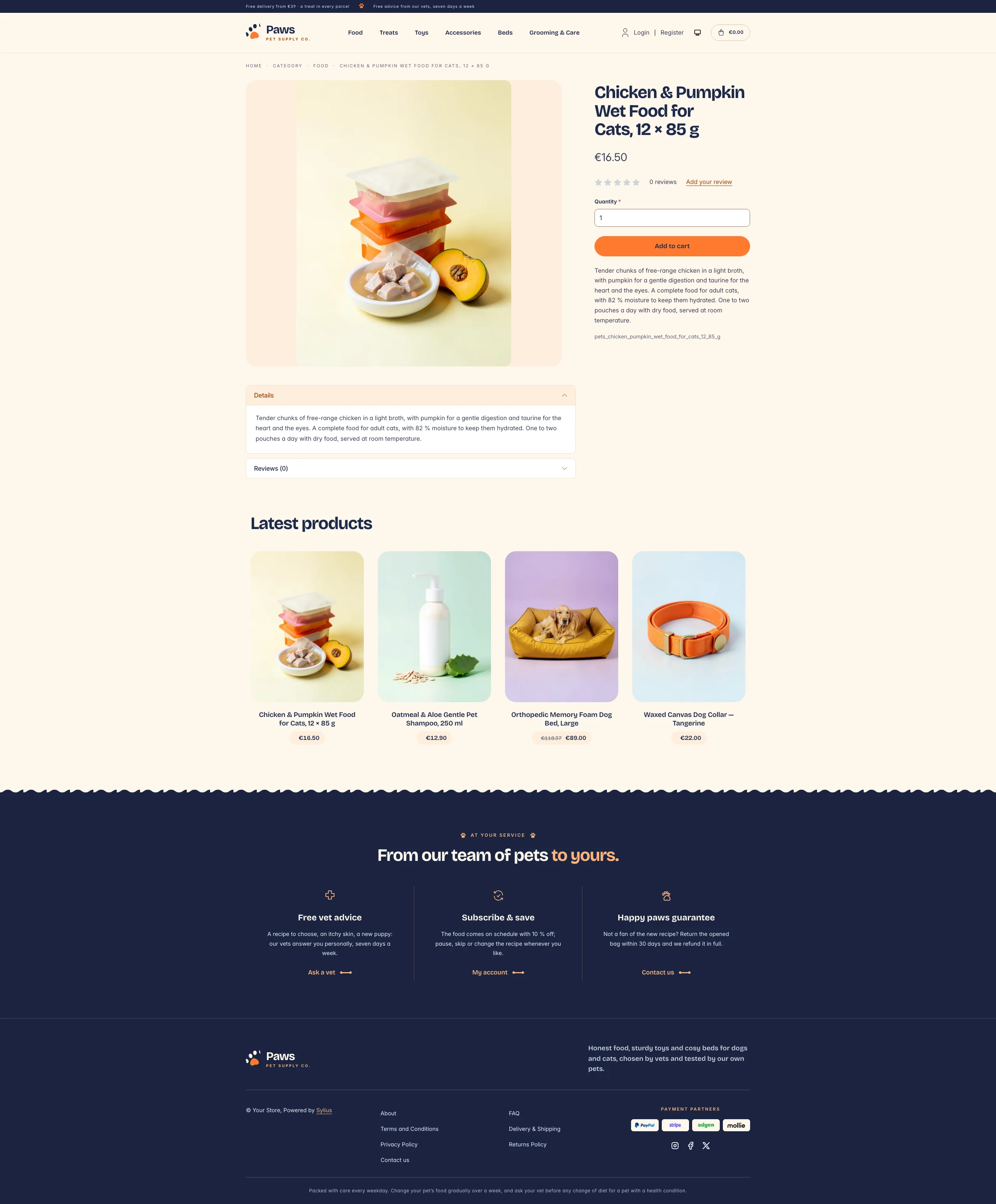 | 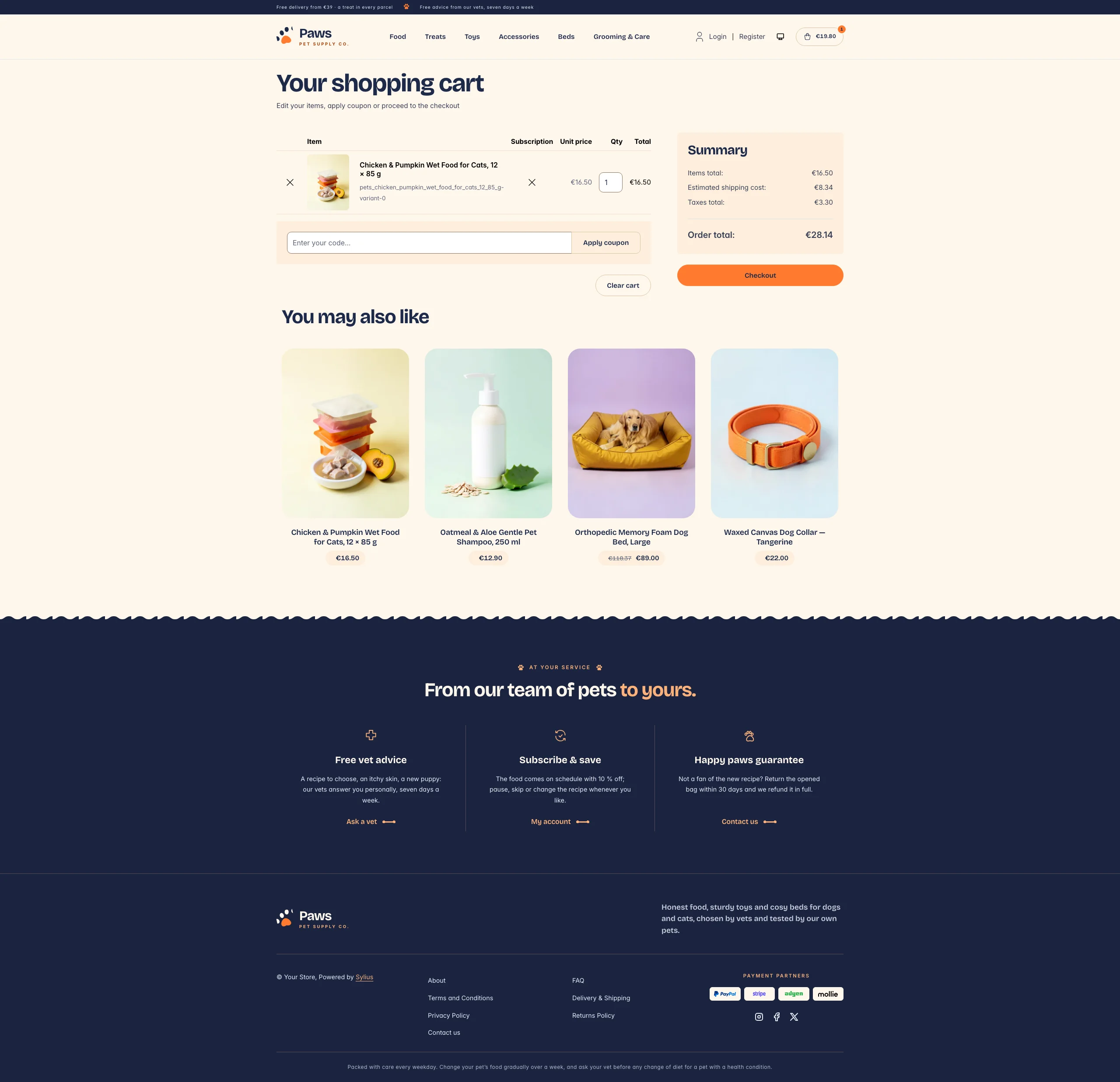 |
| Dark | 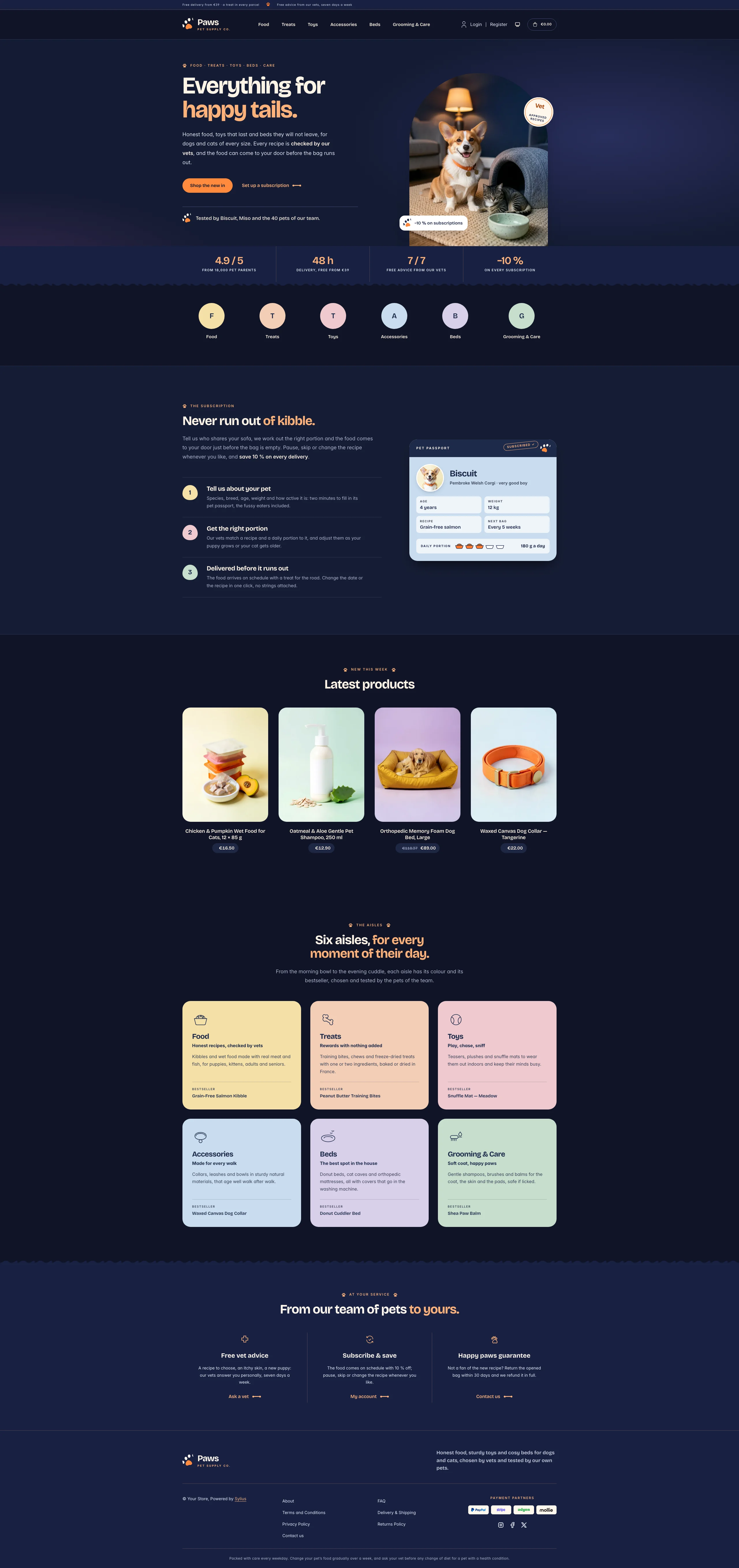 | 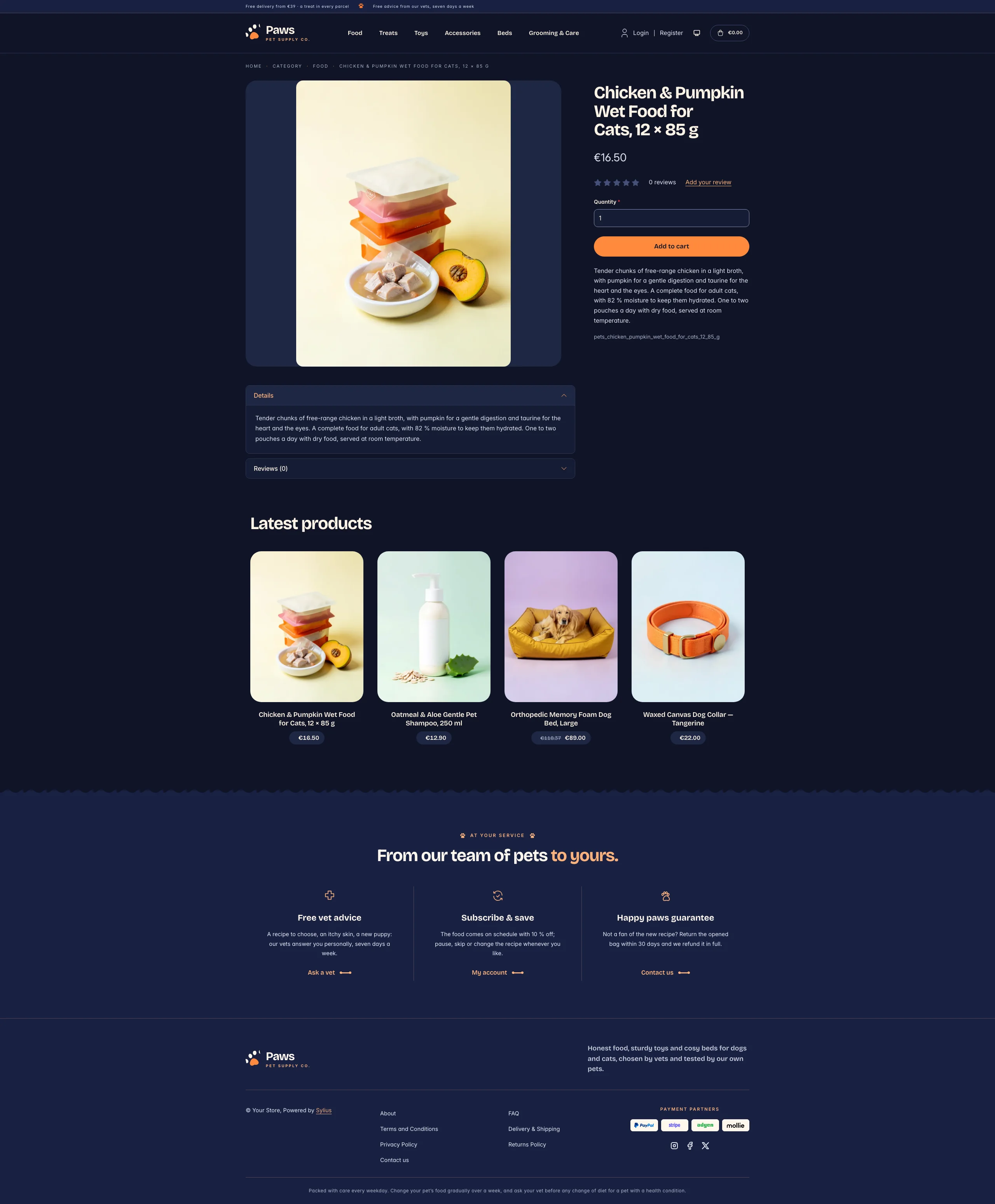 | 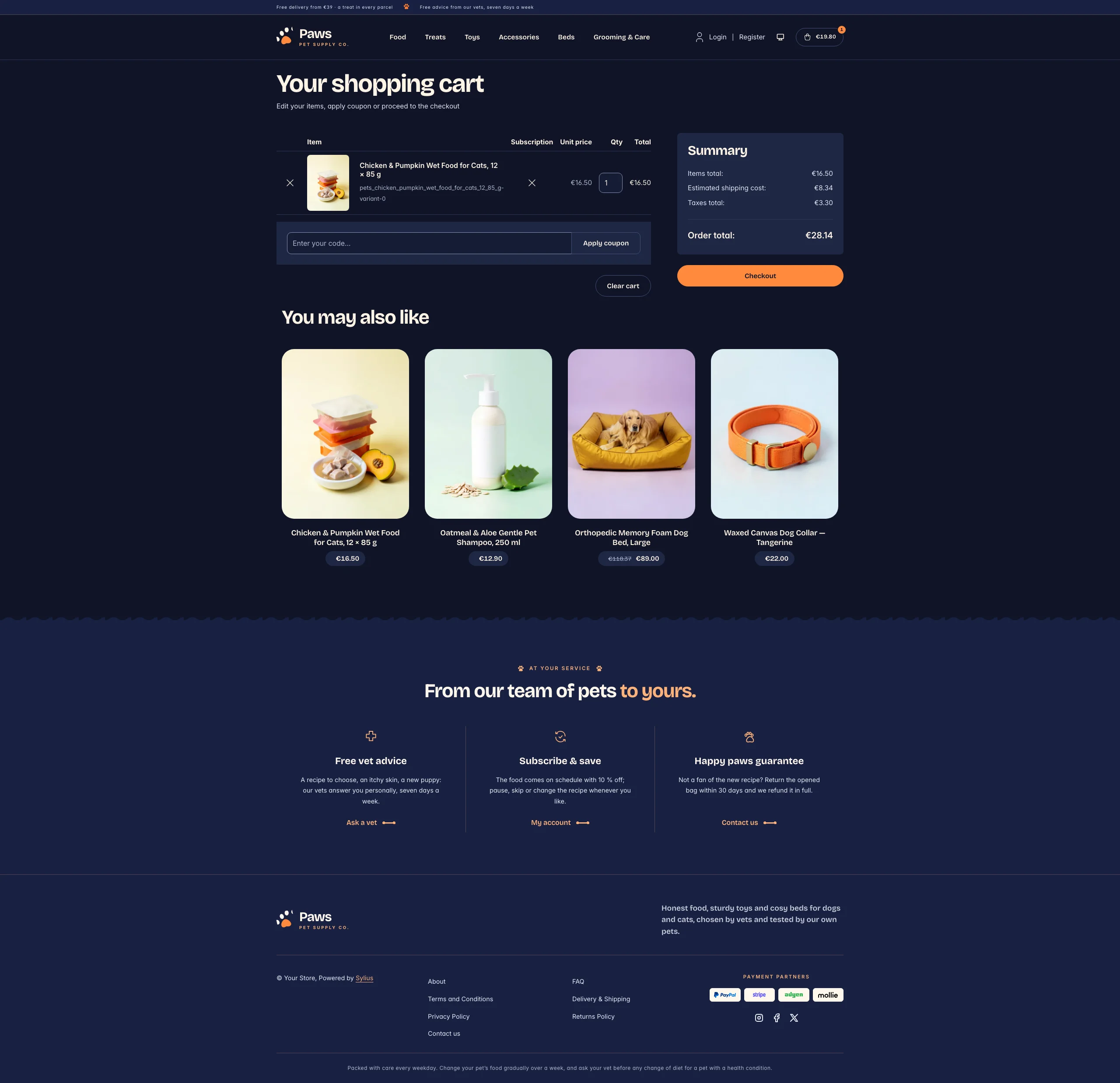 |
Mobile (390 px)
| Scheme | Homepage | Product page | Cart |
|---|---|---|---|
| Light |  |  |  |
| Dark |  |  |  |
- Palette — collar navy (
#1E2A4A, bands#1A2440) on oat (#FFF7EC), white and biscuit (#FDEEDB), with tangerine (#FF7A2F, with navy ink on it) for the calls to action, a burnt orange (#A8410A) for links, eyebrows and headline accents, and soft pastels that stay the same in both schemes: butter (#F4E0A6), peach (#F3CDB5), rose (#EFC9CF), sky (#C9DCEE), lilac (#D8D0EA) and sage (#C6DECD). - Dark scheme — the evening walk: night navy (page
#0F1426, surfaces#161D35), cream type, the same tangerine buttons with night ink and a pale apricot (#FFB27A) for accent text; the hero photo turns to the same living room by lamplight. - Typography — Bricolage Grotesque (SIL Open Font License, variable, shipped in
assets/shop/fonts/) for headings, product names, prices and figures, the accent words of a headline in tangerine; Inter (already shipped by the Sylius shop) for body copy, and spaced uppercase small capitals for eyebrows and labels. - House motif — the paw: eyebrows are led by a paw print, the product cards are stamped with it, and the navy bands (figures, footer) end in a soft wave like the edge of a dog blanket.
- Components — tangerine pill buttons with a soft glow on hover, product cards in a softly rounded biscuit niche that lifts on hover while the house paw is stamped on its corner in tangerine ink, the price on a biscuit pill, links closed by a small bone that stretches on hover, pastel toe-bean numerals and a portion scale of five bowls filled with kibble.
- Header — a navy top bar with the delivery and vet promises, then the house paw (its toes wiggle on hover) and the Paws wordmark, centered category navigation with a biscuit pill behind the hovered link, and an outlined cart pill with a tangerine counter.
- Homepage — a warm hero: an eyebrow, a headline ending in tangerine, two calls to action and a signature
with the paw. On the right, the shop window: a round-topped photo of the living room of Biscuit the corgi
and Miso the cat, in the morning sun (by lamplight in the dark scheme), with a round “vet approved” seal and
a subscription card. A navy band of house figures (reviews, delivery, vet advice, subscription) closes
the hero. Category roundels take a pastel each. The subscription block (
theme_promisehookable) presents the delivery in three steps, next to the pet passport of Biscuit (portrait, age, weight, recipe, next bag, a “subscribed” stamp and its daily portion). After the four latest products, the aisles block (theme_shelveshookable) shows the six aisles of the shop (food, treats, toys, accessories, beds, grooming & care), each on its pastel with a drawing, a promise and its bestseller. The deals and new collection blocks are hidden. - Footer — navy, with three house services (free vet advice, subscribe & save, happy paws guarantee) linking to the contact page and the customer account, the wordmark, the Sylius links and a feeding notice.
- Photos — the hero photos (
hero-day.webp,hero-night.webp) and the portrait of the passport (portrait.webp), inassets/shop/images/, are generated with Ollama (x/flux2-klein). - Checkout — the checkout header uses the Paws wordmark and responsive category navigation, the current step is ruled in tangerine.
- Translations — every Paws-specific text lives in its own
pawstranslation domain (translations/paws.en.yamlandpaws.fr.yaml). - Accessibility — visible focus rings, navy ink on every pastel and on tangerine, text alternatives for the hero photo and the portion scale, and no motion for visitors who prefer reduced motion.
Demo catalog
Section titled “Demo catalog”The screenshots above show a demo catalog of eighteen products for dogs and cats from a fictional pet supply
house, in six aisles (Food, Treats, Toys, Accessories, Beds, Grooming & Care), shipped as the pets dataset of
sylius-starter/datasets (src/Datasets/datasets/pets/: products.yaml, collections.yaml, and in media/
a photo of each product generated with Ollama on the pastel of its aisle, some with a dog or a cat). The
products are the ones of the homepage (the bestsellers of the six aisles and the recipe of the pet passport),
and descriptions carry what a pet parent looks for: recipe, daily portion, size, materials and care.
Create a shop from it with the import package, into the default channel:
castor sylius:import:shop:create petscastor sylius:import:fixtures:generate --project=pets --subdomain=""castor sylius:import:fixtures:load --project=petsNo AI call is made: products.yaml points at the photos of the dataset media/. The shop menu then lists the
six aisles; castor sylius:import:delete pets removes the catalog. The import keeps the products already in
the channel and gives the items creation dates in the past, so on a store loaded with the default fixtures
the latest products may still show clothing: run castor app:db:fixtures app first to start from a store
without products.
Install it with:
castor sylius:theme:setup paws