Torque theme
Torque is built for car parts and equipment shops: mechanical parts, tyres, accessories, tools and workshop equipment. A complex catalogue in which customers search by part reference or by dimension, and where garages buy at trade prices. The storefront is white with cool grey tiles, a midnight navy and a signal orange, set in a squared Saira that reads like the lettering of a dashboard.
Desktop (1440 px)
| Scheme | Homepage | Product page | Cart |
|---|---|---|---|
| Light | 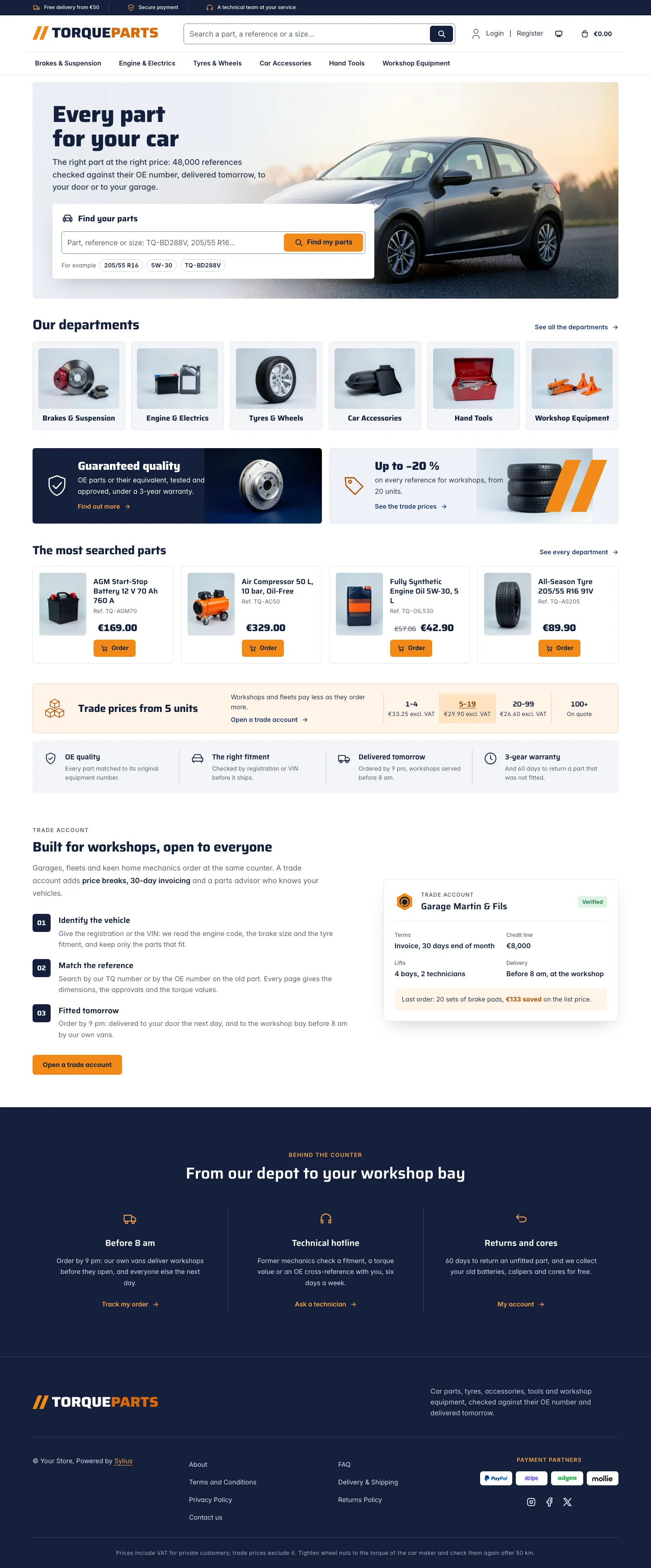 | 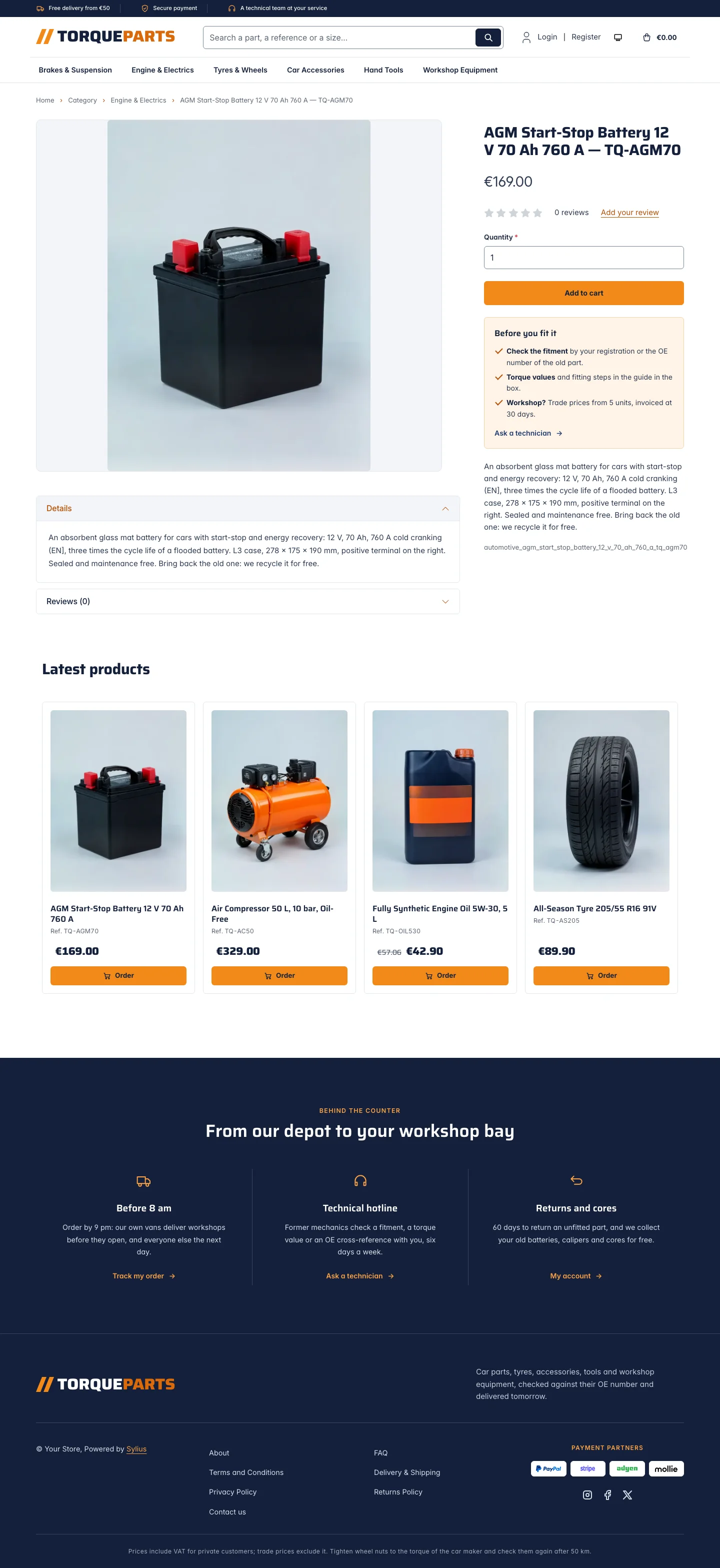 | 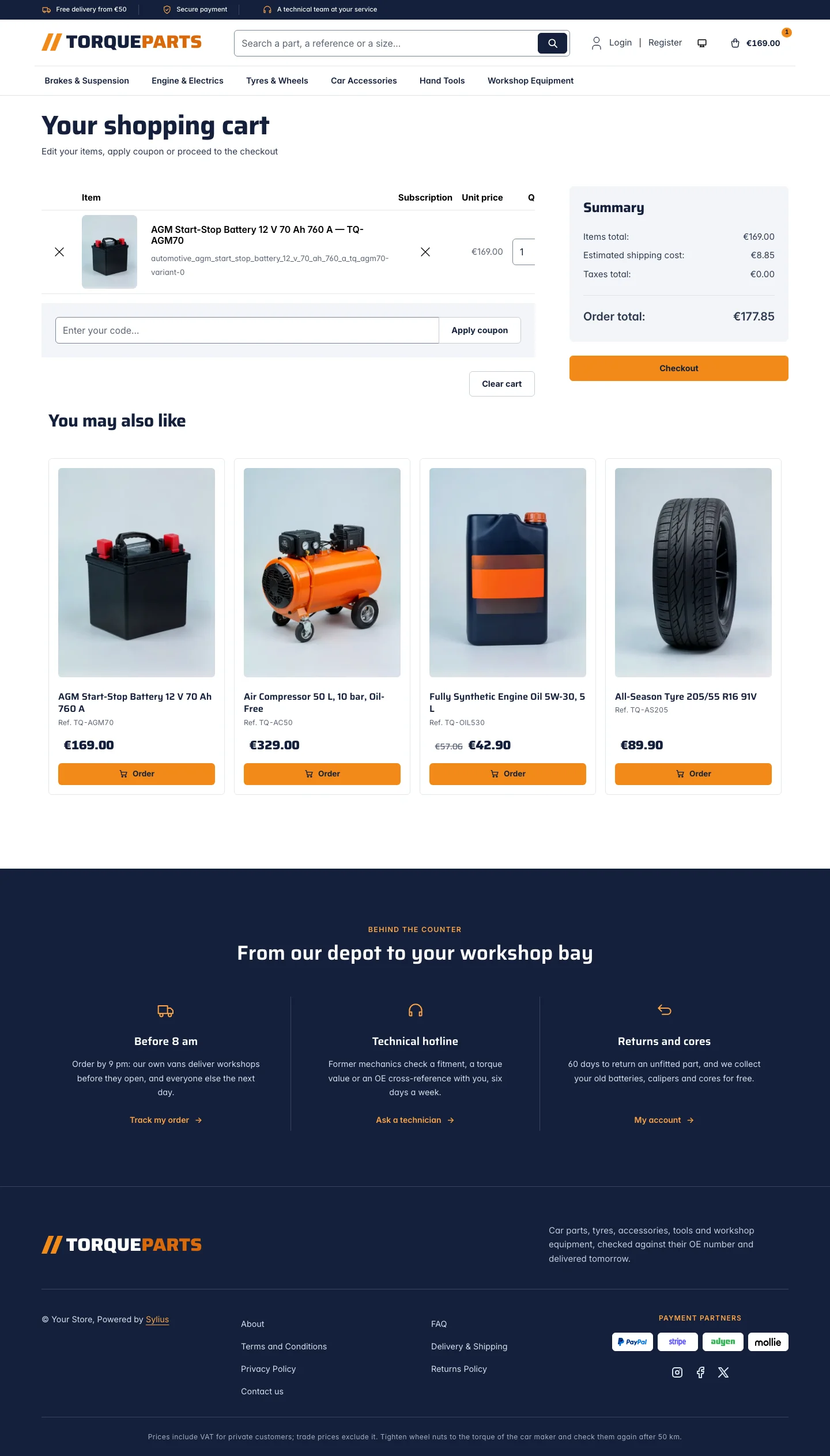 |
| Dark | 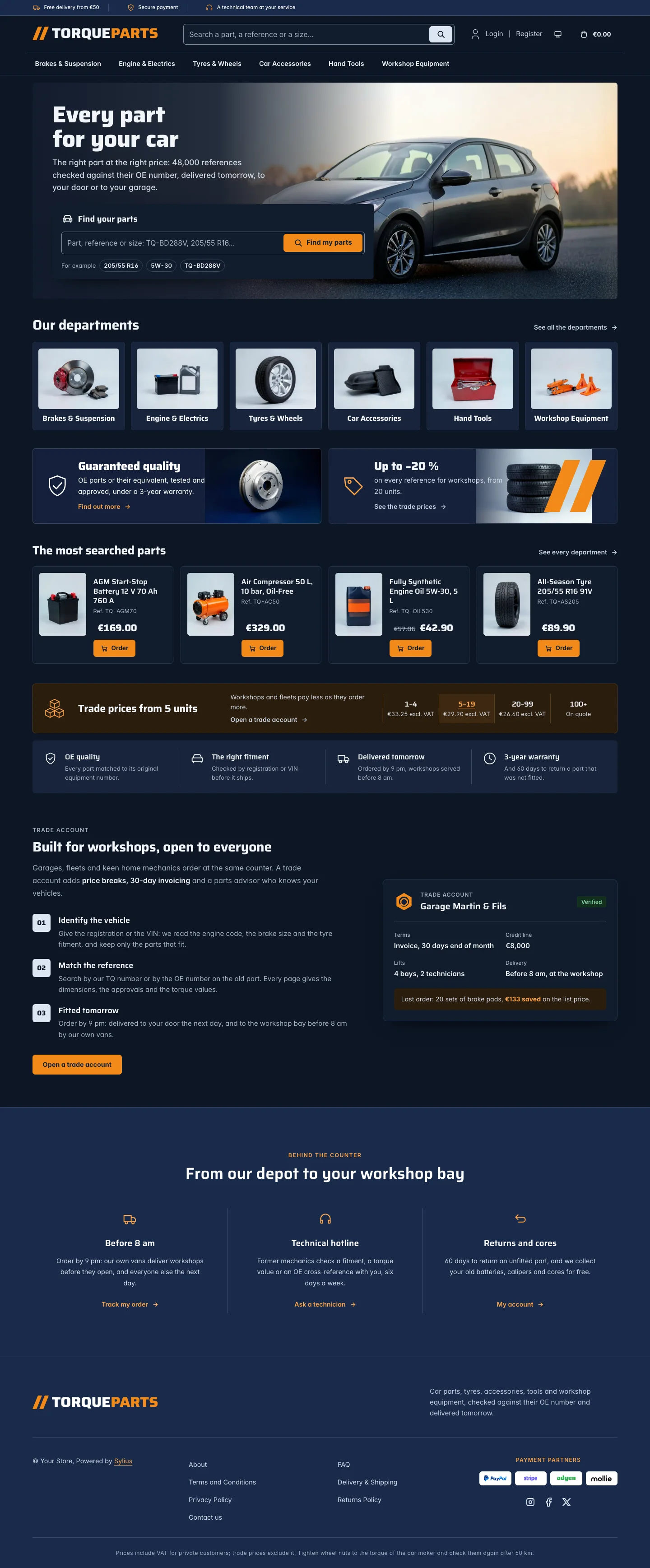 | 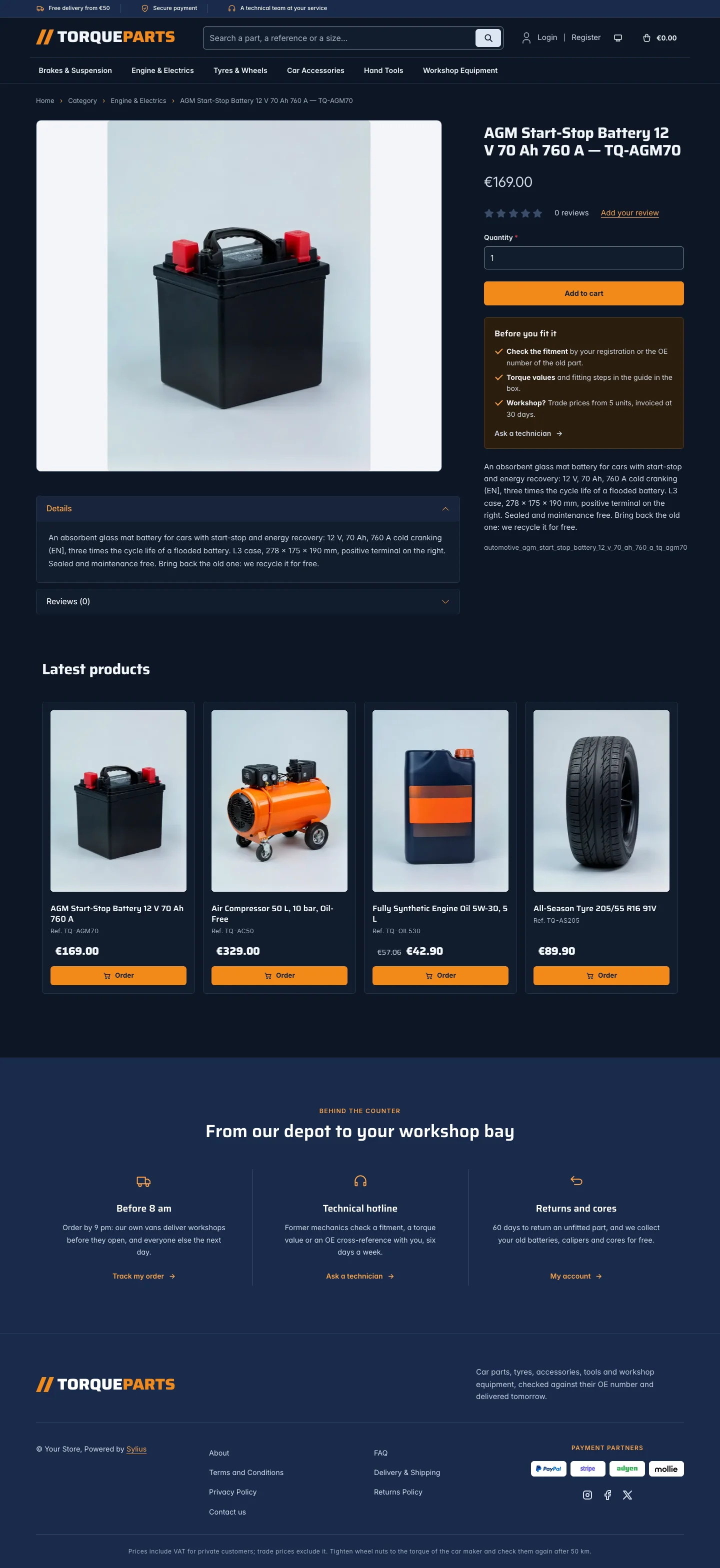 | 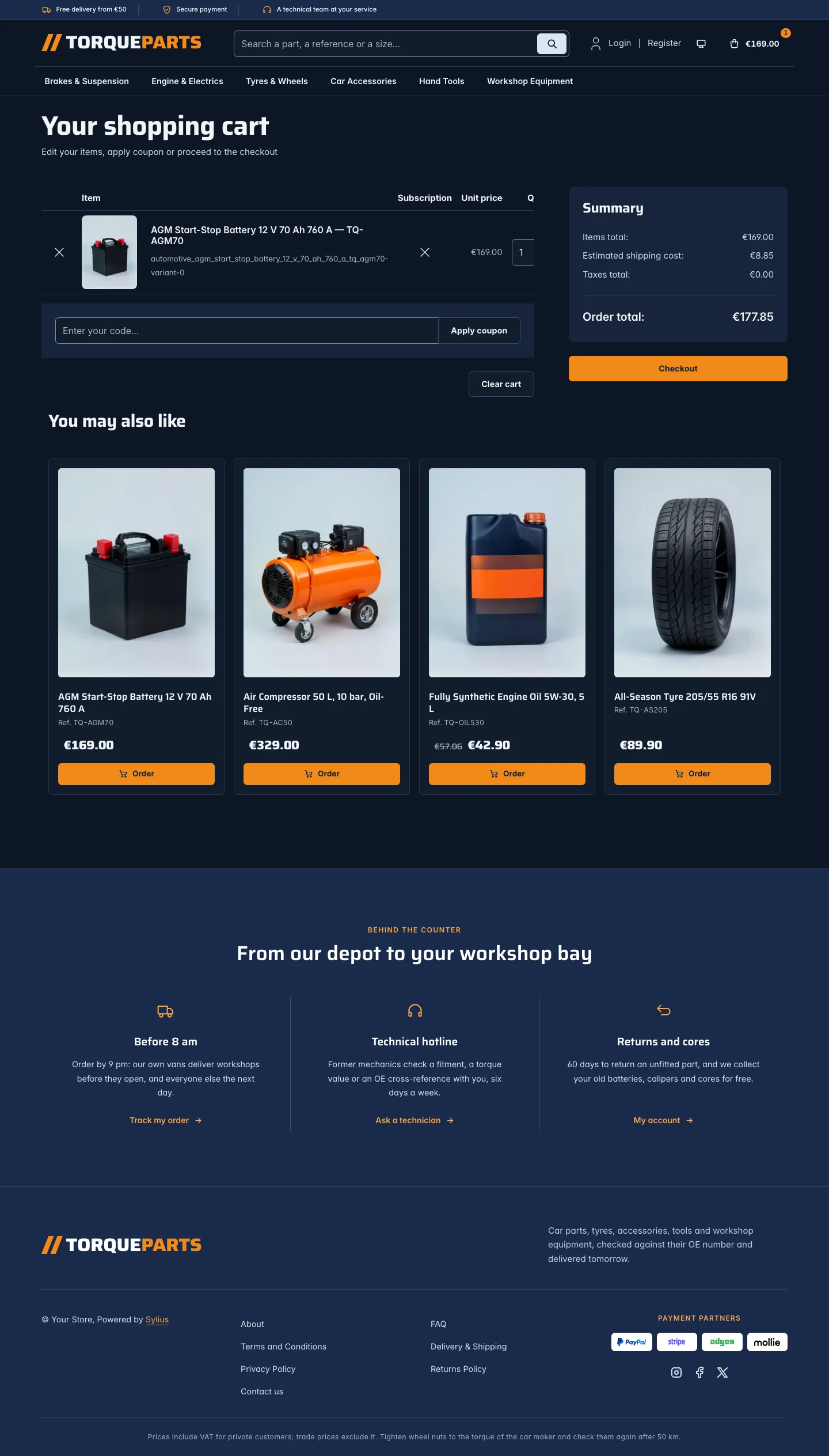 |
Wide screen (2560 px)
| Scheme | Homepage | Product page | Cart |
|---|---|---|---|
| Light | 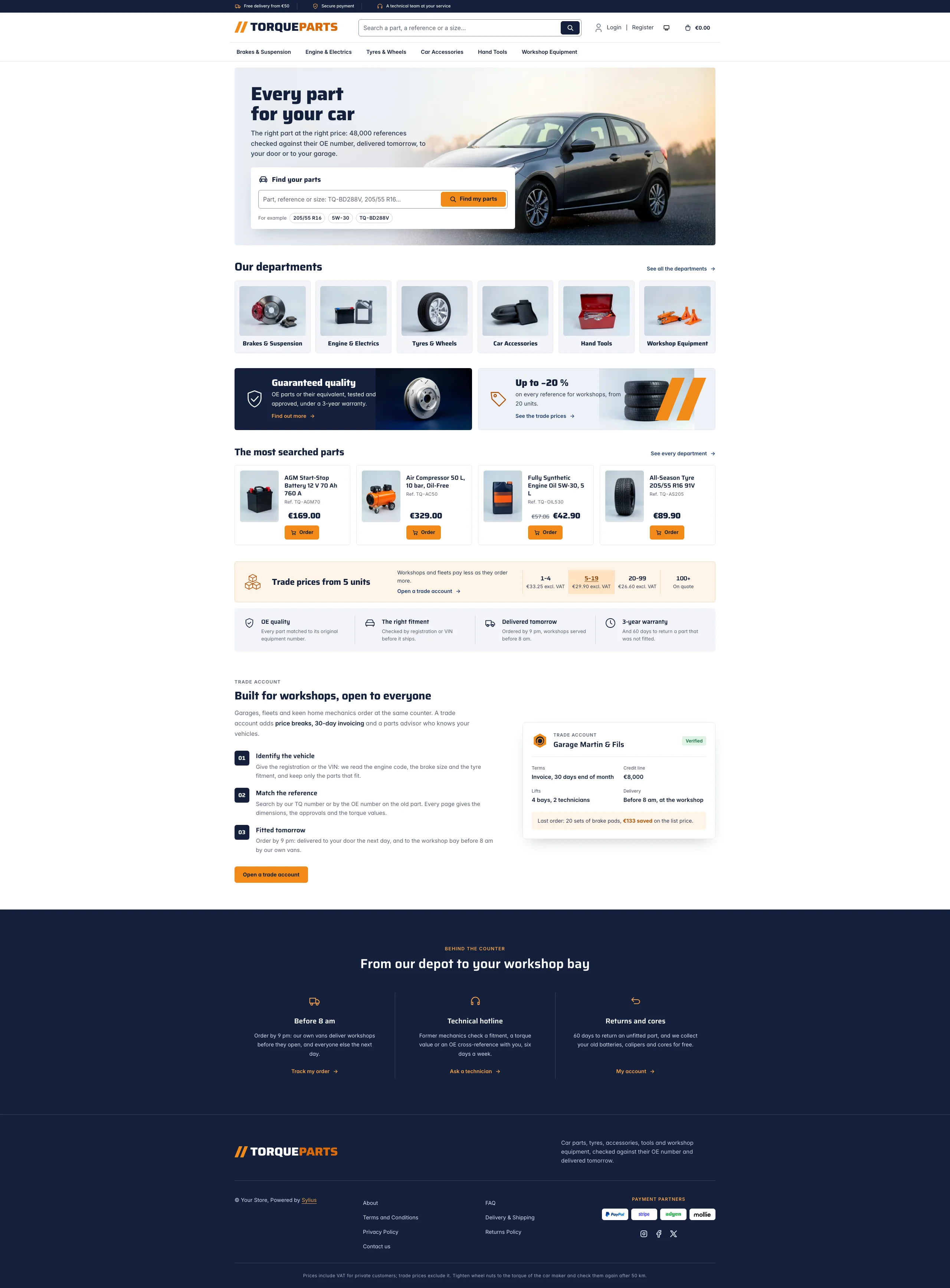 | 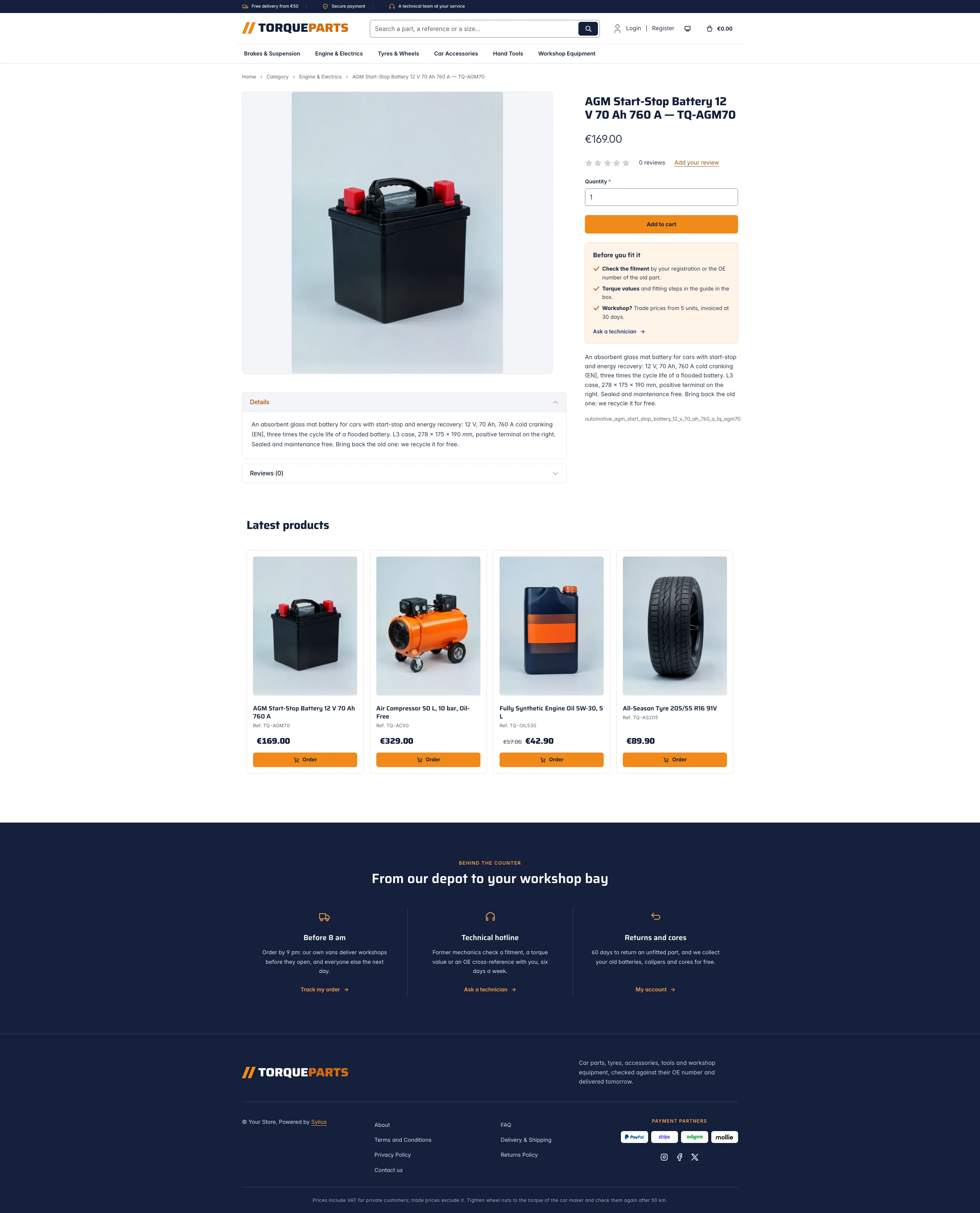 | 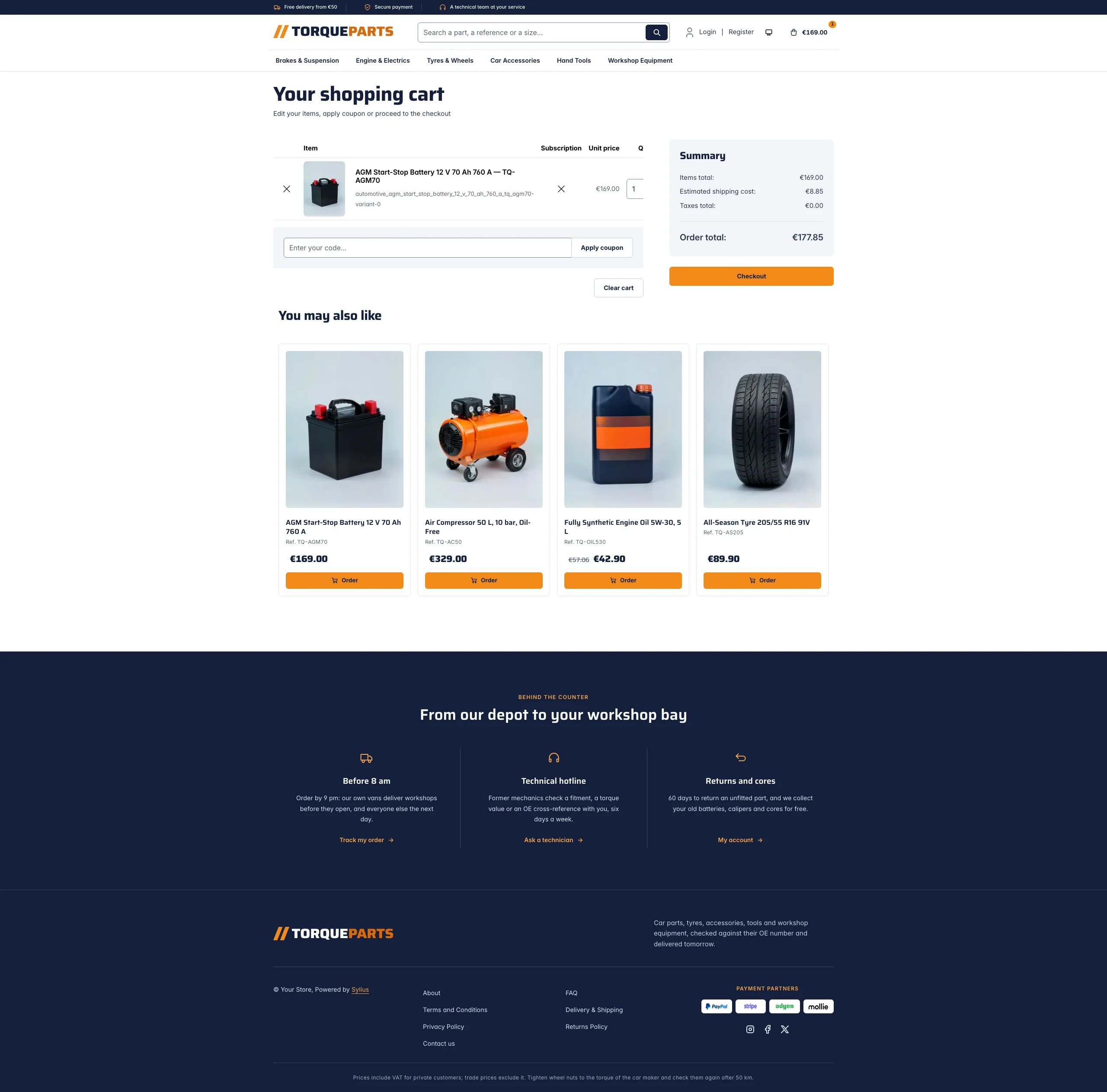 |
| Dark | 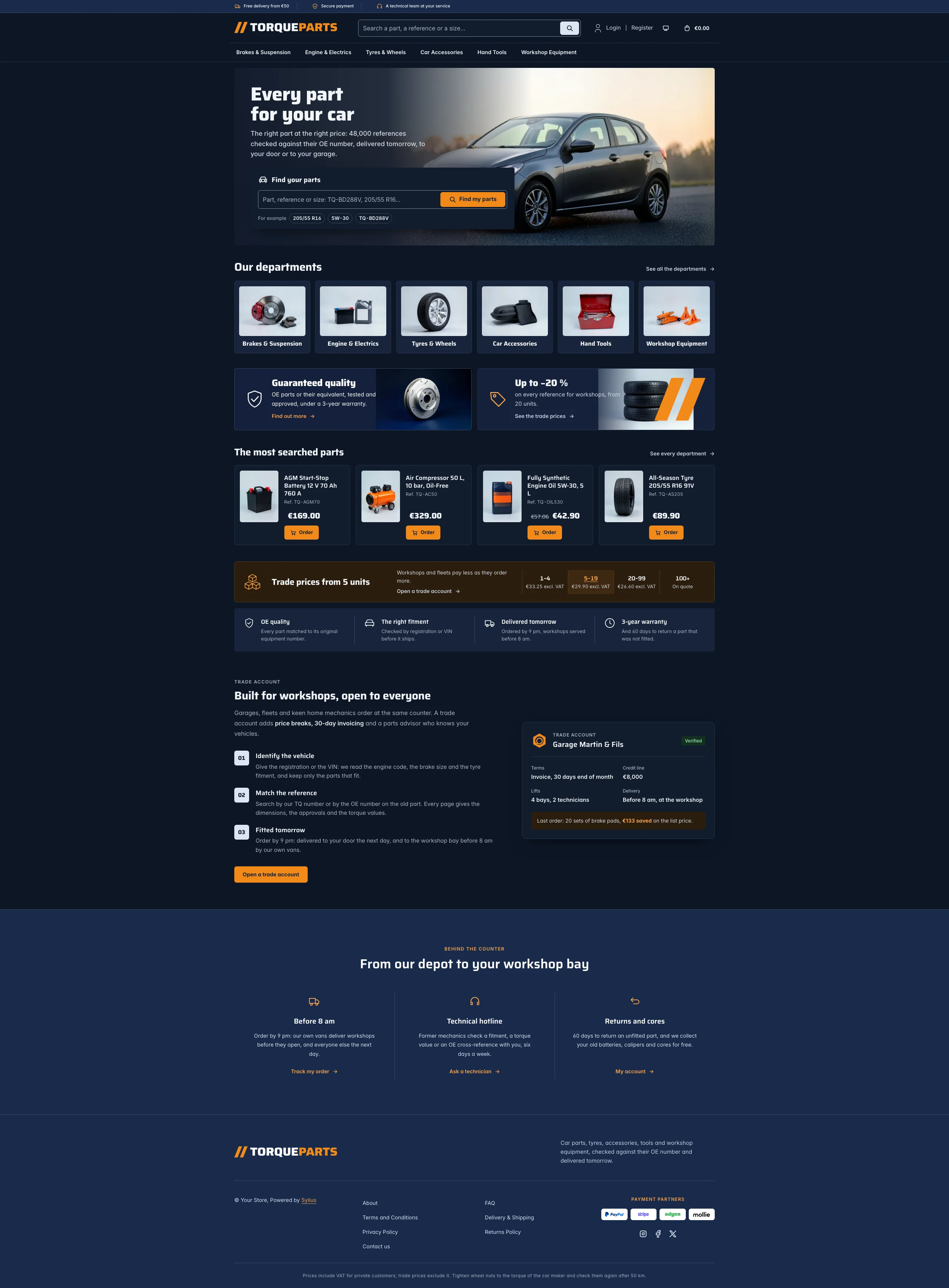 | 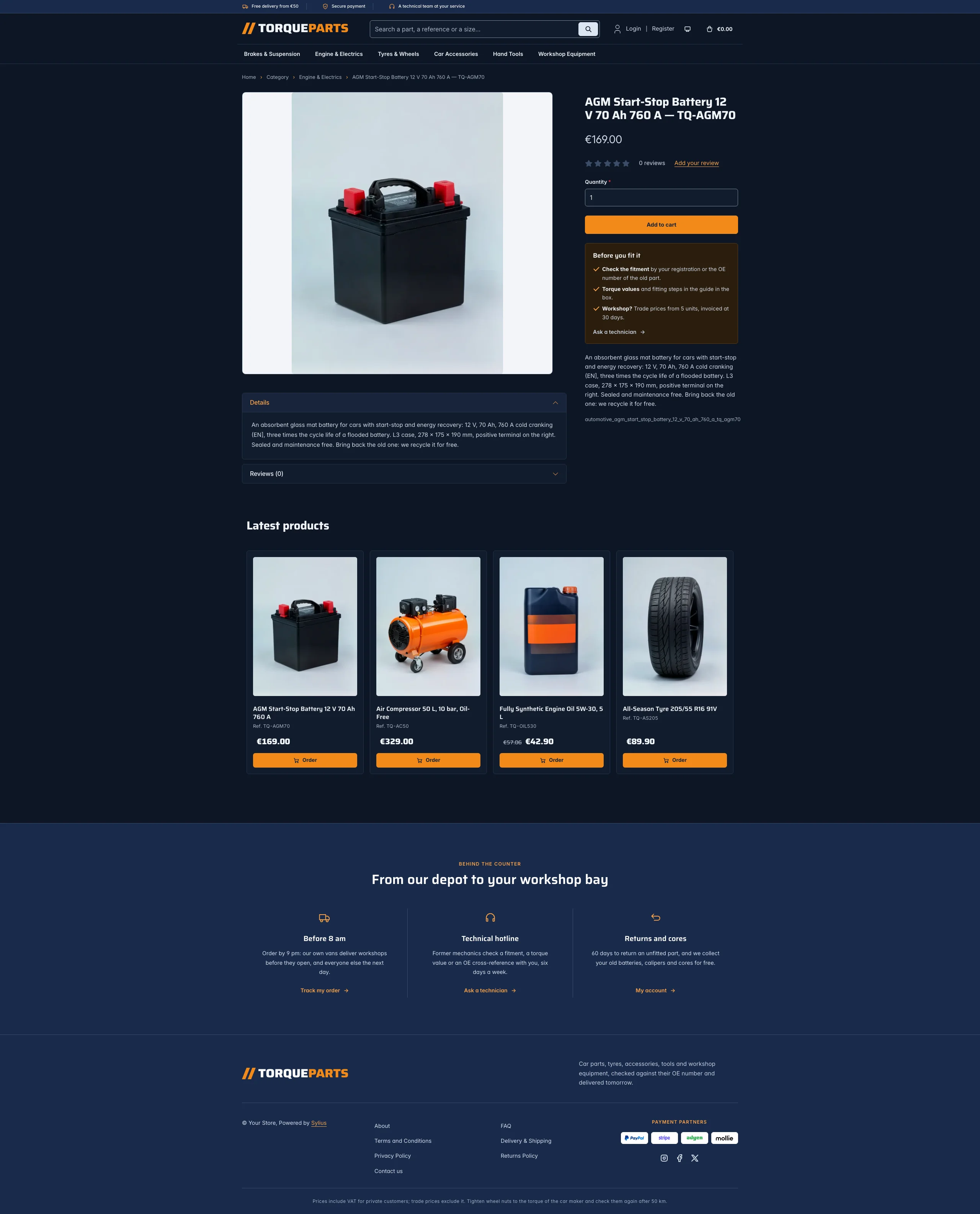 | 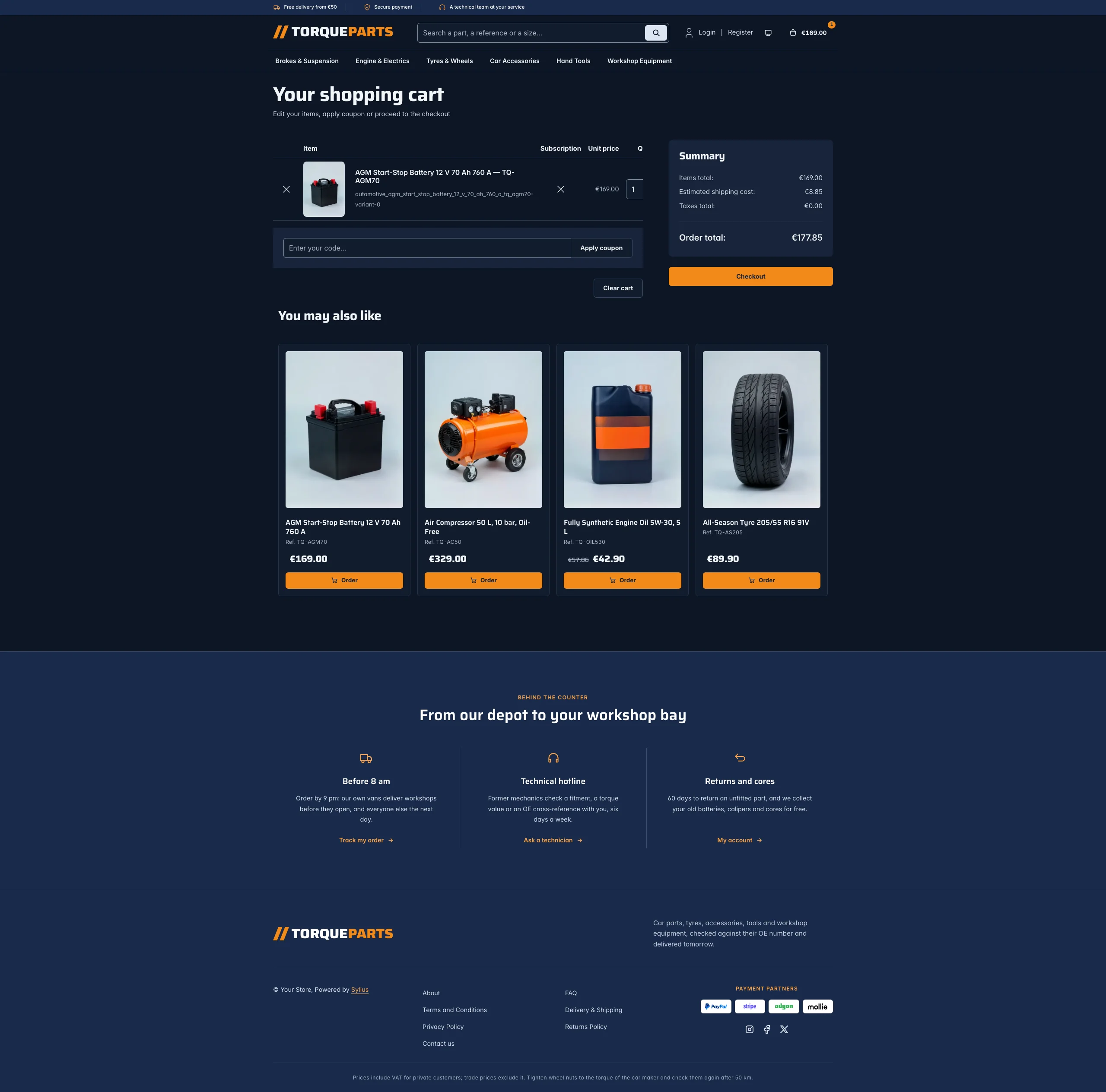 |
Mobile (390 px)
| Scheme | Homepage | Product page | Cart |
|---|---|---|---|
| Light |  |  |  |
| Dark |  |  |  |
- Palette — white pages and cool grey tiles (
#F3F5F8), a midnight navy (#13203A) for the top bar, the quality banner and the footer, and a signal orange (#F28A1A) for the calls to action and the order buttons, with a navy ink on it (6.5:1). As text on white, the orange turns to a burnt orange (#B4500A), and the orange half of the wordmark to#D96A0B(large text, 3.5:1). - Dark scheme — the workshop at night: midnight surfaces (page
#0D1626, surfaces#121C2D), pale steel type, the same orange buttons, a paler orange (#FFA347) for links and focus rings; the navy bands are a shade lighter than the page. - Typography — Saira (SIL Open Font License, variable width and weight, the file Arena ships, in
assets/shop/fonts/) for the headings, the wordmark, product names and prices; Inter (already shipped by the Sylius shop) for body copy. - House motif — two slanted orange strokes, like a speed mark, before the TorqueParts wordmark and across the trade offer banner; an orange wheel nut turned by a torque arrow stands in for a missing taxon image and marks the trade account card.
- Header — a navy top bar with the delivery, payment and service promises (orange icons), then the wordmark, a search field across the middle, the account links and the cart, and the category navigation on a row of its own, underlined in orange on hover. On phones the search takes a row under the logo.
- Search — the header field and the parts finder of the hero list the menu taxon with Sylius’ own
criteria[search][value]filter, which matches product names, descendants included (sylius_shop.product_grid.include_all_descendants): a reference (TQ-BD288V), a size (205/55 R16) or a grade (5W-30) finds the part. No search engine is needed. - Homepage — a photo banner in the container: the headline and the lead on a hazy sky fading into a
photo of a car at sunset, and the parts finder, a white card with the search field, its orange button and
three example searches. The departments (
theme_aisleshookable, thesylius_shop:common:taxon_menucomponent) show the menu taxons as tiles with their image, in one row on desktops; they replace the roundels of the imported collections (import_collectionsis disabled). Two offer banners (theme_offershookable): the OE quality promise on navy with a brake disc, and the trade prices on a pale panel with a stack of tyres. The four latest products are presented as the most searched parts, catalogue lines with the picture beside the details. The trade price band (theme_promisehookable) gives the unit price of a set of brake pads at each quantity step, followed by four promises (OE quality, fitment check, next-day delivery, 3-year warranty). The trade account block (theme_accounthookable) explains it in three steps next to the account card of a garage. The deals and new collection blocks are hidden. - Product cards — a framed tile with the picture on pale grey, the name, the part reference, a large
price and an orange order button. The reference is the end of the product name after a dash
(
Ceramic Brake Pads, Front Axle Set — TQ-BP4021C), the product code otherwise; the card prints the name without it. - Product page — the picture on pale grey and, under the add to cart button, the notes before fitting (fitment check, torque values, trade prices) with a link to the contact page.
- Footer — navy, with three services (delivery before 8 am, a technical hotline, returns and cores), the wordmark, the Sylius links and a VAT and torque notice.
- Checkout — the checkout header uses the Torque wordmark and responsive category navigation, the current step is ruled in orange.
- Translations — every Torque-specific text lives in its own
torquetranslation domain (translations/torque.en.yamlandtorque.fr.yaml). - Accessibility — visible orange focus rings, both search forms as named
searchlandmarks with a label, the price break band as a table with a caption, decorative photos and icons hidden from assistive technologies.
Demo catalog
Section titled “Demo catalog”The screenshots above show a demo catalog of eighteen car parts and pieces of equipment from a fictional parts
house, in six departments (Brakes & Suspension, Engine & Electrics, Tyres & Wheels, Car Accessories, Hand Tools,
Workshop Equipment), shipped as the automotive dataset of sylius-starter/datasets
(src/Datasets/datasets/automotive/: products.yaml, collections.yaml, and in media/ a photo of each product
and of each department, generated with Ollama on a pale grey studio backdrop: the department photos become the
taxon images of the tiles). Each title ends with its part reference (— TQ-BD288V), and the descriptions carry
what a mechanic looks for: dimensions, bolt pattern, load and speed ratings, approvals (ECE R90, ACEA, EN),
fitment notes and trade pack sizes.
Create a shop from it with the import package, into the default channel:
castor sylius:import:shop:create automotivecastor sylius:import:fixtures:generate --project=automotive --subdomain=""castor sylius:import:fixtures:load --project=automotiveNo AI call is made: products.yaml points at the photos of the dataset media/. The shop menu then lists the
six departments; castor sylius:import:delete automotive removes the catalog. The import keeps the products
already in the channel, so on a store loaded with the default fixtures the latest products may still show
clothing: run castor app:db:fixtures app first to start from a store without products.
Install it with:
castor sylius:theme:setup torque