Lagoon theme
Lagoon brings the airy, product-led look of a modern SaaS landing page to the storefront: deep-water teal panels, bright aqua calls to action, mint “foam” sections and a touch of iris violet, set in tightly-tracked Inter (already shipped by the Sylius shop, so no extra font file is needed).
Desktop (1440 px)
| Scheme | Homepage | Product page | Cart |
|---|---|---|---|
| Light | 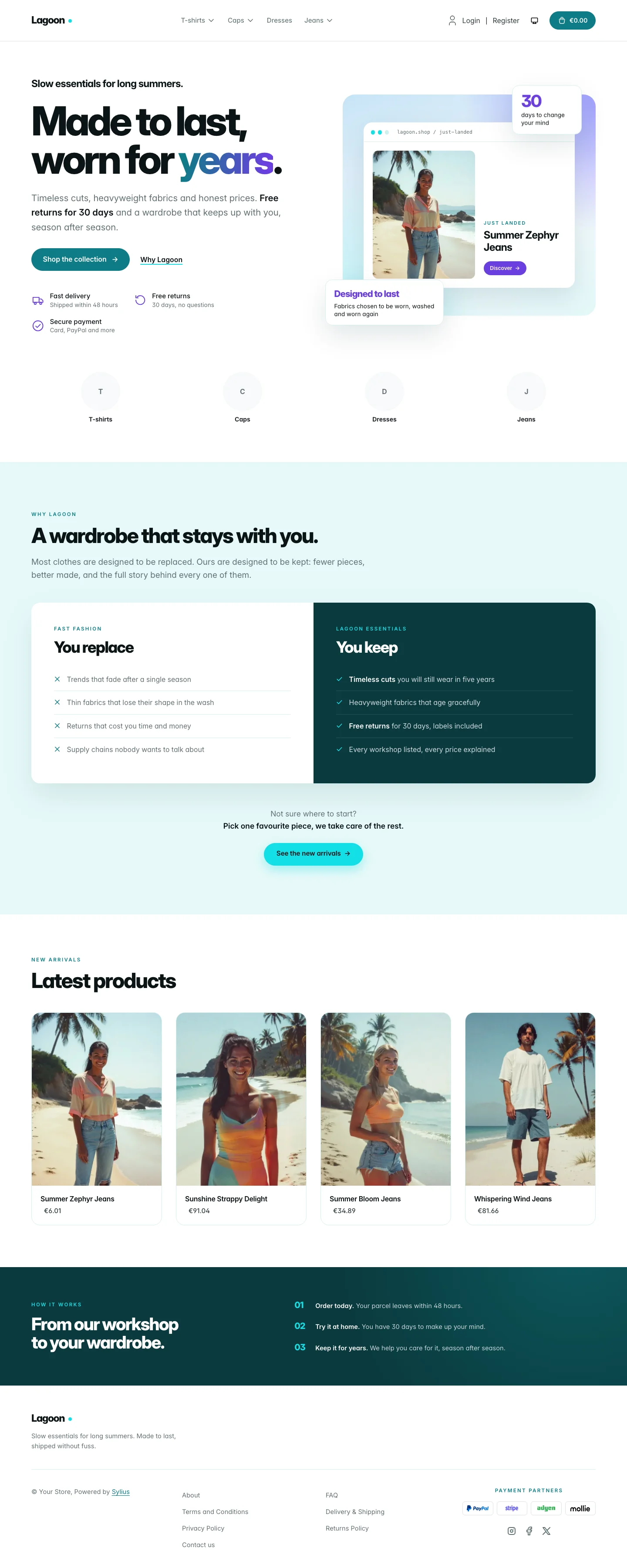 | 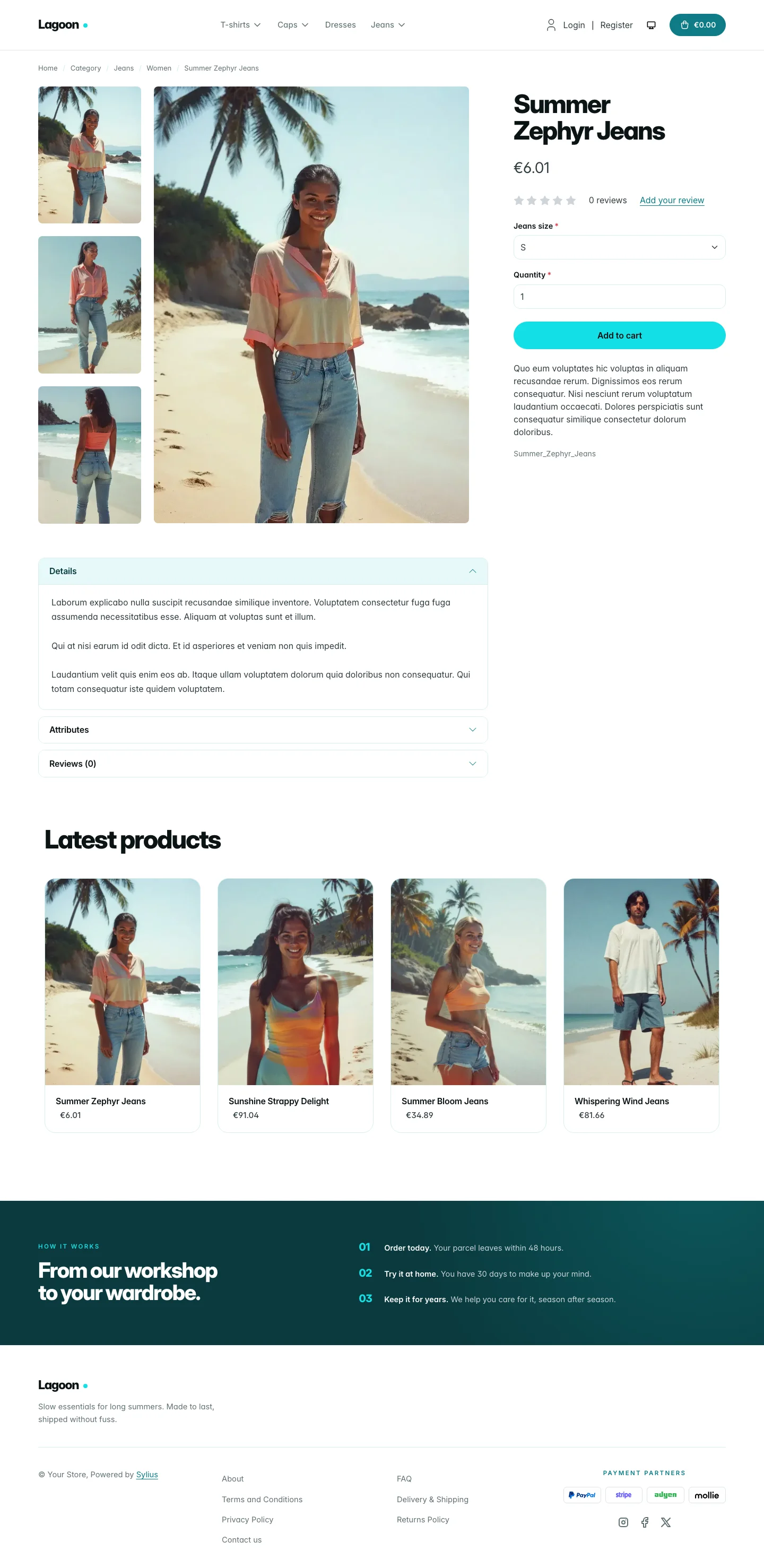 | 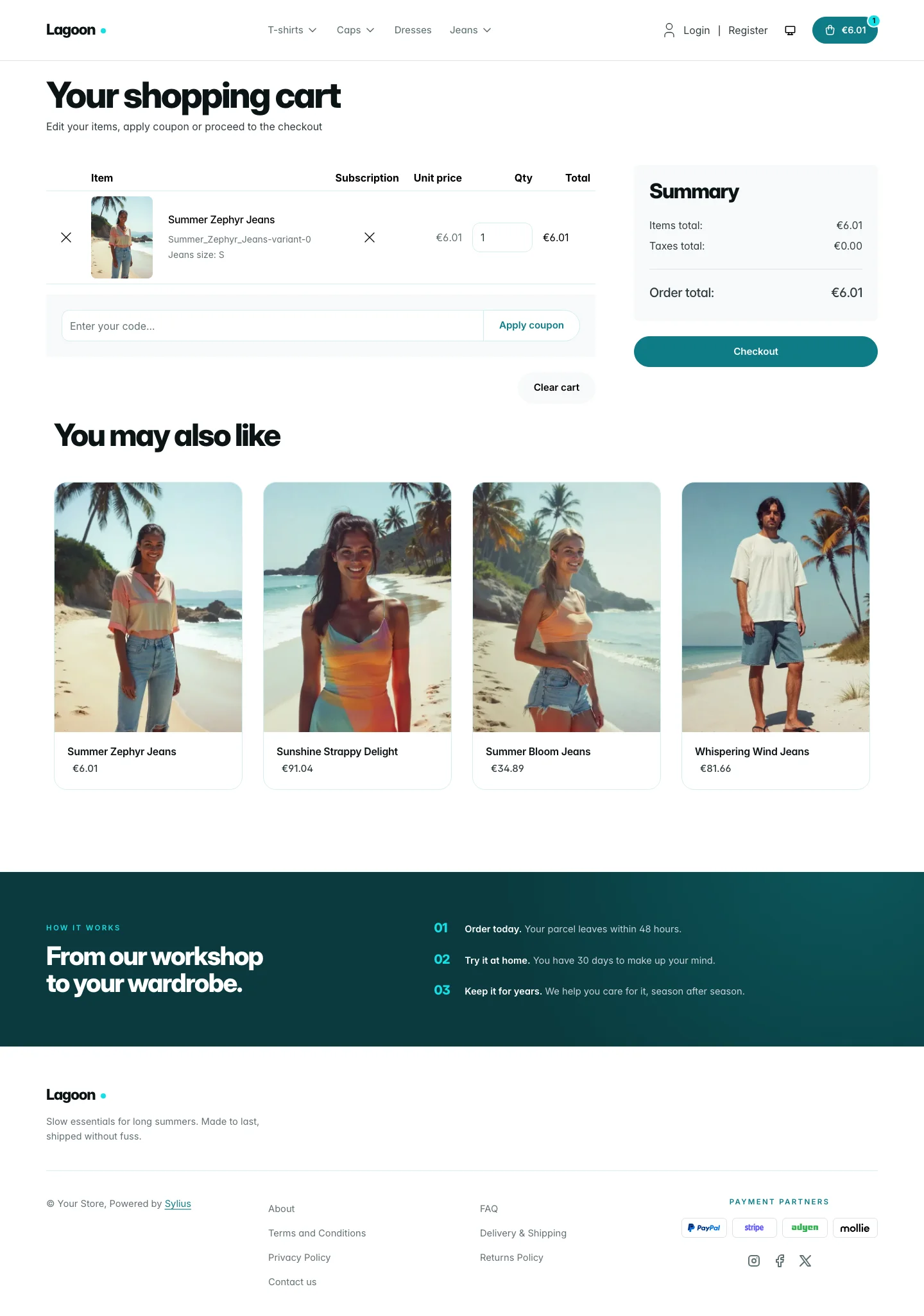 |
| Dark | 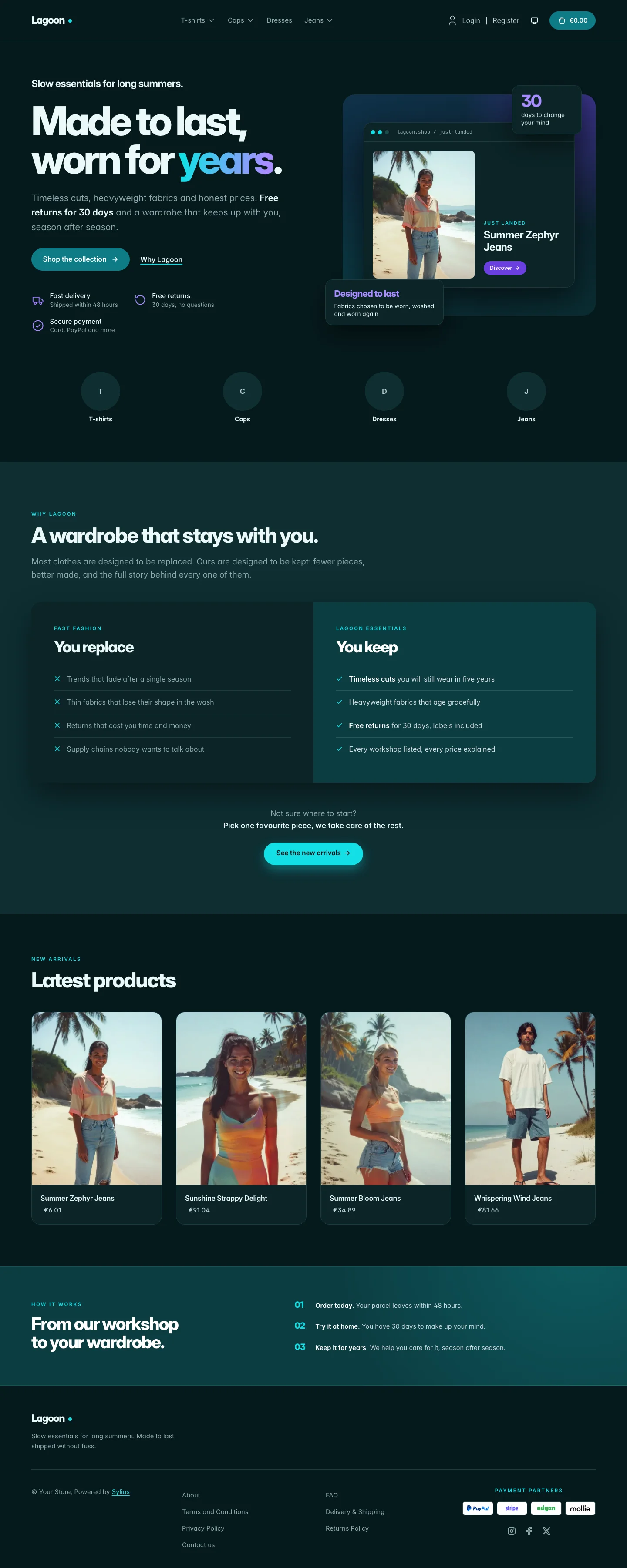 | 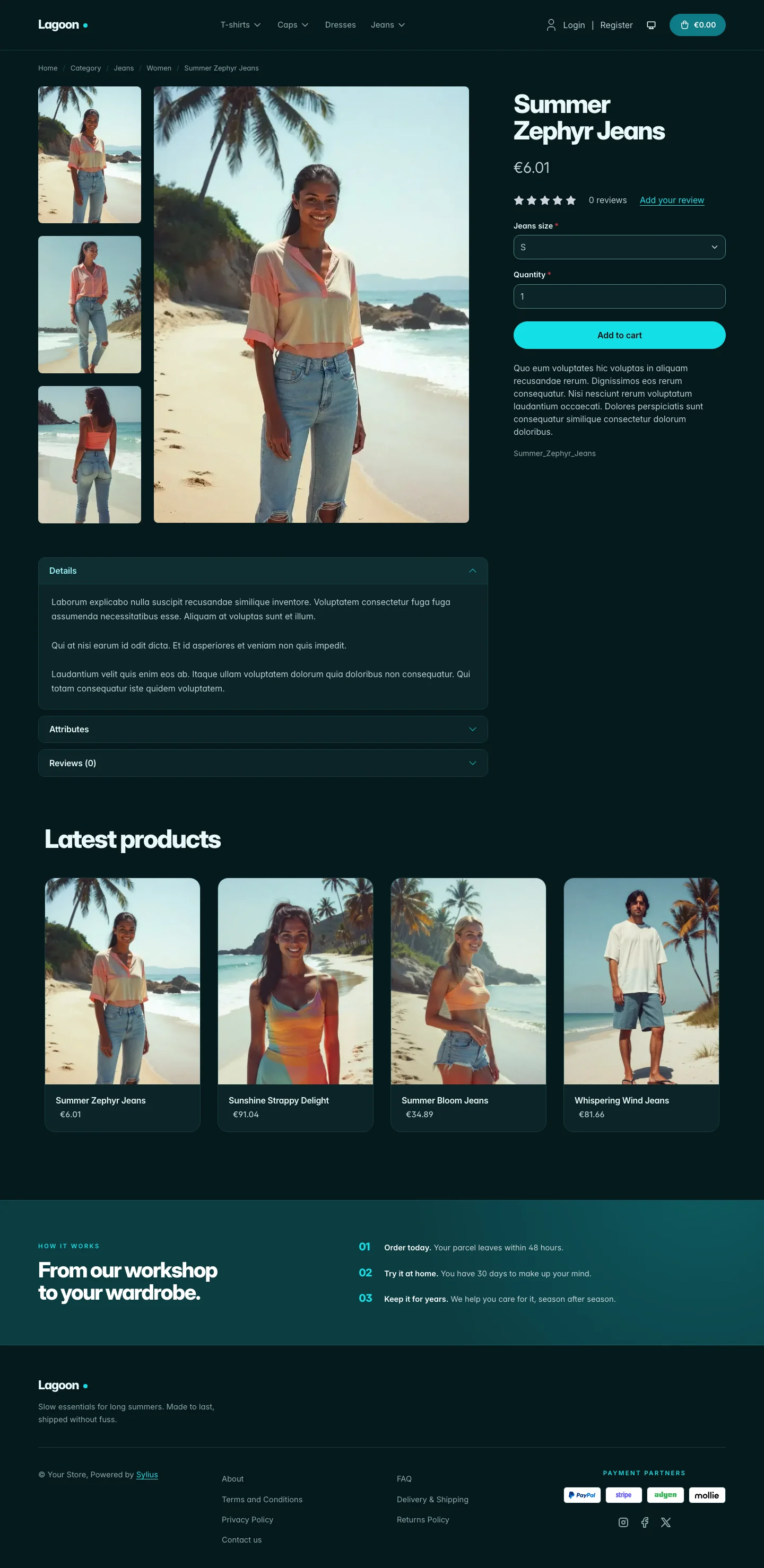 | 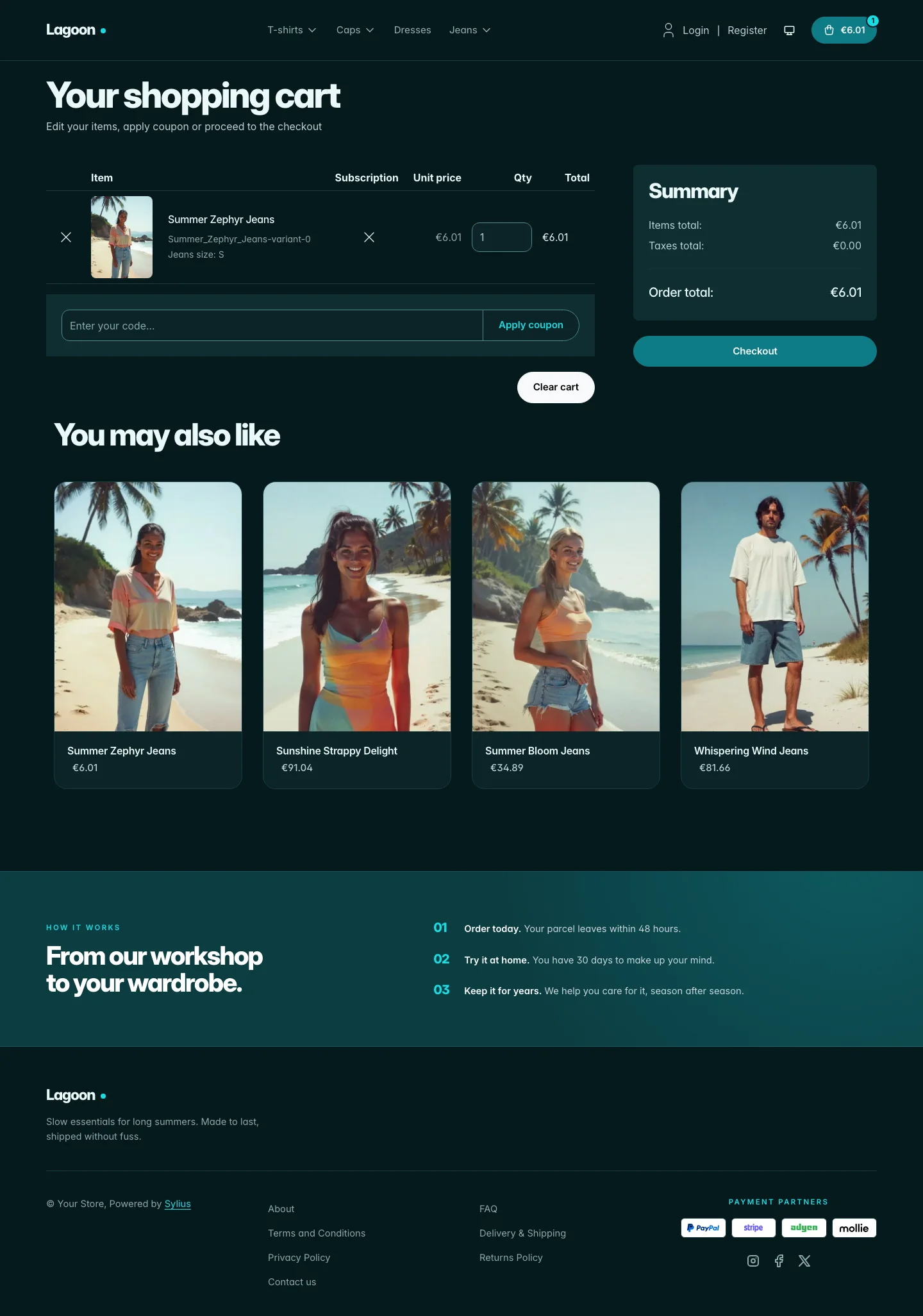 |
Wide screen (2560 px)
| Scheme | Homepage | Product page | Cart |
|---|---|---|---|
| Light | 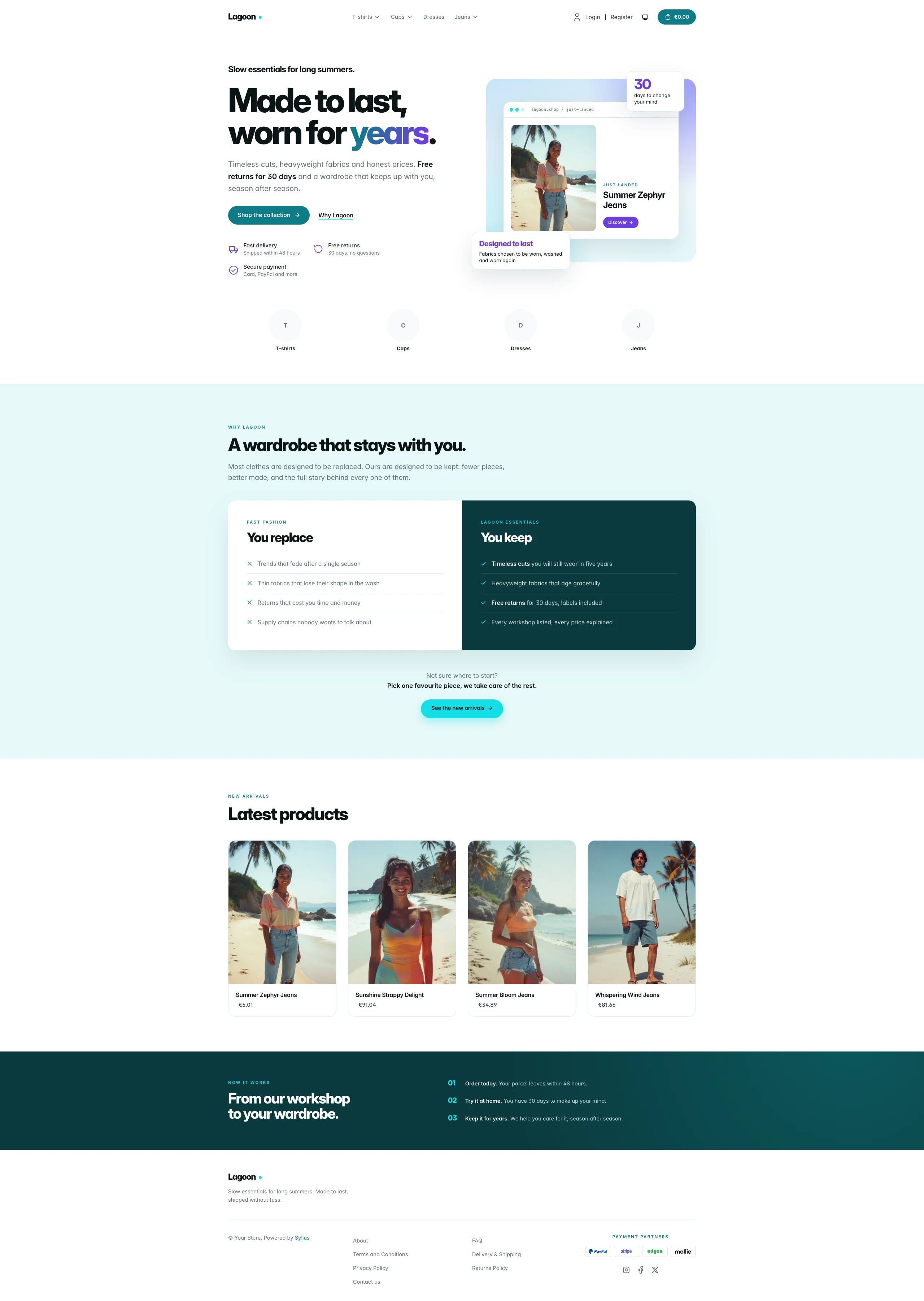 | 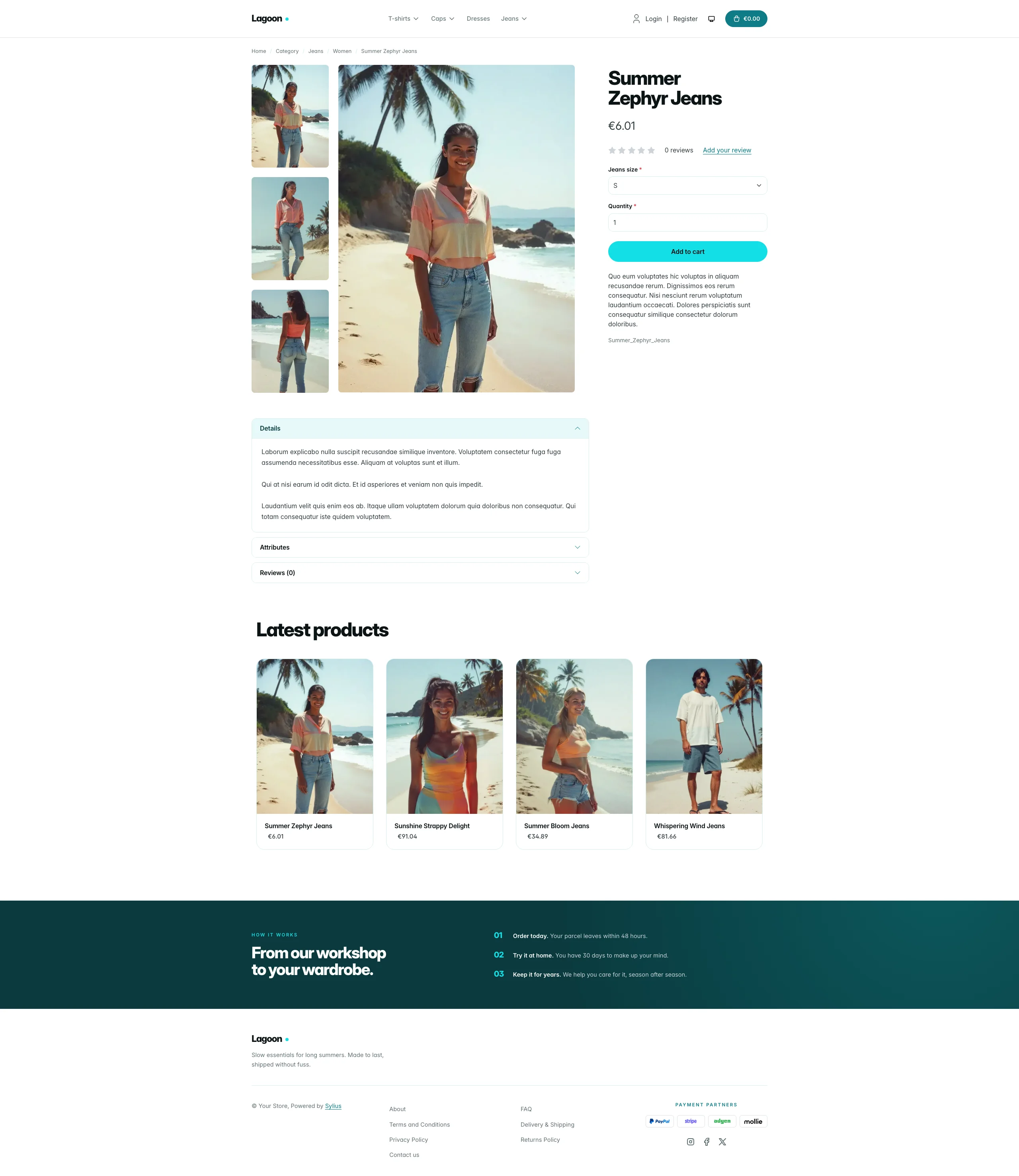 | 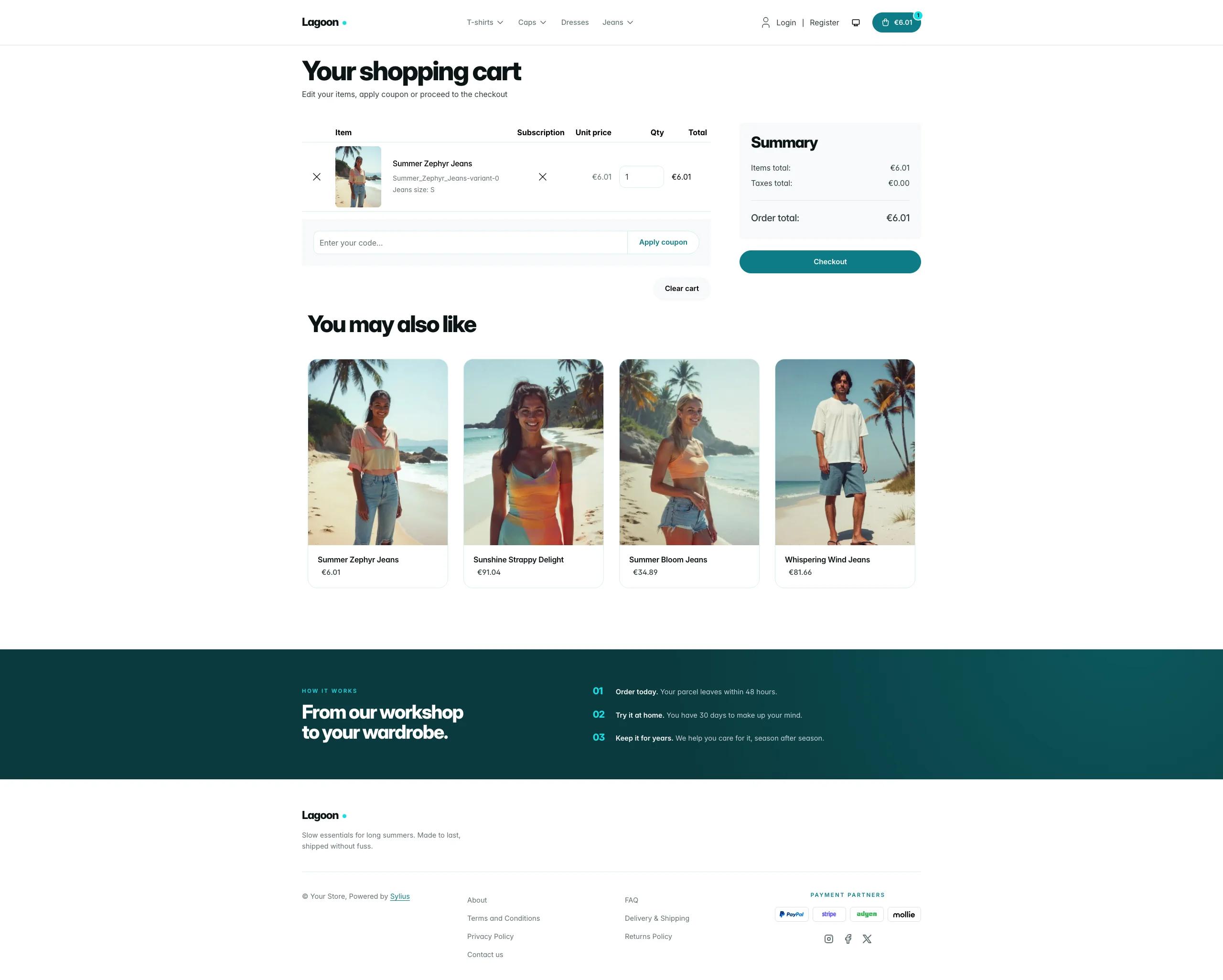 |
| Dark | 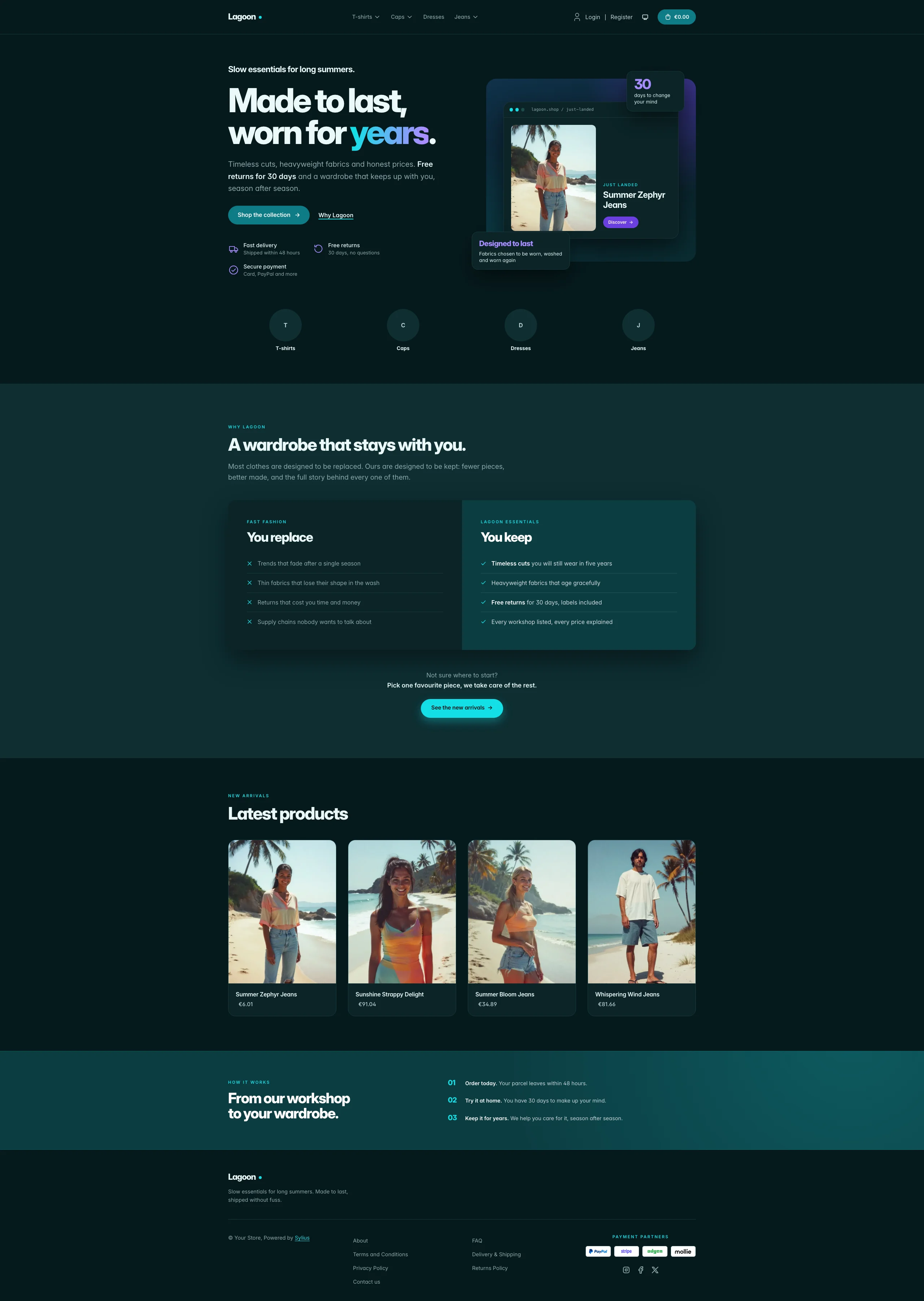 | 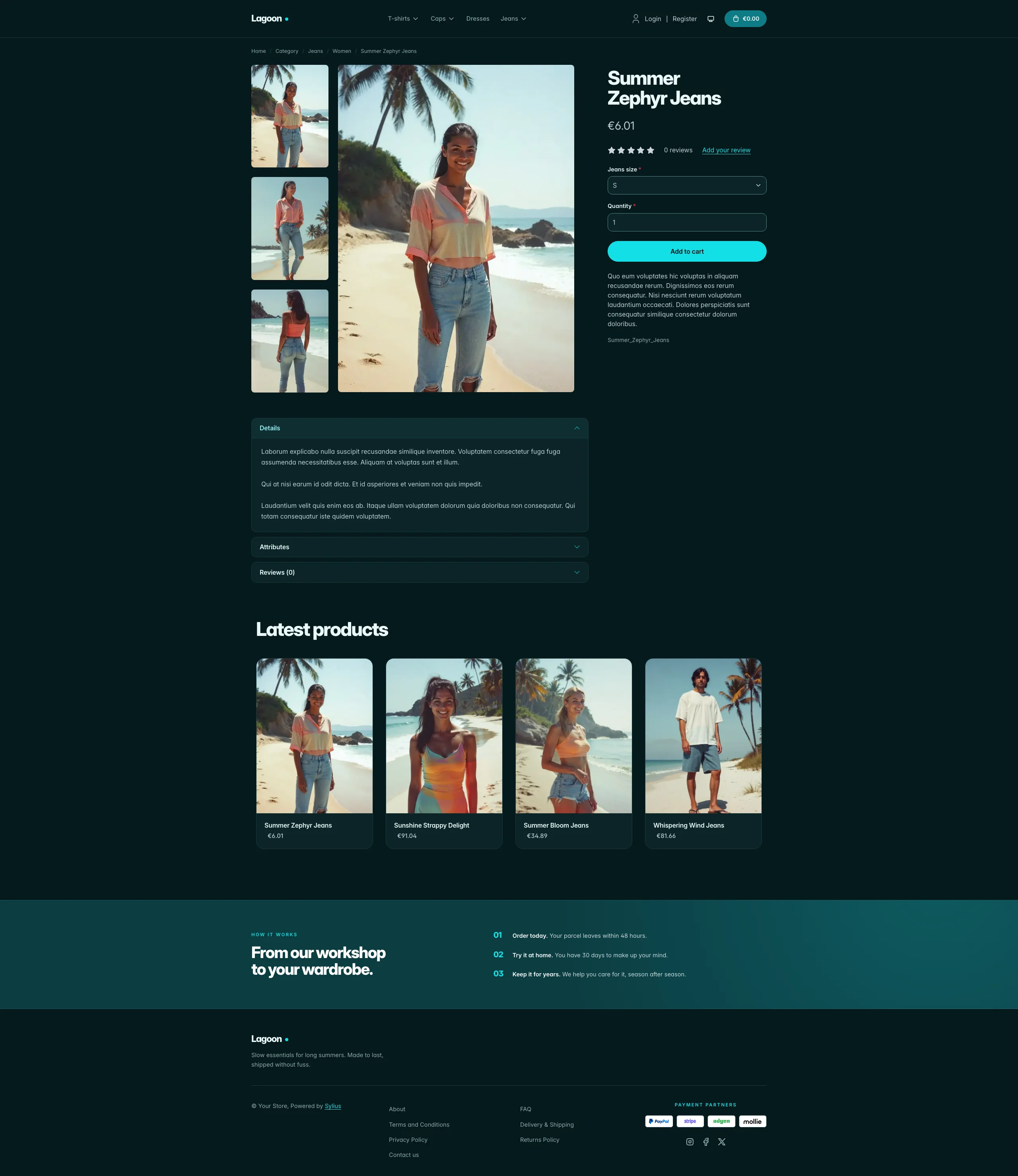 | 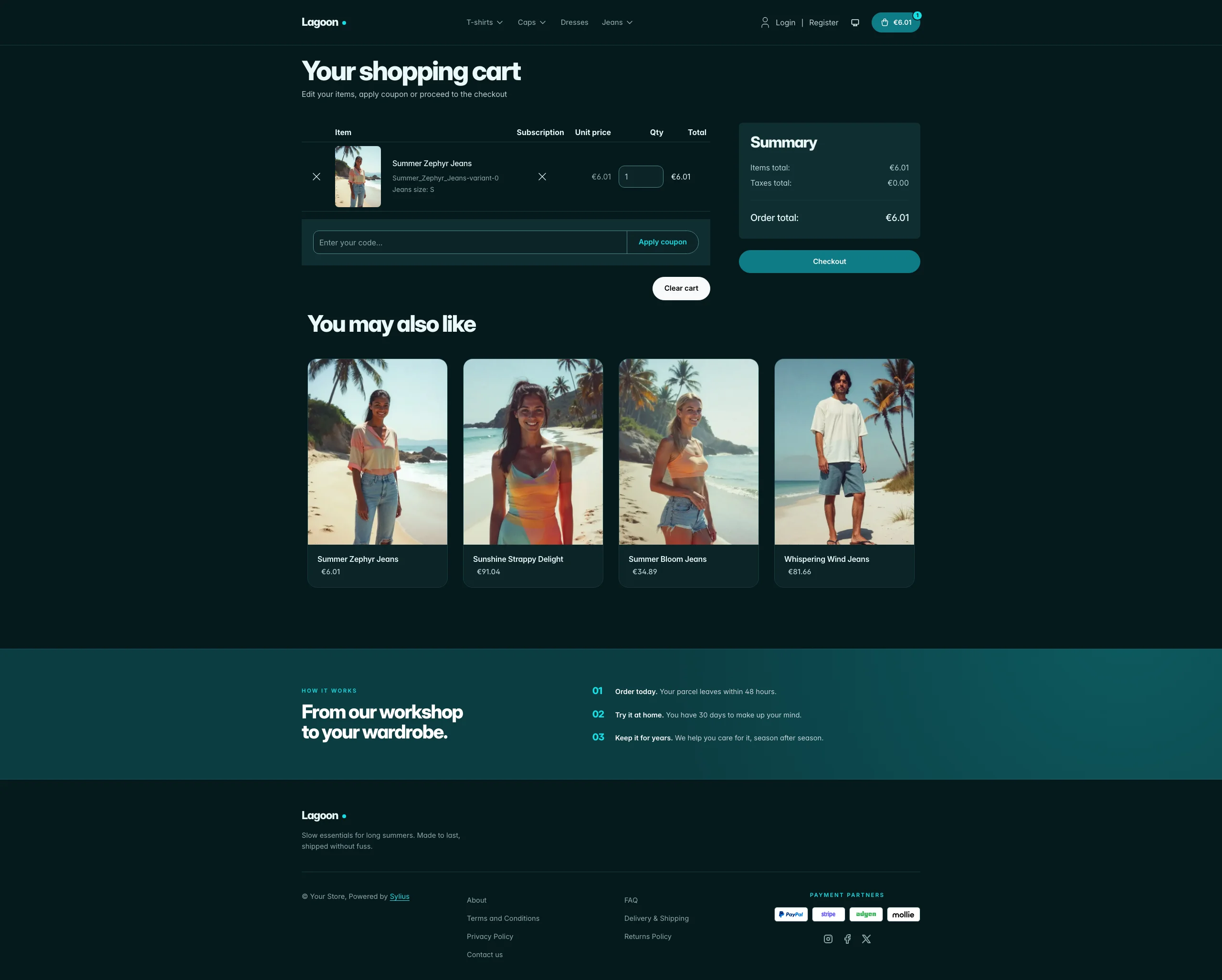 |
Mobile (390 px)
| Scheme | Homepage | Product page | Cart |
|---|---|---|---|
| Light |  |  |  |
| Dark |  |  |  |
- Palette — abyss teal (
#0A3A3E), teal (#0E7C86), aqua (#14DFE6), mint foam (#E7F9F9) and an iris accent (#6B3FE0) on a white background. - Dark scheme — the lagoon at night: deep water (page
#061A1D, surfaces#0B2427), glowing aqua links and labels, iris lifted to#A88CFFfor text, teal pills turning aqua on hover, and the deep-water bands lifted to#0C3D42with a thin aqua edge. - Components — pill-shaped buttons (teal for primary actions, aqua for highlights), white product cards with a mint image well, quiet text-only breadcrumbs, a teal cart pill with an aqua item counter, a full-width aqua add-to-cart button, and no default header top bar.
- Product cards — white cards with a mint image well flush to the top, name and price aligned, a lift and a teal title on hover; the whole card is clickable, on the homepage and on category pages alike.
- Homepage — a split hero with oversized copy, three reassurance items and a
floating “storefront window” that showcases the latest product of the
channel (real image and link, no static asset), a “You replace / You keep”
comparison section on a mint background (the promise block, through the
theme_promisehookable), then the four latest products; the deals and new collection blocks are hidden. - Footer — a deep-teal band with numbered “how it works” steps above a light footer with the Lagoon wordmark and Sylius links.
- Product page — the price sits directly below the product name, before reviews.
- Checkout — the checkout header uses the Lagoon wordmark and responsive category navigation.
- Translations — every Lagoon-specific text lives in its own
lagoontranslation domain (translations/lagoon.en.yamlandlagoon.fr.yaml), so it can be edited or translated without touching the templates. - Accessibility — visible aqua focus rings and no motion for visitors who prefer reduced motion.
Install it with:
castor sylius:theme:setup lagoon