Arena theme
Arena is built for stores selling today’s AAA and AA video games: new releases, pre-orders and deluxe editions. It borrows the codes of current console and PC launchers — glass panels, wide uppercase display type, one acid-lime signal colour and chamfered calls to action — and opens on a cinematic key art, like a featured launch. The dark scheme is an immersive night launcher of blue-black glass; the light scheme sets it in daylight, with frost-white glass panels, ink type and a sunrise cut of the key art. Visitors switch between both color schemes from the header.
Desktop (1440 px)
| Scheme | Homepage | Product page | Cart |
|---|---|---|---|
| Light | 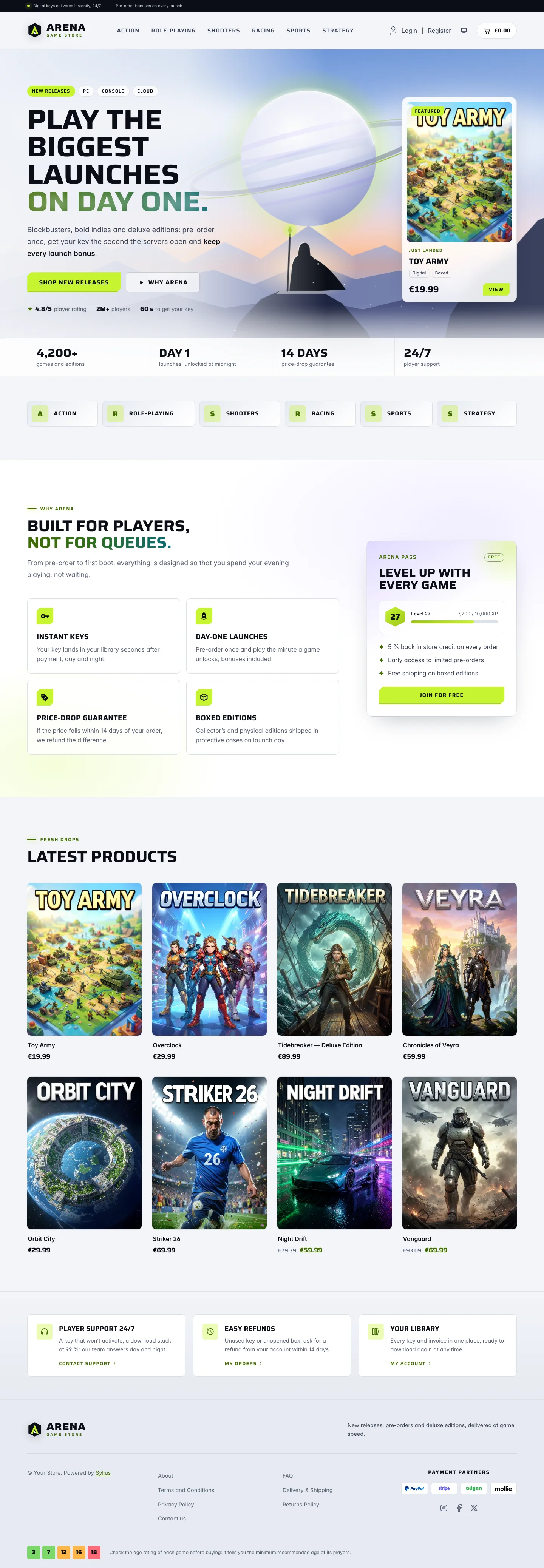 | 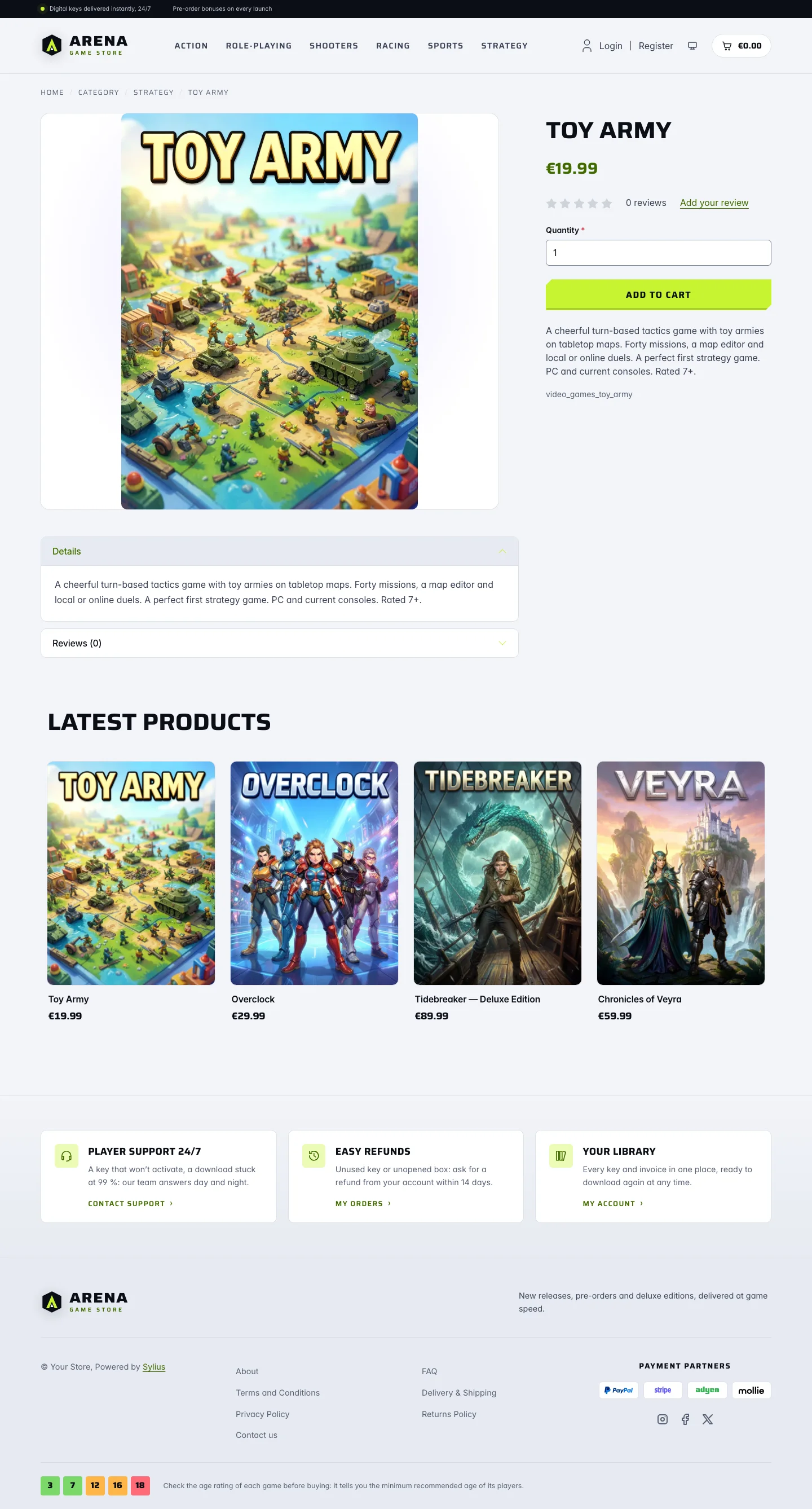 | 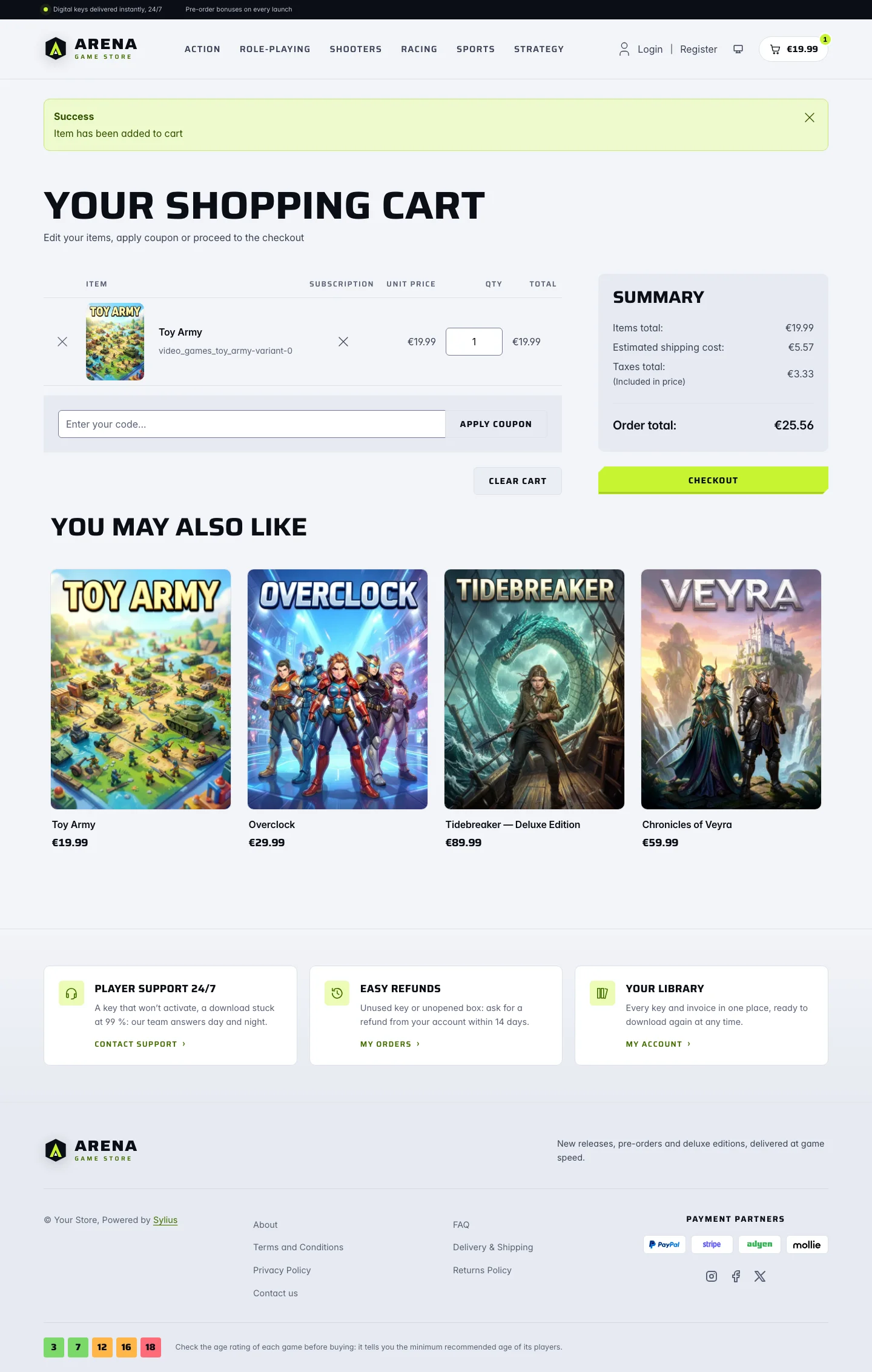 |
| Dark | 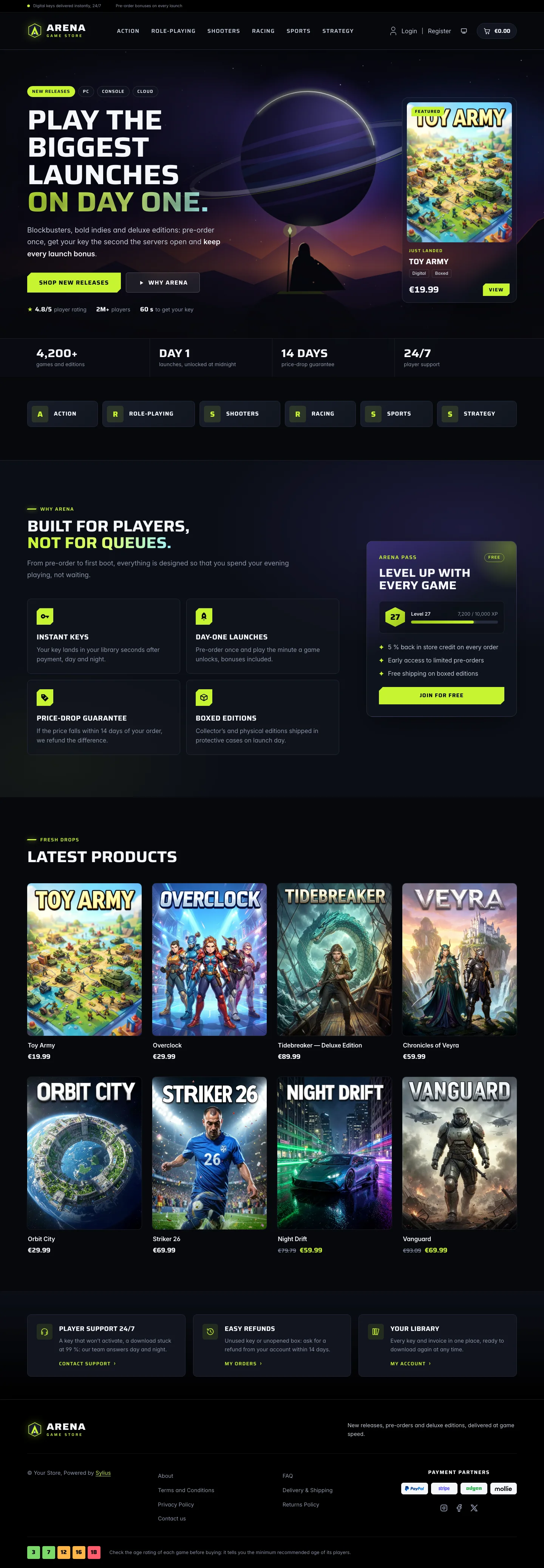 | 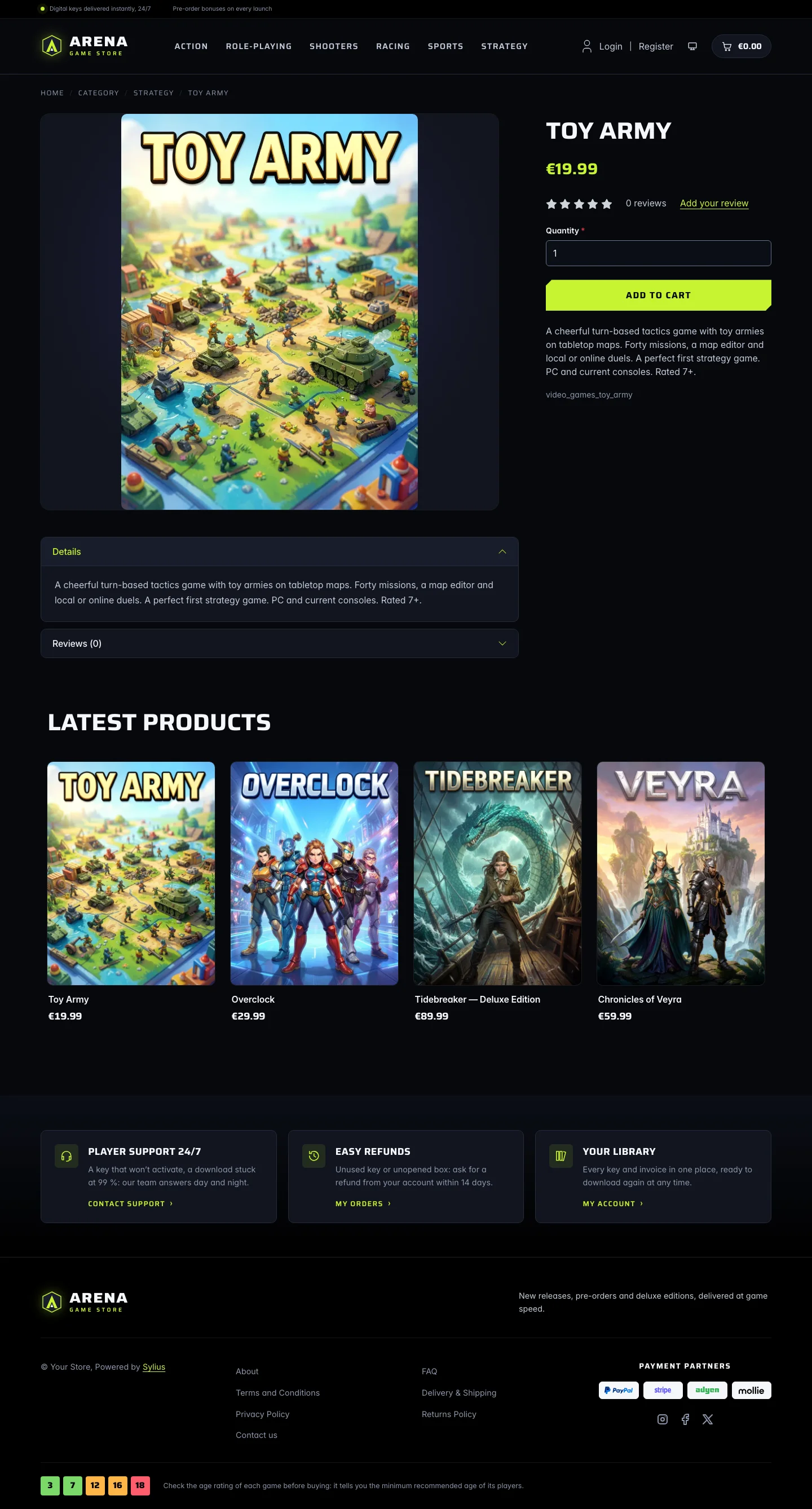 | 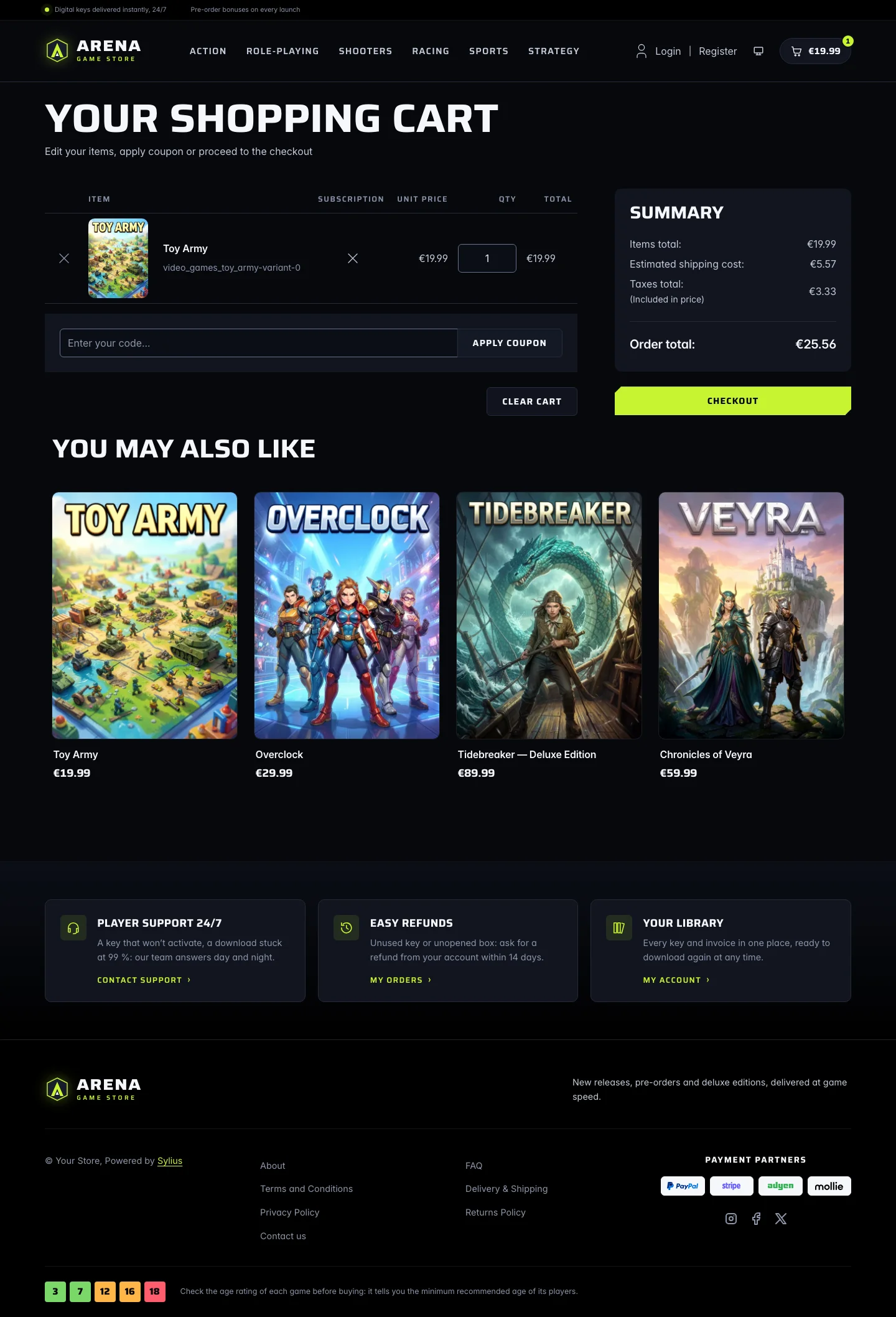 |
Wide screen (2560 px)
| Scheme | Homepage | Product page | Cart |
|---|---|---|---|
| Light | 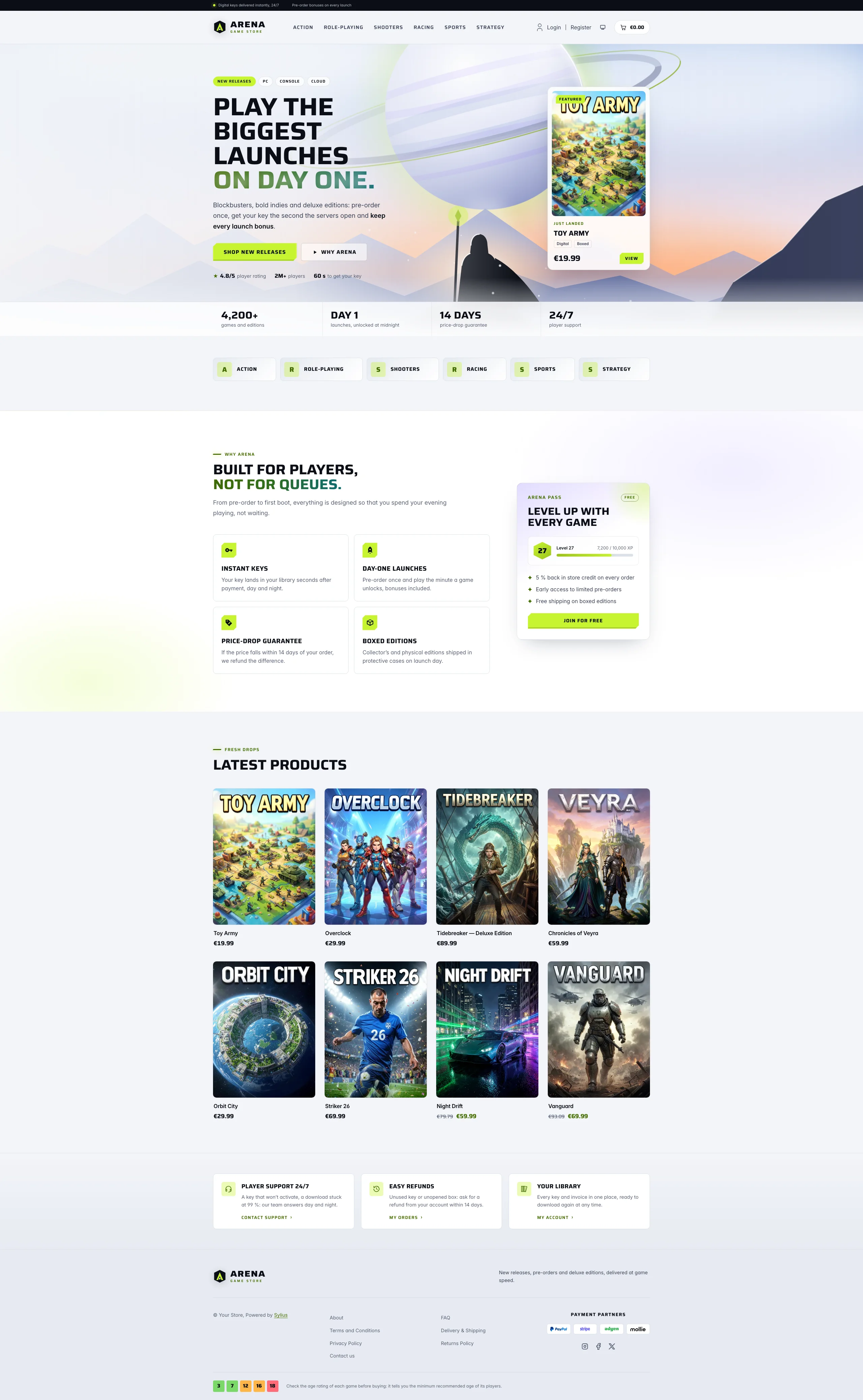 | 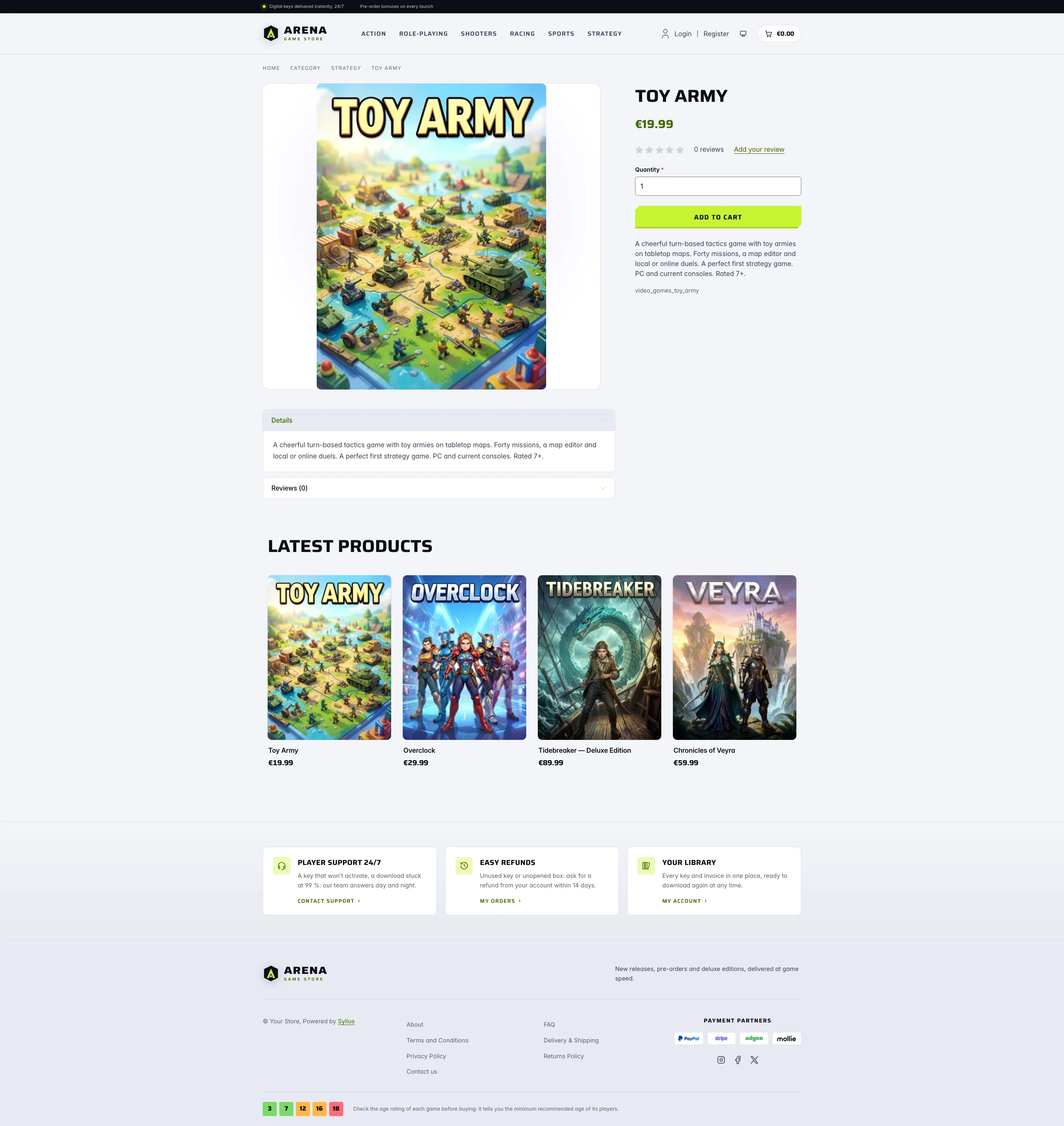 | 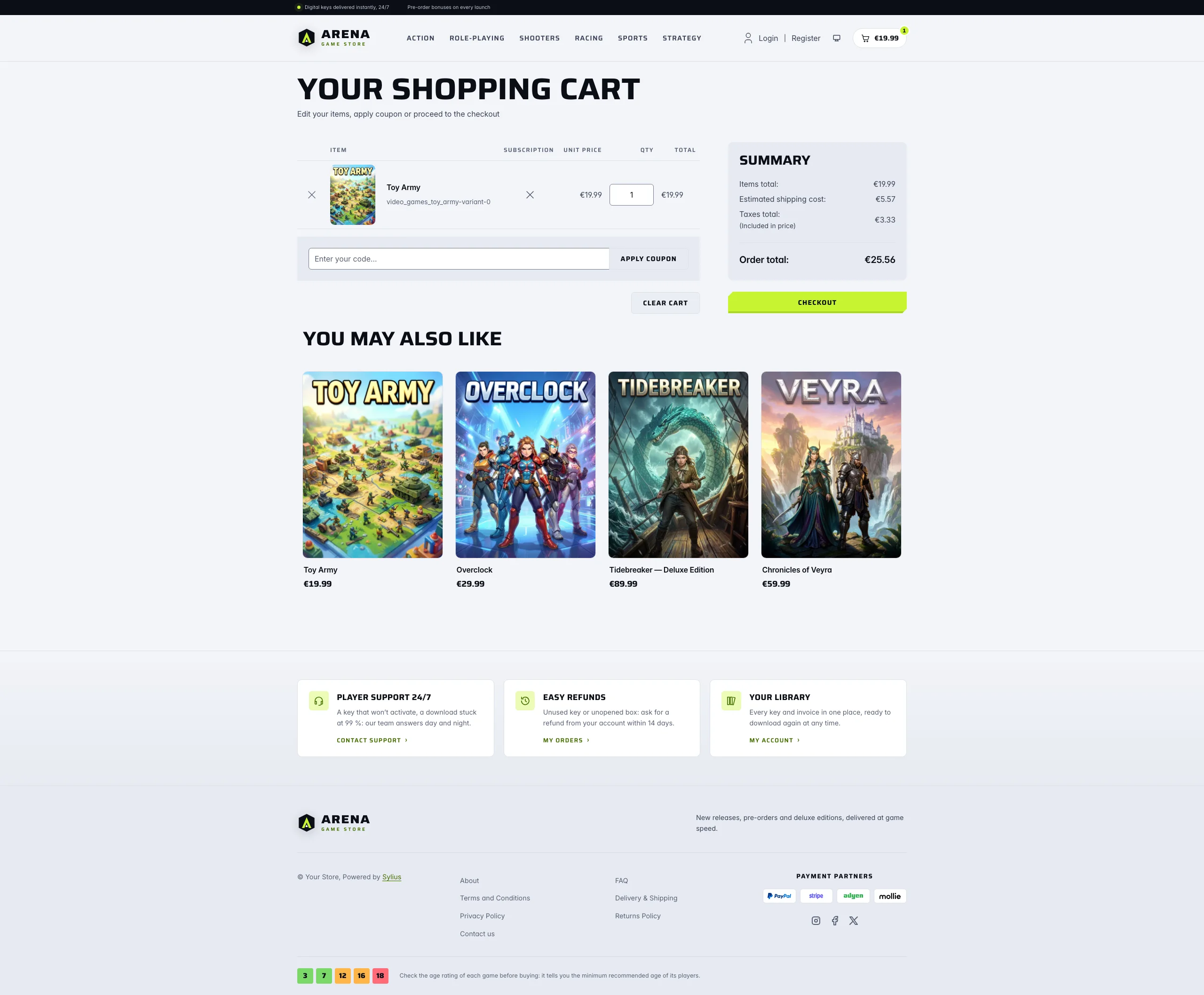 |
| Dark | 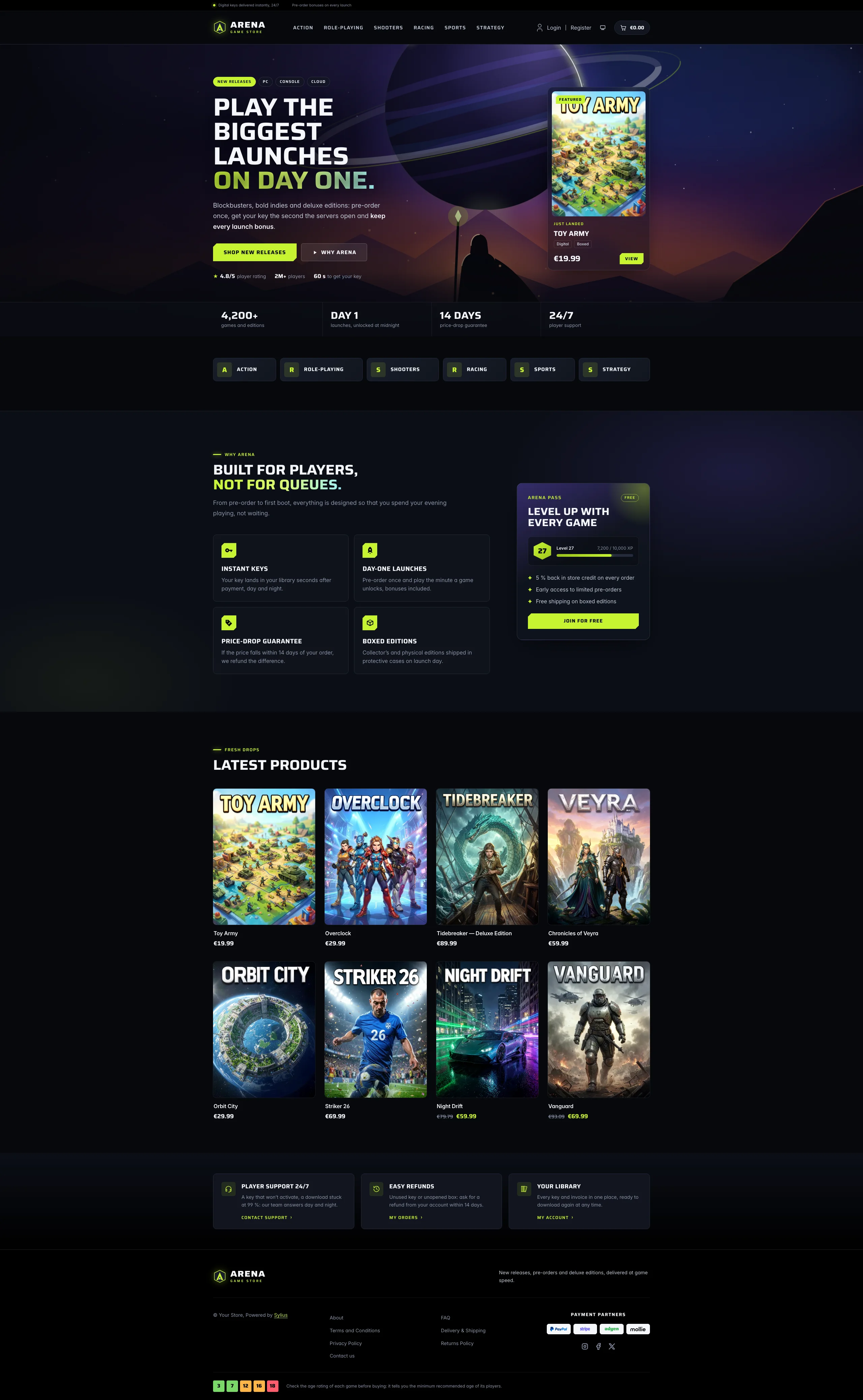 | 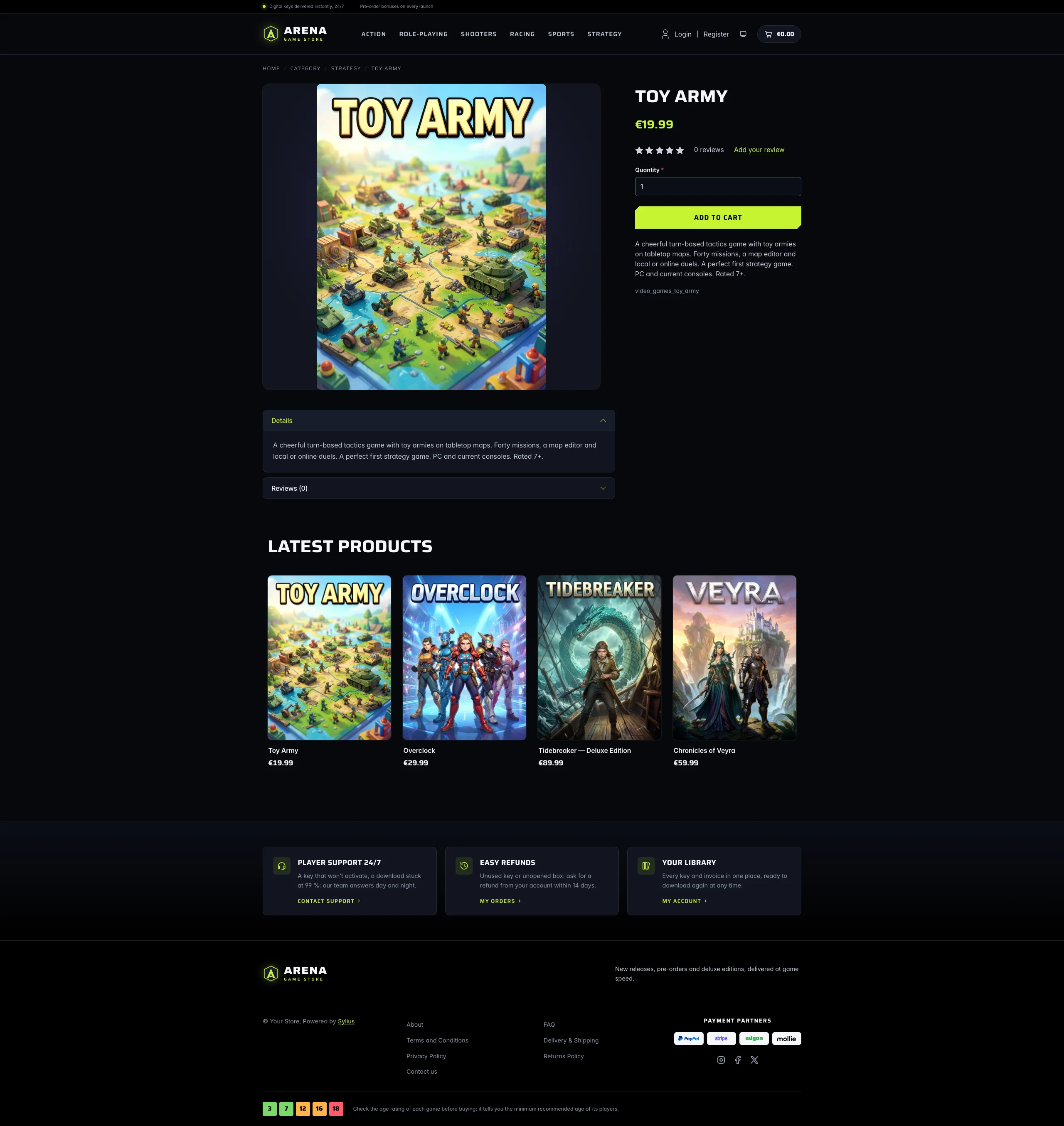 | 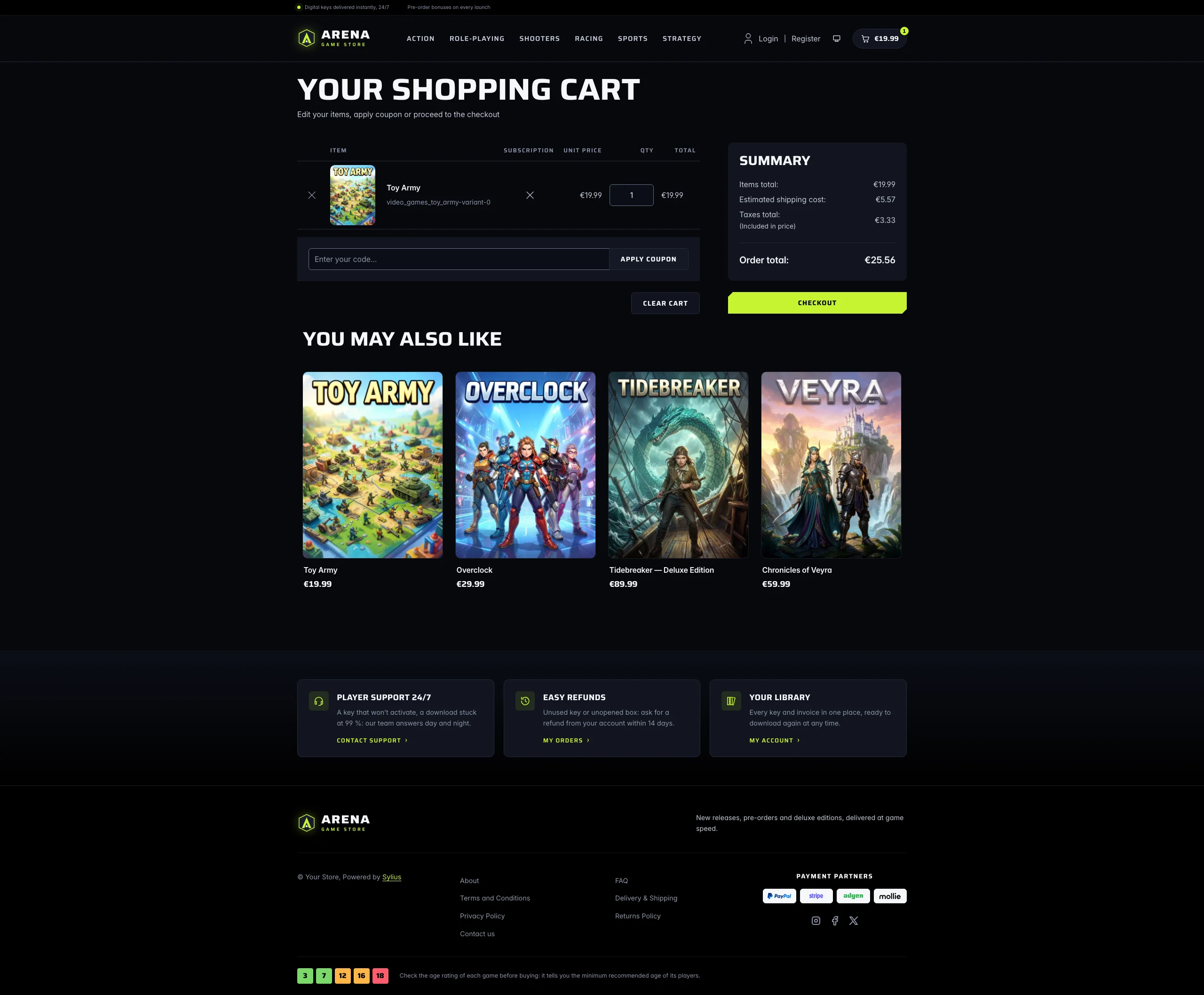 |
Mobile (390 px)
| Scheme | Homepage | Product page | Cart |
|---|---|---|---|
| Light |  |  |  |
| Dark |  |  |  |
- Palette — void (
#07080D), deep (#0B0E16) and panel (#11151F) blue-blacks with white display type (#F5F7FB), a single acid lime (#C6F432) for calls to action, prices and focus rings, and violet (#7C5CFF) and ember (#FF8A4C) glows in the key art and panels. In the light scheme: frost page (#F2F4F8), white surfaces and cool grey panels (#E6EAF1), ink headings (#0B0E16) and slate body copy (#3A4255); the acid lime only fills buttons, chips, badges and counters under ink text, while links, eyebrows, focus rings and checked boxes use a deep olive of the same hue (#3F6B00). The top bar stays an ink band and the footer turns cool grey, with the player services on white tiles. - Typography — Saira (SIL Open Font License, variable width and weight, shipped in
assets/shop/fonts/) for headings, navigation, buttons, prices and labels, set wide and in capitals; Inter (already shipped by the Sylius shop) for body copy. No pixel or retro face: the look is the one of a current game launcher. - Components — lime buttons with chamfered corners (the focus ring is drawn inside them), frosted glass secondary buttons, platform chips, product cards presented like box art in a library: the 3:4 cover fills a rounded tile that lifts, glows in lime and catches a light sheen on hover (the whole card is clickable, on the homepage and on category pages alike); a glass cart pill with a lime counter.
- Header — a black top bar with a live status dot, the key-delivery promise and the locale / currency switchers, then a faceted crest and the wide Arena wordmark, and the category navigation in display capitals with a glowing lime bar on hover.
- Homepage — a full-bleed key art (an original illustration: a hooded wanderer on a rocky
spur, facing an eclipsed ringed planet over a hazy range at dusk) behind the headline,
platform chips, two calls to action and player figures. On the right, the newest product is
presented as a featured release on a frosted glass card (cover, edition chips, price).
A glass band of store figures closes the hero, and the category links become launcher-style
genre tiles. The promise block (
theme_promisehookable) lists four player services (instant keys, day-one launches, price-drop guarantee, boxed editions) next to an Arena Pass membership card (level badge, XP bar, perks, sign-up link). Then come the eight latest products; the deals and new collection blocks are hidden. - Footer — black, with three player services (support, refunds, library) linking to the contact page and the customer account, the wordmark, the Sylius links and an age-rating guide drawn with original square badges (3, 7, 12, 16, 18).
- Product page — the main picture is contained on a dark panel and its height follows the screen, so it never blows up on wide screens; the price sits directly below the product name, before reviews.
- Checkout — the checkout header uses the Arena wordmark and responsive category navigation, the current step glows in lime.
- Translations — every Arena-specific text lives in its own
arenatranslation domain (translations/arena.en.yamlandarena.fr.yaml), so it can be edited or translated without touching the templates. - Accessibility — every text and colour pair meets WCAG AA in both schemes (dark: ink on lime 15.6:1, lime on the page 15.6:1, muted text 5.6:1 or more; light: ink on lime 15:1, olive accent and muted text 4.7:1 or more on every surface, the hero glass included; form field outlines 3.4:1 or more), visible focus rings, a text alternative for each cut of the key art, and no motion for visitors who prefer reduced motion.
Product thumbnails are cut to 3:4 by the Sylius image filters (sylius_shop_product_thumbnail,
outbound mode): upload covers in portrait 3:4, the usual box-art ratio, so they reach the page
uncropped.
Demo catalog
Section titled “Demo catalog”The screenshots above show a demo catalog of sixteen fictional video games in six genres (Action,
Role-Playing, Shooters, Racing, Sports, Strategy), from day-one blockbusters and collector’s editions to small indies,
shipped as the video-games dataset of sylius-starter/datasets (src/Datasets/datasets/video-games/:
products.yaml, collections.yaml, and in media/ the cover of each game: a 3:4 key art generated with Ollama, with
its title printed on it). Descriptions carry what a player looks for: platforms, modes, edition contents, pre-order
bonuses and age rating. The dataset stays generic, so it suits any store selling video games. Create a shop from it
with the import package, into the default channel:
castor sylius:import:shop:create video-gamescastor sylius:import:fixtures:generate --project=video-games --subdomain=""castor sylius:import:fixtures:load --project=video-gamesNo AI call is made: products.yaml points at the covers of the dataset media/. The shop menu then lists the six
genres; castor sylius:import:delete video-games removes the catalog. The import keeps the products already in the
channel and gives the games creation dates in the past, so on a store loaded with the default fixtures the latest
products may still show clothing: run castor app:db:fixtures app first to start from a store without products.
Install it with:
castor sylius:theme:setup arena